

Create spreadsheet rows in Google Sheets from new booking in Fluent Booking
Each confirmed Fluent Booking appointment on your site is added to Google Sheets as a new row, giving you a running list of bookings to share, sort and report on outside WordPress.
 Fluent Booking
 Google Sheets
2 steps Setup ~5 min Used on 1.7k sites Free to import
What this workflow does
Fluent Booking keeps appointments inside your WordPress admin. When an assistant, a partner or an accountant needs the list, you end up exporting it again and again. This workflow keeps a Google Sheets copy that grows as bookings are confirmed.
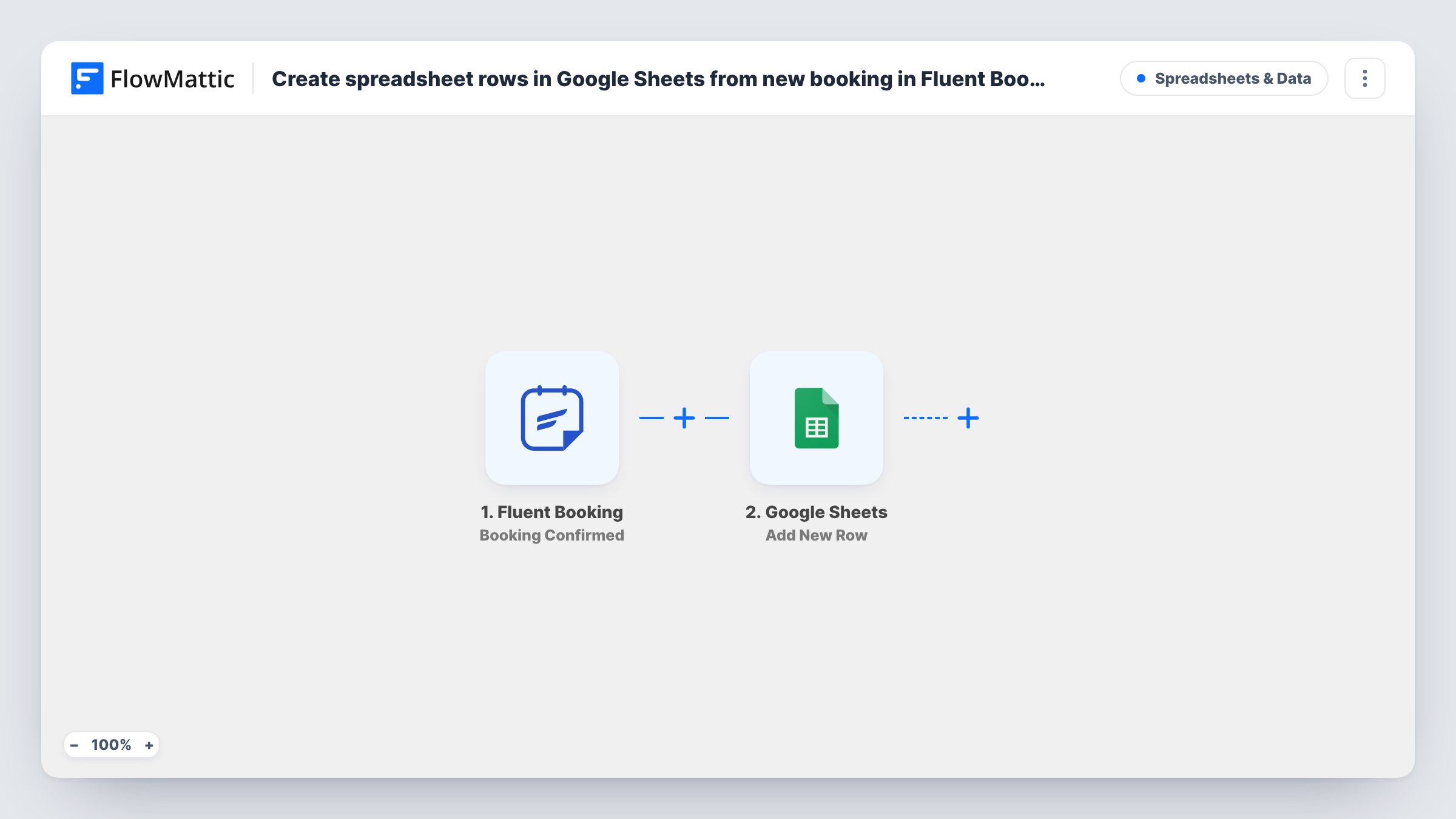
The Fluent Booking trigger, Booking Confirmed, fires when a booking is confirmed on your site. FlowMattic passes the booking's details to Google Sheets, and the Add New Row action writes them to the spreadsheet you pick. Map the guest's name, email, meeting time and anything else a test booking shows into your columns.
Only confirmed bookings start a run. Cancellations and reschedules have their own Fluent Booking triggers and don't change the sheet, so a row stays as written even if the booking later moves or is cancelled.
Coaching sessions tracked by an assistant
A coach's assistant works from the sheet to prepare notes for each confirmed session without needing a WordPress login.
Monthly billing for consultants
At month end, you total the confirmed calls in the sheet to invoice clients or check hours against a retainer.
Shared calendar overview for a small clinic
Reception staff see every confirmed appointment in one spreadsheet, sorted by date, alongside notes they add in extra columns.
How this workflow runs
What happens at each step once the workflow is on, and what you need before you import it.
 Fluent Booking Booking Confirmed
Runs for each Fluent Booking appointment confirmed on the WordPress site where FlowMattic is installed. The guest and meeting details become available to map into the sheet.
- Google Sheets Add New Row
Writes the confirmed booking into a new row of your chosen spreadsheet. Connect your Google account and match each column to a booking detail.
What you need
- FlowMatticCore
- Fluent Booking PluginPlugin
- Google Sheets AccountAccount
After importing, map your own data. To keep the template universal, not every step is pre-filled. Open each step in the builder and connect your accounts and fields (channels, lists, sheets, recipients) before you switch the workflow on.
Make it yours
Changes worth making after you import it.
- Want cancellations recorded too? Build a second workflow on Fluent Booking's Booking Cancelled trigger that adds a row to another tab.
- Add a Filter after the trigger if only one event type or host should be logged, using a field from a test booking.
- Leave a few columns in the sheet unmapped for your own notes, such as payment received or follow-up done.
Questions about this workflow
Does a rescheduled Fluent Booking appointment update its row?
No. The workflow only adds rows when a booking is confirmed. Rescheduling has its own trigger, Booking Rescheduled, which you can use in another workflow.
Are older Fluent Booking appointments added?
No. Only bookings confirmed after you turn the workflow on are written to the sheet.
Must Fluent Booking run on the WordPress site where FlowMattic is installed?
For this trigger, yes. Booking Confirmed fires on the current site. FlowMattic also offers Booking Confirmed ( Remote ) for bookings that another site sends by webhook.
What if a guest books two appointments?
Each confirmed booking adds its own row, so the guest appears twice. The workflow doesn't look for an existing row.
More Spreadsheets & Data workflows
Other ready-to-import templates from the same category.




Import this workflow into your WordPress site
Download the JSON, import it from the Workflows screen and connect your accounts. Every run stays on your server, with no per-task fees.
30-day money-back guarantee Unlimited workflows and runs Self-hosted