

Create an Airtable record from each Frontly action event
Record each Frontly action in Airtable. When an action runs in your Frontly app, FlowMattic creates a new Airtable record with the data you map, building a table of activity you can filter, group and review.
 Frontly
 Airtable
2 steps Setup ~5 min Used on 3.1k sites Free to import
What this workflow does
Frontly apps let users click buttons and run actions, but a history of what was done, and when, is often missing. If you need an audit trail, usage numbers or a list to work from, those events have to land somewhere you can query. This workflow puts each one in Airtable.
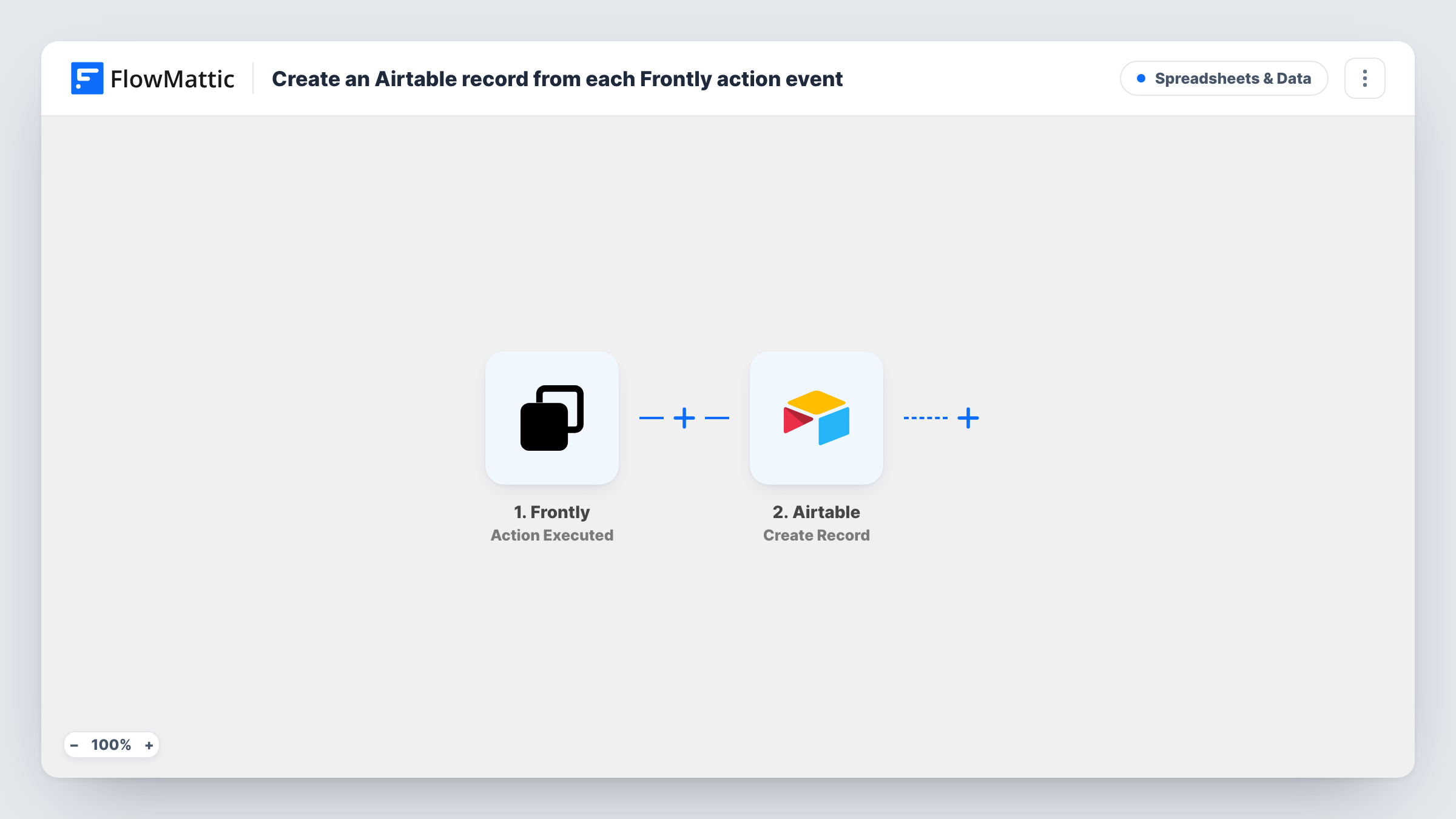
The Frontly trigger fires when a Frontly action is executed. FlowMattic receives the data sent with that action and passes it to the Airtable Create Record action. You choose the base and table and map the incoming values into fields.
Each executed action becomes its own record, so the table grows with use. There is no condition in the template. If only some actions matter, add a Filter after import. Task History shows every run, including the values Frontly sent, which helps you decide what to map.
Audit trail for an internal tool
Staff approve requests through a Frontly app. Each approval action creates an Airtable record, giving managers a list to review.
Usage tracking for a client portal
A portal built in Frontly runs an action when clients request something. Grouping the Airtable records by month shows how often the portal is used.
Work queue from button clicks
An action in Frontly flags an item for follow-up. The new Airtable record lands in a view your team works through.
How this workflow runs
What happens at each step once the workflow is on, and what you need before you import it.
 Frontly Action Executed
Starts a run each time someone triggers an action in your Frontly app. The data that comes with the action is passed on. Run the action once to see which values FlowMattic receives.
- Airtable Create Record
Creates a record in the Airtable base and table you choose each time the trigger fires. Connect your Airtable account and map the Frontly values into your fields.
What you need
- FlowMatticCore
- Frontly AccountAccount
- Airtable AccountAccount
After importing, map your own data. To keep the template universal, not every step is pre-filled. Open each step in the builder and connect your accounts and fields (channels, lists, sheets, recipients) before you switch the workflow on.
Make it yours
Changes worth making after you import it.
- If your Frontly app runs several actions, check a test run for a value that names the action and add a Filter on it, so only the one you care about creates records.
- Add a created-time field in Airtable so every record shows when the action ran, even if Frontly doesn't send a timestamp.
- Use a separate Airtable table for each kind of action by swapping the Filter for a Router with one Create Record step per route.
Questions about this workflow
Does every Frontly action create an Airtable record?
As imported, yes. Every executed action that reaches the trigger creates a record, because there is no condition between the two steps.
Which Frontly data can I store?
Whatever is sent with the executed action. Run the action once after import so FlowMattic captures the values, then map the ones you need into Airtable.
Can I write the action data back into the Frontly app's own data?
Not with this template. Its only action is creating Airtable records, and it doesn't send anything back to Frontly.
What if Airtable rejects a Frontly record?
Task History shows the error on the Airtable step for that run, along with the data Frontly sent, so you can see what went wrong.
More Spreadsheets & Data workflows
Other ready-to-import templates from the same category.




Import this workflow into your WordPress site
Download the JSON, import it from the Workflows screen and connect your accounts. Every run stays on your server, with no per-task fees.
30-day money-back guarantee Unlimited workflows and runs Self-hosted