

Add new Bloomreach contacts to ActiveCampaign for automated nurturing
When Bloomreach sends a customer event to your FlowMattic webhook, the person is created in ActiveCampaign, or updated if they are already there, ready for the nurture automations you run in ActiveCampaign.
 Bloomreach
 ActiveCampaign
2 steps Setup ~5 min Used on 2.7k sites Free to import
What this workflow does
Bloomreach knows who your customers are and what they do. Your nurture emails may run from ActiveCampaign instead. Moving people between the two by export and import leaves gaps, and new customers wait days before their first email. This workflow sends each customer Bloomreach reports straight into ActiveCampaign.
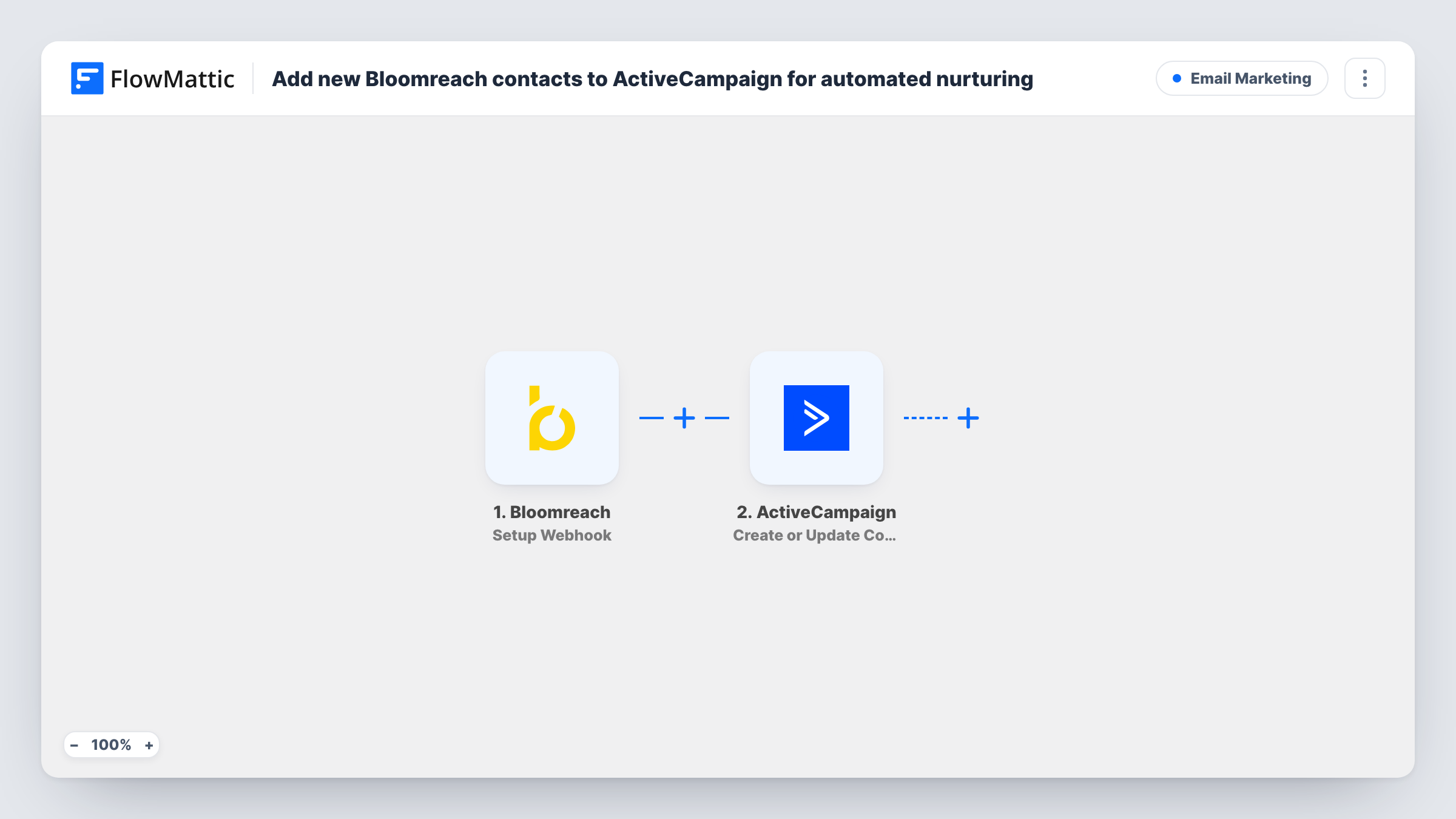
The Bloomreach trigger, Setup Webhook, gives you a URL that Bloomreach sends events to. To match this template's purpose, send the event for a new contact. Each request starts a run, and FlowMattic makes the customer data in it available for mapping.
The ActiveCampaign step uses Create or Update Contact. It creates a contact from the email and other values you map, or updates the existing contact when that person is already in your account. Nurturing itself happens in ActiveCampaign: an automation you set up there has to pick the contact up. The tips cover adding the contact to an automation from this workflow. Task History shows what Bloomreach sent in each run and the reply from ActiveCampaign.
Welcome series for new store customers
A shopper's first purchase creates a customer in Bloomreach, Bloomreach posts it to the webhook, and the person appears in ActiveCampaign for the welcome emails you run there.
Keeping two marketing tools in step
Your data team works in Bloomreach and your email team in ActiveCampaign. Contact details stay current in both without a weekly export.
Lead nurture for newsletter sign-ups
People who sign up through a channel Bloomreach tracks get a matching ActiveCampaign contact, so your nurture automation can start for them.
How this workflow runs
What happens at each step once the workflow is on, and what you need before you import it.
 Bloomreach Setup Webhook
Gives you a webhook URL for Bloomreach. Each event Bloomreach sends to it starts a run, and the customer data in the request becomes available to map in ActiveCampaign.
- ActiveCampaign Create or Update Contact
Creates a contact in ActiveCampaign from the mapped Bloomreach data, or updates the contact if the email already exists. Map at least the email, and add the name or phone if Bloomreach sends them.
What you need
- FlowMatticCore
- Bloomreach AccountAccount
- ActiveCampaign AccountAccount
After importing, map your own data. To keep the template universal, not every step is pre-filled. Open each step in the builder and connect your accounts and fields (channels, lists, sheets, recipients) before you switch the workflow on.
Make it yours
Changes worth making after you import it.
- Add ActiveCampaign's Add Existing Contact to Automation action after this step, so each contact enters your nurture automation in the same run.
- To put contacts on a specific list, add ActiveCampaign's Subscribe or Unsubscribe Contact From List action after the contact step.
- Send one test event from Bloomreach after import. FlowMattic then captures the request's values, and you can map them in the ActiveCampaign step before you go live.
Questions about this workflow
What if the Bloomreach customer already exists in ActiveCampaign?
The step uses Create or Update Contact, so the existing contact is updated with the new values instead of being duplicated.
Does this start an ActiveCampaign automation by itself?
Not directly. The workflow creates or updates the contact. Either set an ActiveCampaign automation to start for these contacts, or add the Add Existing Contact to Automation action after this step.
Which Bloomreach events should I send to the webhook?
Only the ones that mean a new contact, if you want this template to do what its title says. Any event you send starts a run and creates or updates the contact again.
Do I need anything besides Bloomreach and ActiveCampaign accounts?
No other app. You need the ability to send webhooks from Bloomreach to the FlowMattic URL, and an ActiveCampaign account to connect when you import.
More Email Marketing workflows
Other ready-to-import templates from the same category.





Import this workflow into your WordPress site
Download the JSON, import it from the Workflows screen and connect your accounts. Every run stays on your server, with no per-task fees.
30-day money-back guarantee Unlimited workflows and runs Self-hosted