

When Unlock Reward in UpViral, Send Template Message in WhatsApp Cloud API
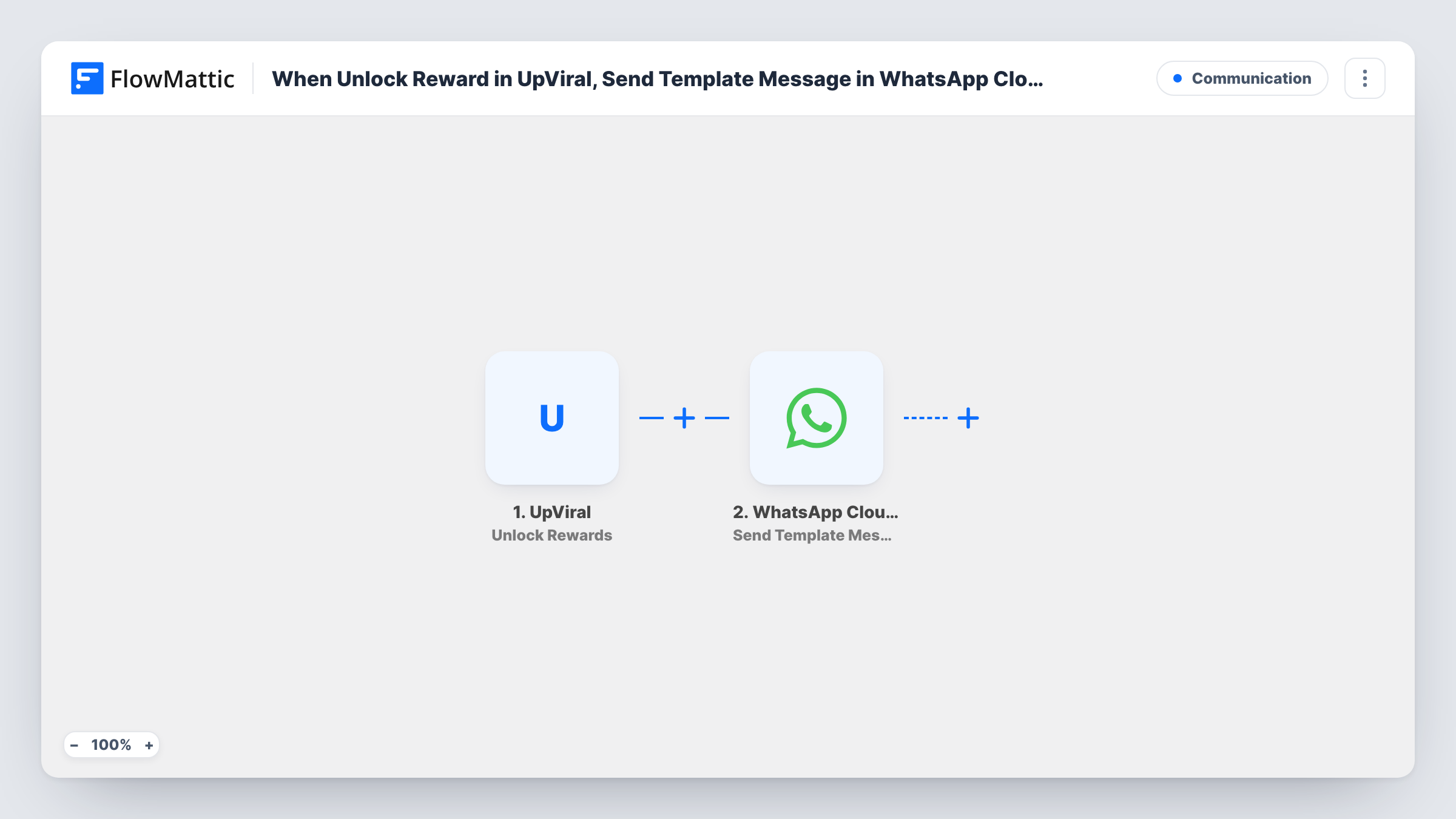
When a participant in your UpViral campaign earns a reward, this workflow sends them an approved WhatsApp template message through the WhatsApp Cloud API, for example with details of how to claim it.
 UpViral
 WhatsApp Cloud API
2 steps Setup ~5 min Used on 632 sites Free to import
What this workflow does
UpViral referral campaigns reward people for bringing in friends. The moment someone earns a reward is a good time to tell them, and a WhatsApp message puts the news on their phone. This workflow sends a WhatsApp template message whenever a participant earns one.
The UpViral trigger fires when a participant earns a new reward. FlowMattic passes the participant and campaign data to the WhatsApp Cloud API step, which sends one of your approved templates to the phone number you map. You fill the template's variables with values from UpViral, such as the participant's name or the reward they reached, if UpViral sends them.
A template message can reach people who have never written to your business number, so it suits participants you haven't talked to yet. The step needs a phone number, so your UpViral sign-up should collect one. Each reward earned sends its own message, and Task History logs every run.
Giveaway with tiered prizes
A product giveaway rewards participants at several referral levels, and each level they reach sends a WhatsApp message telling them what they earned.
Pre-launch waitlist
People who refer friends to a launch waitlist move up the line, and a WhatsApp template tells them when they reach early access.
Course or ebook rewards
Participants who hit a referral goal get a WhatsApp message pointing them to where they can collect the free course or ebook.
How this workflow runs
What happens at each step once the workflow is on, and what you need before you import it.
 UpViral Unlock Rewards
Runs when a participant earns a new reward in your UpViral campaign. The participant and reward data is passed to the WhatsApp step.
- WhatsApp Cloud API Send Template Message
Delivers an approved WhatsApp template to the participant through the WhatsApp Cloud API. Connect your account, choose the template, map the phone number from UpViral and fill the variables.
What you need
- FlowMatticCore
- UpViral AccountAccount
- WhatsApp Cloud API AccountAccount
After importing, map your own data. To keep the template universal, not every step is pre-filled. Open each step in the builder and connect your accounts and fields (channels, lists, sheets, recipients) before you switch the workflow on.
Make it yours
Changes worth making after you import it.
- Make sure your UpViral campaign asks for a phone number, then earn a test reward with a few referrals so you can see the data FlowMattic receives and map the number.
- If each reward needs its own template and UpViral sends a reward name, use a Router with an equals condition per reward. Distinct names can't overlap, so each reward follows only its own route.
- Keep the reward details in the template general if they change often, and link to a page you can edit instead, so the template doesn't need re-approval.
Questions about this workflow
Does every UpViral reward a participant earns send a message?
Yes. The trigger fires for each new reward earned, so someone who reaches three reward levels gets three WhatsApp messages.
Do UpViral participants have to message my WhatsApp business number first?
No. Approved template messages can be delivered without an earlier conversation, which is why this template uses Send Template Message.
What happens if an UpViral participant has no phone number?
The WhatsApp Cloud API step has no number to send to, so Task History shows an error for that run. The reward itself is still recorded in UpViral.
Can I also email the reward?
Yes. Add an email step after the WhatsApp step and map the participant's email from UpViral, so people without a phone number are covered too.
More Communication workflows
Other ready-to-import templates from the same category.



Import this workflow into your WordPress site
Download the JSON, import it from the Workflows screen and connect your accounts. Every run stays on your server, with no per-task fees.
30-day money-back guarantee Unlimited workflows and runs Self-hosted