

Send a Slack alert to marketing when a new Optimizely bounce is recorded
When Optimizely records a new bounce event, this workflow posts a message in your marketing team’s Slack channel with the bounce details you choose, so the team sees it without opening Optimizely.
 Optimizely
 Slack
Slack2 steps Setup ~5 min Used on 3.3k sites Free to import
What this workflow does
Bounces are the kind of event that gets noticed late, usually in a weekly report. If your marketing team wants to see them as they happen, the place they already watch is Slack. This workflow posts each new bounce there.
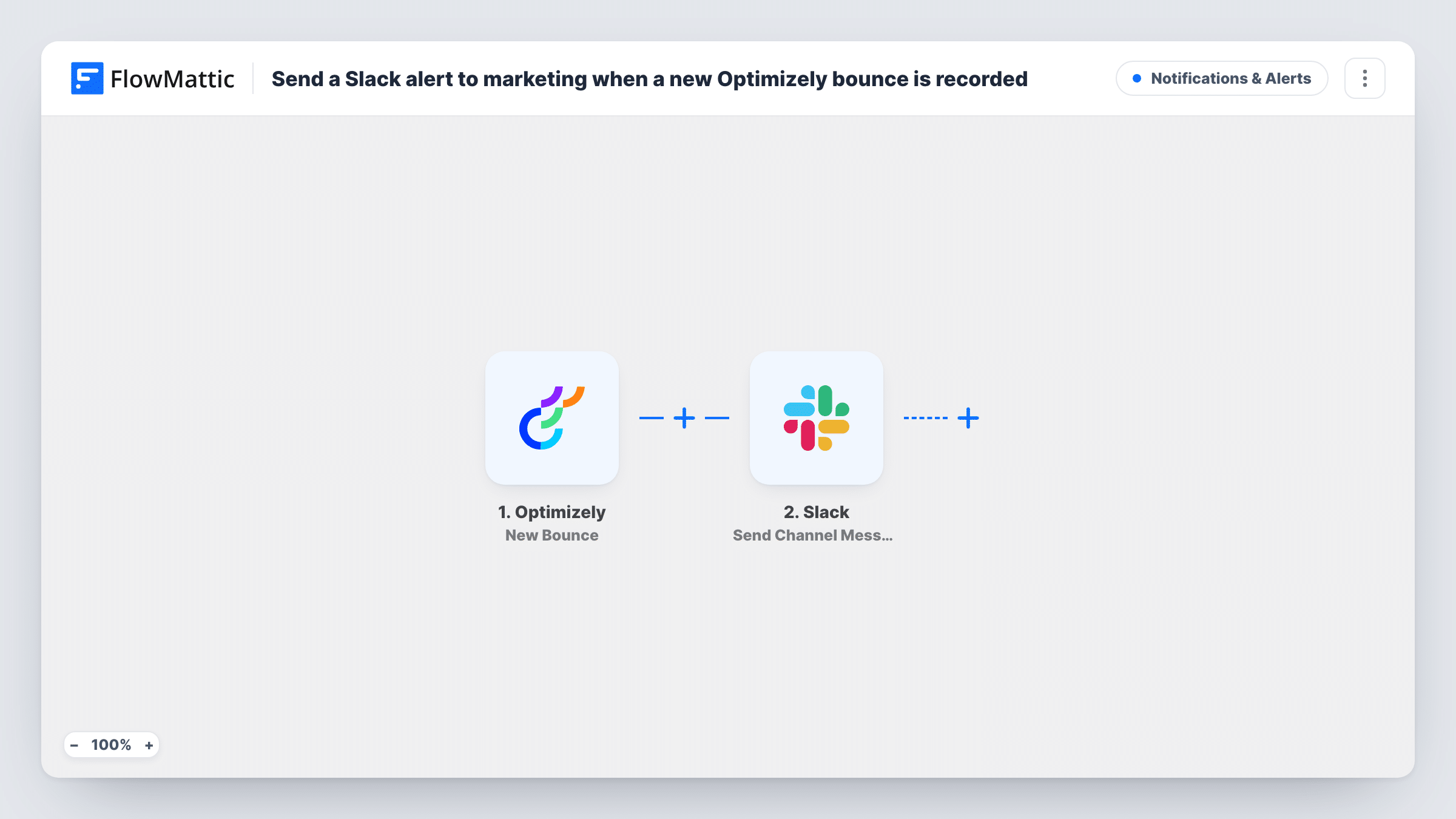
The Optimizely trigger runs when a new bounce event is created. FlowMattic passes the bounce data to Slack, where Send Channel Message posts to the channel you pick, such as your marketing channel. You write the text and insert the details from the event that help the team act on it.
Every new bounce posts its own message, so a burst of bounces means a burst of messages. If that would be too much for a busy channel, give the alerts a channel of their own, or add a Filter as described in the tips.
Marketing channel awareness
Your marketing team sees each Optimizely bounce in their usual Slack channel and can check the affected campaign or contact the same day.
Dedicated alerts channel
A #bounce-alerts channel collects every message, giving the team a running list of bounces to review at the end of the day.
Spotting a sudden spike
When many bounce alerts appear close together, someone on the team notices quickly and looks into what changed.
How this workflow runs
What happens at each step once the workflow is on, and what you need before you import it.
 Optimizely New Bounce
Runs when a new bounce event is created in Optimizely. The bounce data is passed to the Slack step for use in the message.
- Slack Send Channel Message
Posts the bounce alert to the Slack channel you set for marketing. Insert details from the Optimizely event; a test bounce shows which details are included.
What you need
- FlowMatticCore
- Optimizely AccountAccount
- Slack AccountAccount
After importing, map your own data. To keep the template universal, not every step is pre-filled. Open each step in the builder and connect your accounts and fields (channels, lists, sheets, recipients) before you switch the workflow on.
Make it yours
Changes worth making after you import it.
- Once a test bounce shows the event data, add a Filter after the trigger on any value you only care about, so the channel gets fewer, more relevant alerts.
- Add a Google Sheets step after Slack to log each bounce, so you can count them over time instead of scrolling back through the channel.
- If marketing works in a private Slack channel, use Slack's Send Private Channel Message action instead of Send Channel Message.
Questions about this workflow
What counts as a new bounce for the Optimizely trigger?
Any new bounce event Optimizely creates. Each one starts its own run and posts its own Slack message.
Can the Optimizely alert mention a teammate in Slack?
Yes. Type the person's Slack mention into the message text so they are notified when the alert posts.
Does the workflow change anything in Optimizely?
No. It only receives the bounce event and posts to Slack.
Are older Optimizely bounces posted?
No. Only bounce events created after the workflow is on start a run.
More Notifications & Alerts workflows
Other ready-to-import templates from the same category.





Import this workflow into your WordPress site
Download the JSON, import it from the Workflows screen and connect your accounts. Every run stays on your server, with no per-task fees.
30-day money-back guarantee Unlimited workflows and runs Self-hosted