

Notify an admin via Pushover for each Okta event you subscribe to
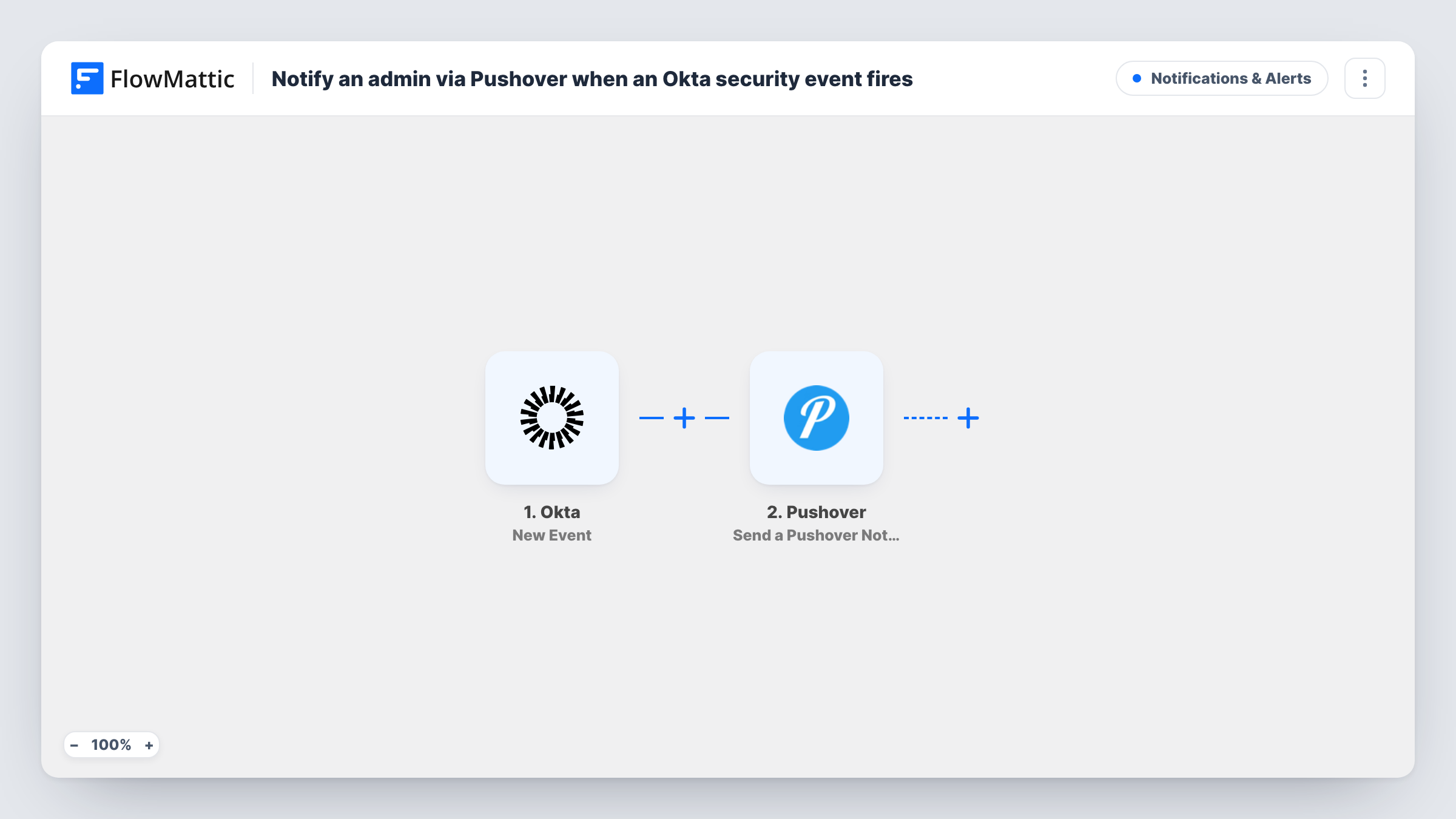
Each event your Okta hook delivers to FlowMattic sends a Pushover notification to the admin devices on your Pushover account, with the event details you choose to include.
 Okta
Okta
 Pushover
2 steps Setup ~5 min Used on 2.1k sites Free to import
What this workflow does
An admin who looks after Okta can't watch the System Log all day, yet some events, such as a new admin role or a burst of lockouts, are worth knowing about straight away. This workflow pushes those events to a phone or desktop through Pushover, so the alert reaches the admin wherever they are.
The Okta New Event trigger runs once for every event Okta sends to the workflow. You decide which ones those are: when you set up the hook in Okta, subscribe it only to the event types an admin should be alerted about. Each event that arrives carries its details into the next step.
The Pushover step generates a notification on the devices subscribed to your Pushover account. It ships with nothing mapped, so after import you connect Pushover and write the notification text, mapping in the Okta details that tell the admin what happened and to whom.
Because every delivered event sends a notification, a broad subscription can mean a lot of alerts. Start with a short list of event types, trigger one in Okta as a test, and check Task History to see the event data and Pushover's response.
Alert on new admin role grants
A security-minded IT lead subscribes the hook to admin privilege events, so a phone alert arrives whenever someone in Okta gains admin rights.
Lockout warnings for a small IT team
A two-person IT team gets a Pushover alert each time an employee's Okta account is locked, and can help before the ticket comes in.
After-hours watch on policy changes
An on-call admin is notified on their phone when sign-on or password policies change in Okta outside working hours.
How this workflow runs
What happens at each step once the workflow is on, and what you need before you import it.
 Okta New Event
Starts once for each event Okta delivers to this workflow. Okta only sends the event types you subscribe the hook to, and each event's details are passed on to Pushover.
- Pushover Send a Pushover Notification
Sends a Pushover notification to the devices on your Pushover account. The template leaves the message empty: connect Pushover and write the alert text with the Okta event details mapped in.
What you need
- FlowMatticCore
- Okta AccountAccount
- Pushover AccountAccount
After importing, map your own data. To keep the template universal, not every step is pre-filled. Open each step in the builder and connect your accounts and fields (channels, lists, sheets, recipients) before you switch the workflow on.
Make it yours
Changes worth making after you import it.
- Keep the Okta hook's subscription to a few event types at first, then add more once you know how many alerts a normal day produces.
- Map the Okta event type into the start of the notification text, so the admin can tell lockouts from role changes at a glance on the lock screen.
- Add a Google Sheets Add New Row step after the Pushover step if you also want a log of every Okta alert sent.
Questions about this workflow
Which Okta events send a Pushover notification?
Every event Okta delivers to the workflow. That list is set in Okta when you choose the hook's event types, so subscribe only to the ones that need an alert.
Which phones get the Okta alert from Pushover?
The ones signed in to the Pushover account you connect in this step, since the action notifies that account's subscribed devices. Send a test event from Okta to confirm each admin's device receives it.
What does the Pushover message say?
Whatever you write. The step ships empty, so compose the notification after import and map in the Okta event details you want the admin to see.
More Notifications & Alerts workflows
Other ready-to-import templates from the same category.





Import this workflow into your WordPress site
Download the JSON, import it from the Workflows screen and connect your accounts. Every run stays on your server, with no per-task fees.
30-day money-back guarantee Unlimited workflows and runs Self-hosted