

Sync an Emarsys customer record into an Airtable base
Customer data that Emarsys sends to a FlowMattic webhook becomes a new record in the Airtable base and table you choose, so your team can view, sort and annotate it in Airtable.
 Emarsys
 Airtable
2 steps Setup ~5 min Used on 411 sites Free to import
What this workflow does
Emarsys holds a lot about your customers, but not everyone on the team works in it. Airtable is easier to share, filter and add notes to. This workflow copies customer data out of Emarsys and into an Airtable table as events happen.
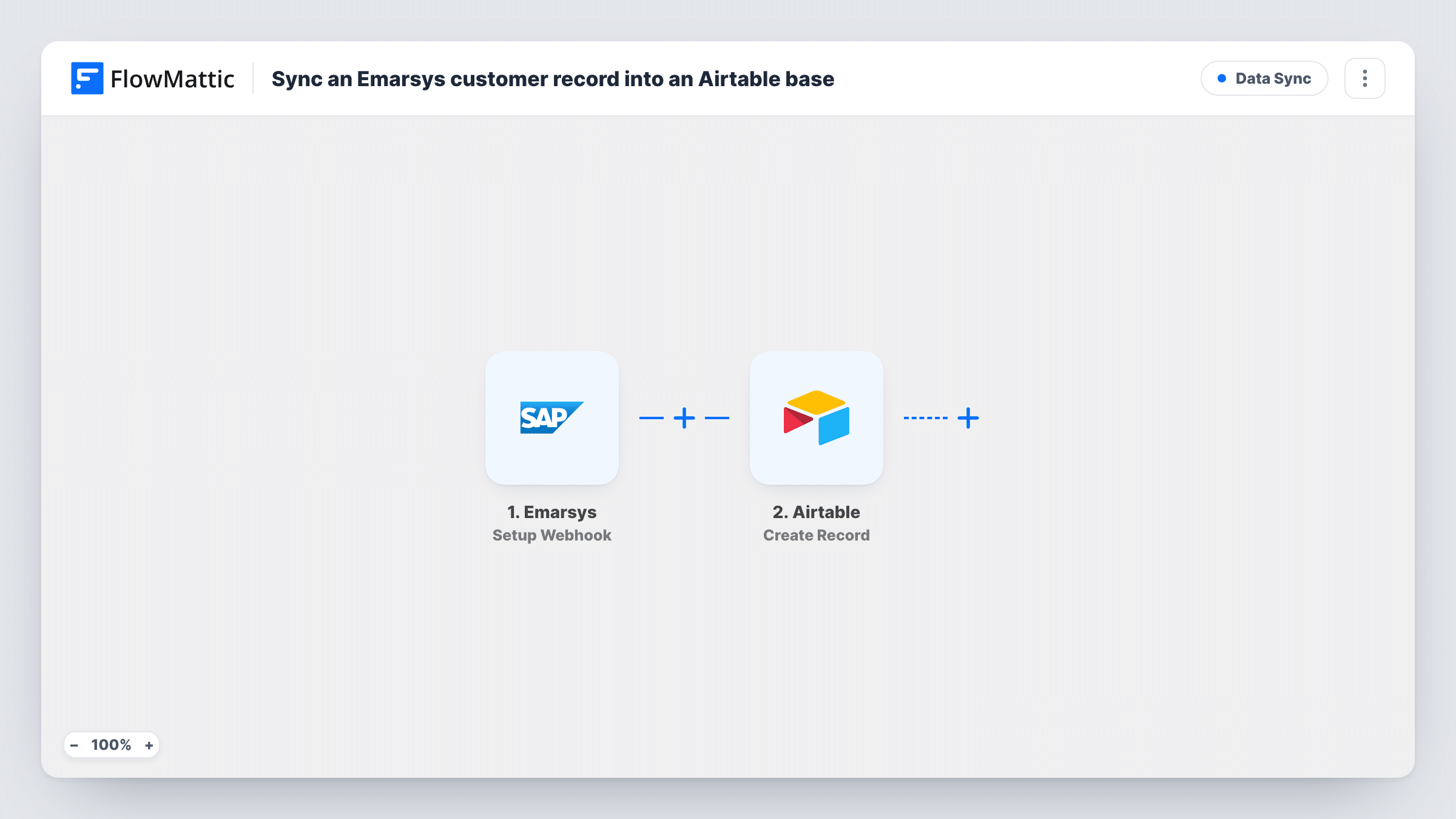
The Emarsys trigger works through a webhook. You add the FlowMattic URL in Emarsys and choose which events it should send. When one arrives, FlowMattic passes the customer data to the Airtable Create Record action, which adds a new record with the values you map to each field.
Create Record always adds a record. It does not look for an existing one, so a customer who appears in two events gets two records. If your table should hold one record per customer, the tips describe how to change that. Task History shows each event received and the record Airtable created.
Customer review board for a sales team
Sales reps who have no Emarsys login browse customer records in an Airtable view and add their own notes in extra columns.
Event log for campaign analysis
Each Emarsys event becomes its own Airtable record, so an analyst can group and count events by customer or date.
Hand-off to a fulfilment partner
A partner works from a shared Airtable base, and new customer data from Emarsys appears there without file exports.
How this workflow runs
What happens at each step once the workflow is on, and what you need before you import it.
 Emarsys Setup Webhook
Provides a webhook URL for Emarsys. Every event you set Emarsys to send there starts a run, and the customer data it carries is ready to map in Airtable.
- Airtable Create Record
Adds a new record to the Airtable base and table you pick. Connect Airtable, then map values from the Emarsys event into the table's fields, such as email and name.
What you need
- FlowMatticCore
- Emarsys AccountAccount
- Airtable AccountAccount
After importing, map your own data. To keep the template universal, not every step is pre-filled. Open each step in the builder and connect your accounts and fields (channels, lists, sheets, recipients) before you switch the workflow on.
Make it yours
Changes worth making after you import it.
- For one record per customer, add Airtable's Search Record action on the email before this step and use a Router: update the record when it exists, create it when it does not.
- Add a Filter after the trigger for one event type, so only the events that describe the customer record are stored.
- Create the Airtable fields before the first test event, so each value from Emarsys has a field ready when you map them.
Questions about this workflow
Does the workflow update an existing Airtable record for the same Emarsys customer?
No. Create Record adds a new record every run. Add a search step and a Router after import if you want existing records updated instead.
Which Emarsys events start this workflow?
Any event you configure Emarsys to send to the webhook URL. Choose only the events that carry the customer data you want in Airtable.
Can customer data go from Airtable back to Emarsys?
Not with this template. FlowMattic's Emarsys integration offers the webhook trigger only, so data flows from Emarsys to Airtable.
What if an Emarsys event contains a field my Airtable table lacks?
Values you do not map are simply not stored. Add a matching field in Airtable and map it in the Create Record step to keep it.
More Data Sync workflows
Other ready-to-import templates from the same category.





Import this workflow into your WordPress site
Download the JSON, import it from the Workflows screen and connect your accounts. Every run stays on your server, with no per-task fees.
30-day money-back guarantee Unlimited workflows and runs Self-hosted