

Add new Peggy Pay subscribers to a Mailchimp audience for onboarding
When someone starts a new subscription in Peggy Pay, this workflow adds them to your Mailchimp audience, so the onboarding emails you build in Mailchimp can reach every new subscriber.
 Peggy Pay
 Mailchimp
2 steps Setup ~5 min Used on 2.4k sites Free to import
What this workflow does
A new subscriber is the person you most want to welcome, and the person most easily missed when the payment tool and the email tool don't talk. Exporting Peggy Pay subscribers and importing them into Mailchimp by hand leaves gaps of days. This workflow moves each one across as the subscription starts.
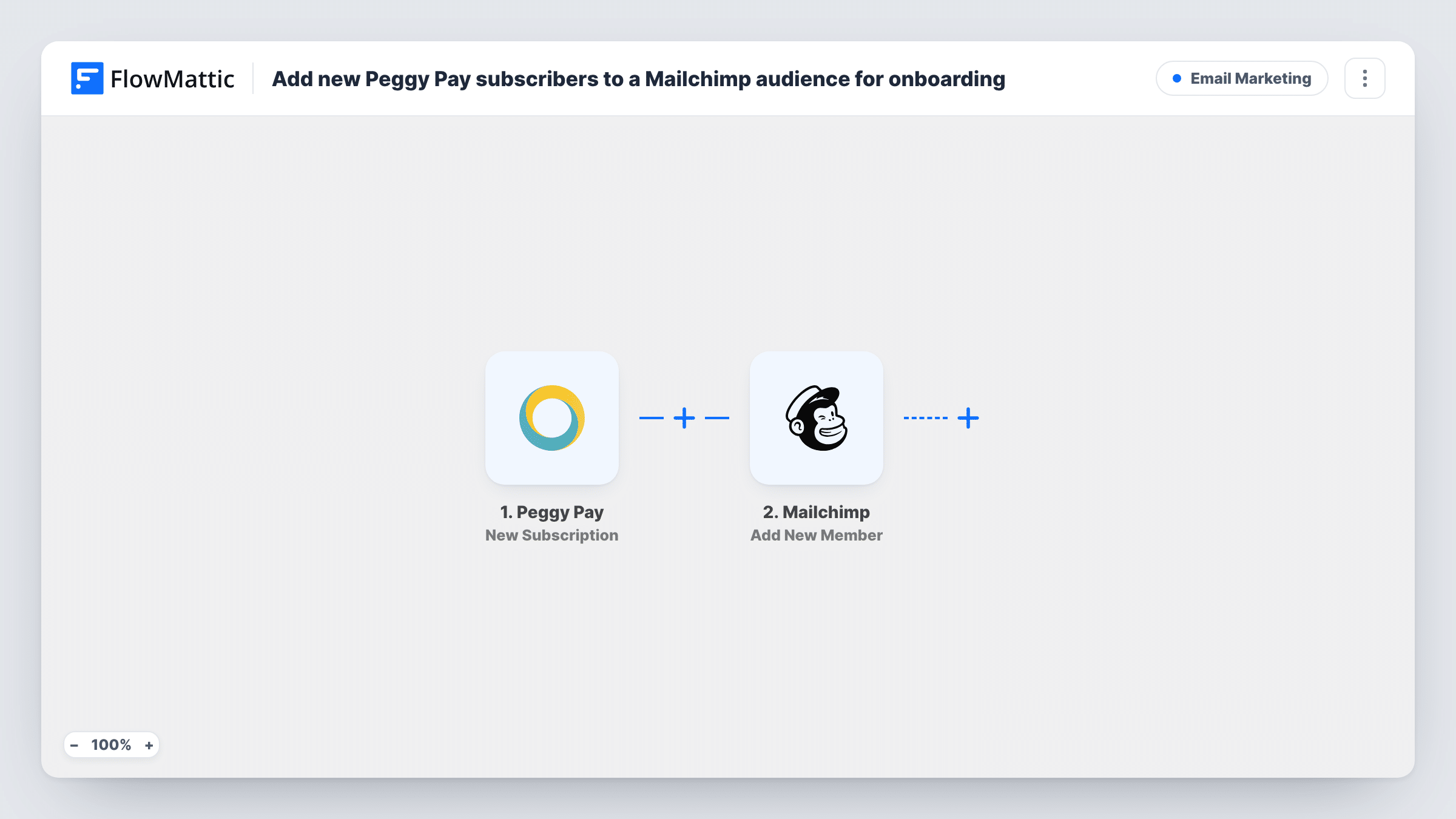
The Peggy Pay trigger fires when a new subscription is started. FlowMattic receives the subscription data and passes it to Mailchimp, where the Add New Member action adds the subscriber to the audience you pick. If the address is already on that audience, Mailchimp updates the existing member instead of adding a second copy.
The workflow stops once the member is in Mailchimp. The onboarding itself is whatever you set up there, such as a welcome email or an automation that starts when someone joins the audience. Every run appears in Task History, so you can see what Peggy Pay sent and what Mailchimp returned.
Welcome series for a paid newsletter
Readers who subscribe through Peggy Pay join your Mailchimp audience right away, so a welcome sequence you built there can introduce back issues and how to manage the subscription.
Getting started emails for a membership
A monthly membership sold through Peggy Pay feeds new members into Mailchimp, where you send login help and a first-week checklist.
Keeping subscribers separate from free sign-ups
Point the step at an audience used only for paying subscribers, so your campaigns to them never mix with people who only downloaded a free guide.
How this workflow runs
What happens at each step once the workflow is on, and what you need before you import it.
 Peggy Pay New Subscription
Runs when a new subscription is started in your Peggy Pay account. The subscriber's details from that event are passed on for mapping in the Mailchimp step.
- Mailchimp Add New Member
Adds the subscriber to the Mailchimp audience you choose, or updates them if they are already a member. Map the email address from the Peggy Pay data, plus name details if you want them in Mailchimp.
What you need
- FlowMatticCore
- Peggy Pay AccountAccount
- Mailchimp AccountAccount
After importing, map your own data. To keep the template universal, not every step is pre-filled. Open each step in the builder and connect your accounts and fields (channels, lists, sheets, recipients) before you switch the workflow on.
Make it yours
Changes worth making after you import it.
- Run a test subscription after import so FlowMattic captures Peggy Pay's fields, then map the email in the Mailchimp step from that sample instead of guessing field names.
- Add a Filter after the trigger if only some plans should get onboarding, for example continuing only when the plan name matches your membership product.
- Want a record outside Mailchimp too? Add a Google Sheets step after Mailchimp to log each new subscriber with the date and plan.
Questions about this workflow
Does this workflow send the Peggy Pay onboarding emails?
No. It adds the subscriber to your Mailchimp audience. The onboarding emails are whatever you set up in Mailchimp for new members of that audience.
What if the Peggy Pay subscriber is already in my Mailchimp audience?
Add New Member adds a new member or updates them if they already exist, so an existing contact is updated rather than duplicated. Task History shows Mailchimp's response for each run.
Do one-off Peggy Pay payments trigger it?
No. The trigger is New Subscription, which fires when a subscription starts. Peggy Pay has other FlowMattic triggers, such as Subscription Payment, if you want to react to renewals as well.
Are subscribers who joined before I import it added to Mailchimp?
No. Only subscriptions started after you turn the workflow on reach Mailchimp. Import earlier subscribers into Mailchimp yourself once.
More Email Marketing workflows
Other ready-to-import templates from the same category.






Import this workflow into your WordPress site
Download the JSON, import it from the Workflows screen and connect your accounts. Every run stays on your server, with no per-task fees.
30-day money-back guarantee Unlimited workflows and runs Self-hosted