

Add new Typeform entries to a MailerLite group as subscribers
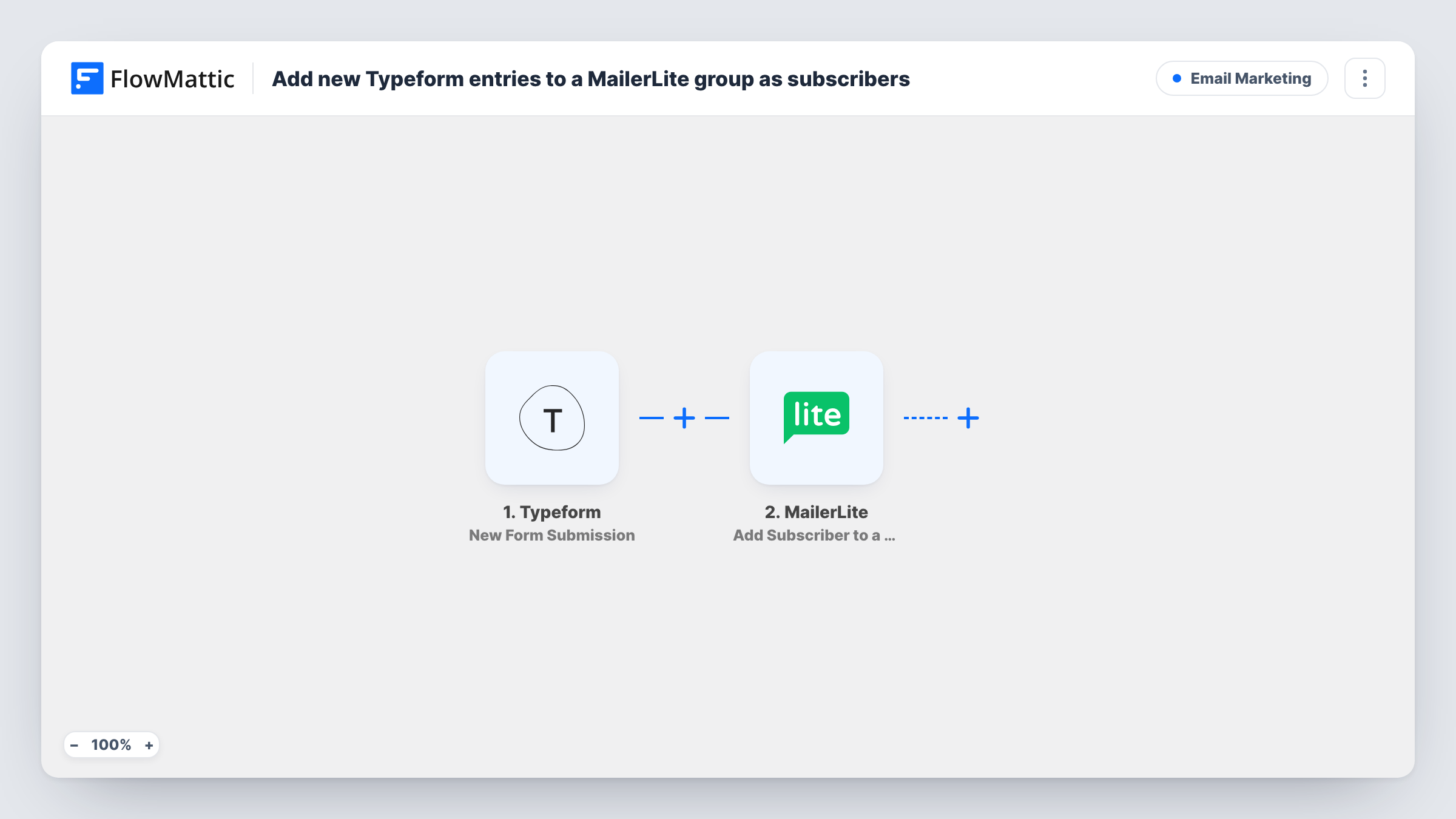
When someone submits your Typeform, FlowMattic makes sure they exist as a MailerLite subscriber, creating or updating them, and then adds them to a MailerLite group of your choice.
 Typeform
 MailerLite
3 steps Setup ~5 min Used on 2.5k sites Free to import
What this workflow does
Typeform quizzes, surveys and lead forms tend to collect an email address at the end. If those addresses only live in Typeform's results screen, nobody on that list hears from you. This workflow passes each respondent into MailerLite and files them in a group, so the right emails can follow.
The Typeform trigger, New Form Submission, runs once per completed response. FlowMattic receives the answers, including the email question if your typeform asks one.
The first MailerLite step creates a subscriber from those answers, or updates the existing record when the address is already in your account. The second puts that subscriber into one of your existing groups. Both MailerLite steps arrive empty. Once imported, connect your MailerLite account, map the Typeform email and any name or custom-field answers into the subscriber step, and set the group step to use your group and the subscriber returned by step 2.
No answer is checked along the way, so every response becomes a subscriber in that group. If your typeform asks for marketing consent, the tips show where to add that check. Send a test response and use Task History to confirm what Typeform delivered and what MailerLite replied.
Quiz takers grouped for results emails
A skincare brand's Typeform quiz adds every taker to a MailerLite group whose automation sends the product guide that goes with the quiz.
Survey respondents for a follow-up
A SaaS team runs a Typeform user survey and keeps respondents in a MailerLite group so it can share the results with them later.
Webinar interest list
A consultant uses a short Typeform to gauge interest in a webinar and emails that MailerLite group once the date is set.
How this workflow runs
What happens at each step once the workflow is on, and what you need before you import it.
 Typeform New Form Submission
Fires for each new response to your typeform. The answers, including the respondent's email if you ask for it, are available to the MailerLite steps.
- MailerLite Create or Update Subscriber
Creates a MailerLite subscriber from the Typeform answers, or updates the person if their address is already there. Map the email and any other fields after import.
- MailerLite Add Subscriber to a Group
Adds the subscriber created or updated in step 2 to an existing MailerLite group. Select the group after import and map the subscriber value that step 2 returns.
What you need
- FlowMatticCore
- Typeform AccountAccount
- MailerLite AccountAccount
After importing, map your own data. To keep the template universal, not every step is pre-filled. Open each step in the builder and connect your accounts and fields (channels, lists, sheets, recipients) before you switch the workflow on.
Make it yours
Changes worth making after you import it.
- Mark the email question as required in Typeform, so no response reaches MailerLite without an address.
- For consent, put a Filter between the Typeform trigger and the Create or Update Subscriber step that continues only when your opt-in question has the yes answer. The question shown is an example to replace with your own.
- Map a Typeform answer, such as a quiz outcome, into a MailerLite custom field in step 2, so you can segment the group later.
Questions about this workflow
Do partial Typeform responses reach MailerLite?
The trigger is New Form Submission, so it runs for submitted responses. Test with a completed response after import to see the data it carries.
Can Typeform respondents go into different MailerLite groups?
As imported, all go to one group. For several, add a Router between the Create or Update Subscriber step and the group step, with routes on distinct answers that can't both match, each ending in its own Add Subscriber to a Group step.
Is an existing MailerLite subscriber duplicated by a new Typeform response?
No. Step 2 updates the existing subscriber with that address, and step 3 adds them to the group.
More Email Marketing workflows
Other ready-to-import templates from the same category.





Import this workflow into your WordPress site
Download the JSON, import it from the Workflows screen and connect your accounts. Every run stays on your server, with no per-task fees.
30-day money-back guarantee Unlimited workflows and runs Self-hosted