

Add new Upnify prospects to a Mailchimp audience for nurture emails
Each prospect created in Upnify is added to your Mailchimp audience, or updated if already a member, so the people in your sales pipeline also receive the nurture emails you send from Mailchimp.
 Upnify
 Mailchimp
2 steps Setup ~5 min Used on 885 sites Free to import
What this workflow does
Sales teams log prospects in Upnify, but the marketing emails that keep those prospects warm usually go out from Mailchimp. When the two are separate, new prospects miss the nurture emails until someone exports a list. This workflow adds each prospect to Mailchimp as soon as it is created in Upnify.
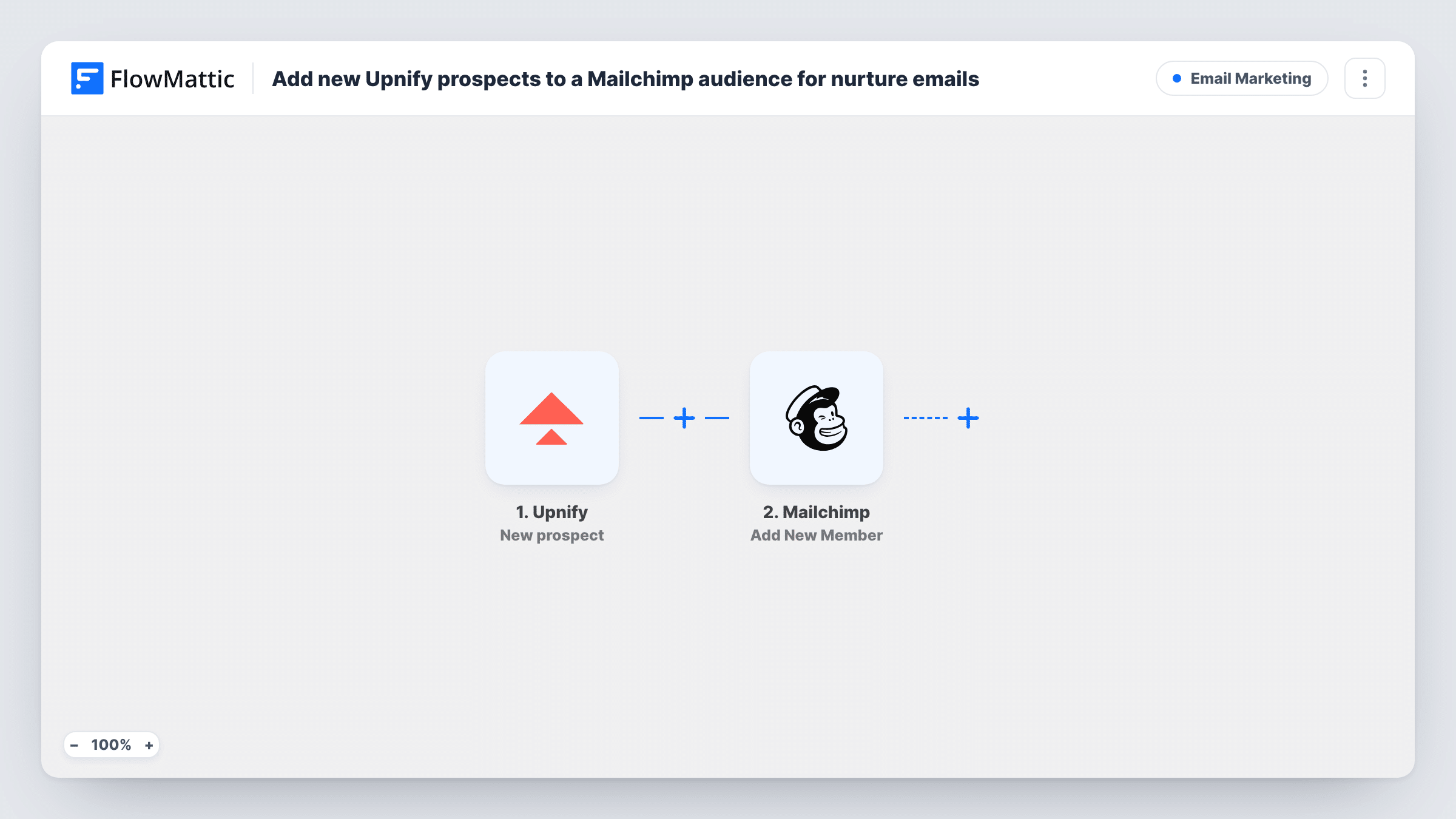
The Upnify trigger, New prospect, starts a run whenever a prospect is created in your account. FlowMattic sends the prospect's details to Mailchimp, where Add New Member adds them to the audience you choose. A prospect whose email is already in that audience is updated rather than added twice.
The nurture emails themselves are built in Mailchimp. Set up a welcome email or customer journey there that starts when someone joins the audience. A prospect saved in Upnify without an email has nothing to add, so the Mailchimp step fails for that run and Task History shows why.
Trade show leads entered by sales reps
Reps add prospects to Upnify after each conversation at a stand. Every one with an email joins the Mailchimp audience used for post-event follow-up emails.
Long sales cycles in B2B
A company selling software to businesses keeps prospects receiving monthly Mailchimp newsletters while the sales team works the deal in Upnify.
Keeping marketing and sales lists aligned
Marketing no longer waits for a spreadsheet from sales, because each prospect created in Upnify is already in the Mailchimp audience.
How this workflow runs
What happens at each step once the workflow is on, and what you need before you import it.
 Upnify New prospect
Starts a run each time a new prospect is created in Upnify. Connect your account, then create a test prospect so FlowMattic captures fields such as the name, email and company.
- Mailchimp Add New Member
Adds the prospect to the Mailchimp audience you pick, or updates them if they are already a member. Map the Upnify email and name fields and connect your Mailchimp account.
What you need
- FlowMatticCore
- Upnify AccountAccount
- Mailchimp AccountAccount
After importing, map your own data. To keep the template universal, not every step is pre-filled. Open each step in the builder and connect your accounts and fields (channels, lists, sheets, recipients) before you switch the workflow on.
Make it yours
Changes worth making after you import it.
- Add a Filter after the trigger that continues only when the prospect's email is not empty, so prospects saved without one stop before Mailchimp.
- Add Mailchimp's Add Member Tag action after this step with a tag such as Upnify prospect, so you can send these people their own emails.
- Build a second workflow on Upnify's Prospect Phase Change trigger if you want Mailchimp tags to follow the prospect's progress in the pipeline.
Questions about this workflow
Does this workflow send the nurture emails?
No. It adds the Upnify prospect to your Mailchimp audience. The emails come from the welcome or nurture automation you set up in Mailchimp.
What happens if the prospect is already in my Mailchimp audience?
Mailchimp treats it as the same person. Add New Member refreshes that member with the details from Upnify, and the audience still holds just one entry for the address.
Will Upnify prospects who become clients be removed from Mailchimp?
No. The workflow only adds prospects when they are created. Changes in Upnify afterwards don't remove anyone from the audience.
Are my existing Upnify prospects added?
No. Only prospects created after you turn on the workflow are sent to Mailchimp.
More Email Marketing workflows
Other ready-to-import templates from the same category.




Import this workflow into your WordPress site
Download the JSON, import it from the Workflows screen and connect your accounts. Every run stays on your server, with no per-task fees.
30-day money-back guarantee Unlimited workflows and runs Self-hosted