

Send Slack channel messages from a Webhook
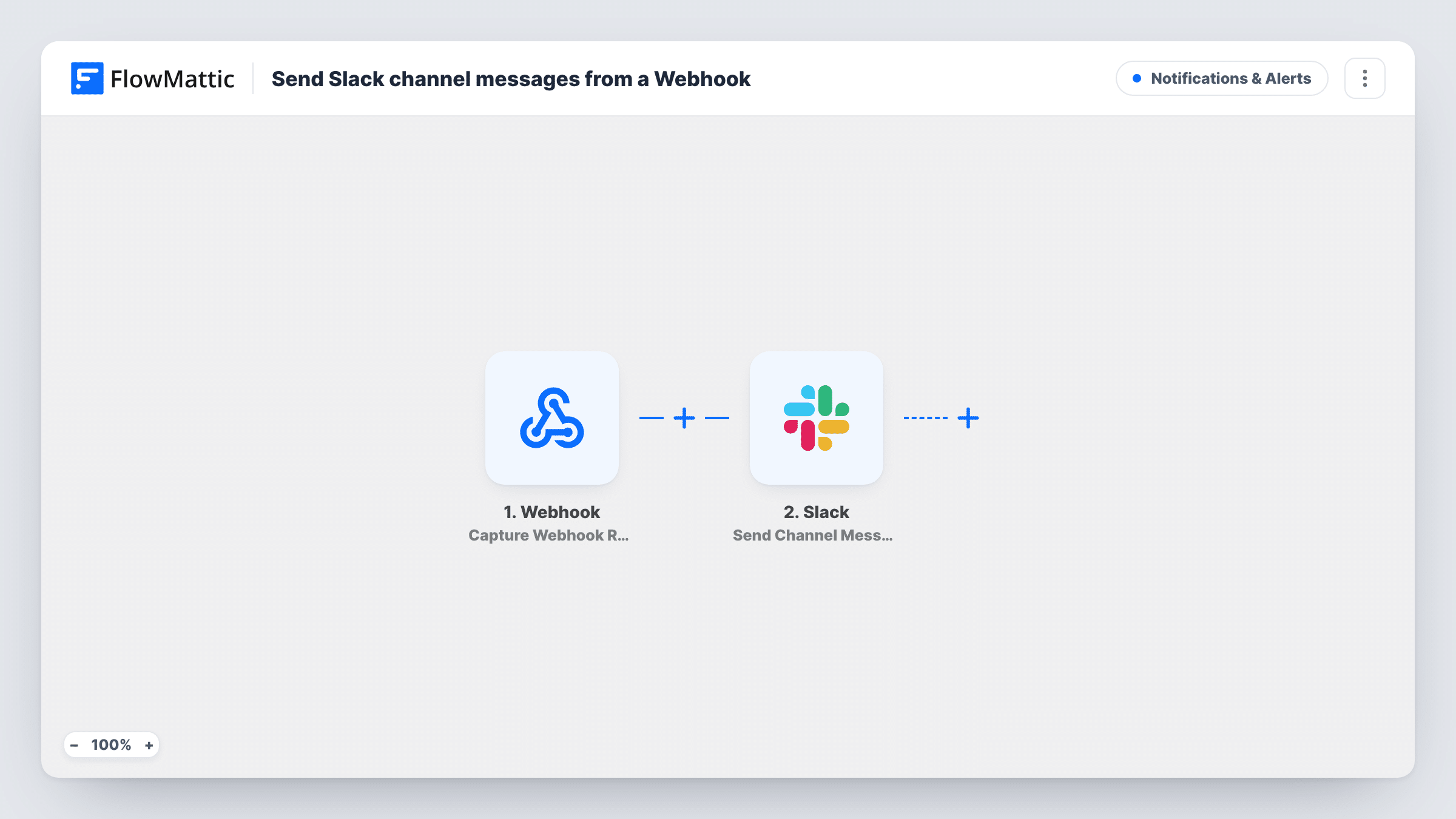
Give any app or script a FlowMattic webhook URL, and each time it posts data there, this workflow sends a message built from that data to the Slack channel you choose.
 Webhook
 Slack
Slack2 steps Setup ~5 min Used on 2.4k sites Free to import
What this workflow does
Plenty of tools can call a URL when something happens but have no Slack integration of their own. A monitoring script, a build server or an internal app can all post a few fields to a webhook. This workflow turns each of those posts into a Slack message.
You get your own endpoint address from the Webhook trigger. Whatever the sender posts to it becomes data in FlowMattic, one run per request. The Slack step then uses Send Channel Message to post in the channel you pick, with the text you write and the webhook values you place in it.
You decide what the message says, so post one sample request after import and build the text from the captured fields. If a sender later changes the shape of its data, remap the fields so messages don't come through blank.
Without authentication, any request to the URL starts a run. Turn on Require authentication on incoming requests in the trigger to accept only callers that send your key or a valid signature.
Alerts from a cron script
A nightly backup script posts its result to the webhook, and the ops channel in Slack shows the outcome each morning.
Deploy notices from a build server
Your CI server calls the webhook after each deploy, posting the branch and version so the team knows what just went live.
Events from an internal app
An in-house booking tool has no Slack link but can call a URL. Each new booking posts its details to the front-desk channel.
How this workflow runs
What happens at each step once the workflow is on, and what you need before you import it.
 Webhook Capture Webhook Response
Provides a webhook URL that any app or script can post data to. Each request starts one run, and its fields are available to the Slack message.
- Slack Send Channel Message
Sends a message to the Slack channel you pick, written from the webhook data. Compose the text, add the incoming values, and connect your Slack workspace.
What you need
- FlowMatticCore
- Slack AccountAccount
After importing, map your own data. To keep the template universal, not every step is pre-filled. Open each step in the builder and connect your accounts and fields (channels, lists, sheets, recipients) before you switch the workflow on.
Make it yours
Changes worth making after you import it.
- Turn on Require authentication on incoming requests in the Webhook trigger so only senders with your key or a valid signature can post to the channel.
- Add a Filter between the steps on a field such as a status value, so only failures or warnings reach Slack.
- Posting to a private channel? Swap in Slack's Send Private Channel Message action, because Send Channel Message is for public channels.
Questions about this workflow
Which tools can post to this Slack webhook workflow?
Anything able to make an HTTP request, from a SaaS tool to a shell script on a server. Post a sample after import so FlowMattic captures the fields you will use in Slack.
Can strangers post to my Slack channel through this webhook?
Anyone with the URL can start a run unless authentication is on. Enable Require authentication on incoming requests in the trigger to block unknown senders.
Does every webhook request create a Slack message?
Yes. Each request is its own run. Add a Filter after the trigger if some requests shouldn't post.
Can webhook alerts reach one Slack user rather than a channel?
Yes. Replace the step with Slack's Send Direct Message action and choose who receives it.
More Notifications & Alerts workflows
Other ready-to-import templates from the same category.



Import this workflow into your WordPress site
Download the JSON, import it from the Workflows screen and connect your accounts. Every run stays on your server, with no per-task fees.
30-day money-back guarantee Unlimited workflows and runs Self-hosted