

Schedule new WordPress posts to socials via Ocoya
Each time you publish a new WordPress post, this workflow creates a scheduled social media post in Ocoya with a caption and link you build from the article, set for the time you choose.
 WordPress
 Ocoya
Ocoya2 steps Setup ~5 min Used on 3.2k sites Free to import
What this workflow does
Writing a blog post is half the job. Someone then has to share it on your social accounts, and that step often slips when the week gets busy. This workflow hands each new article to Ocoya, your social media scheduler, as soon as it goes live.
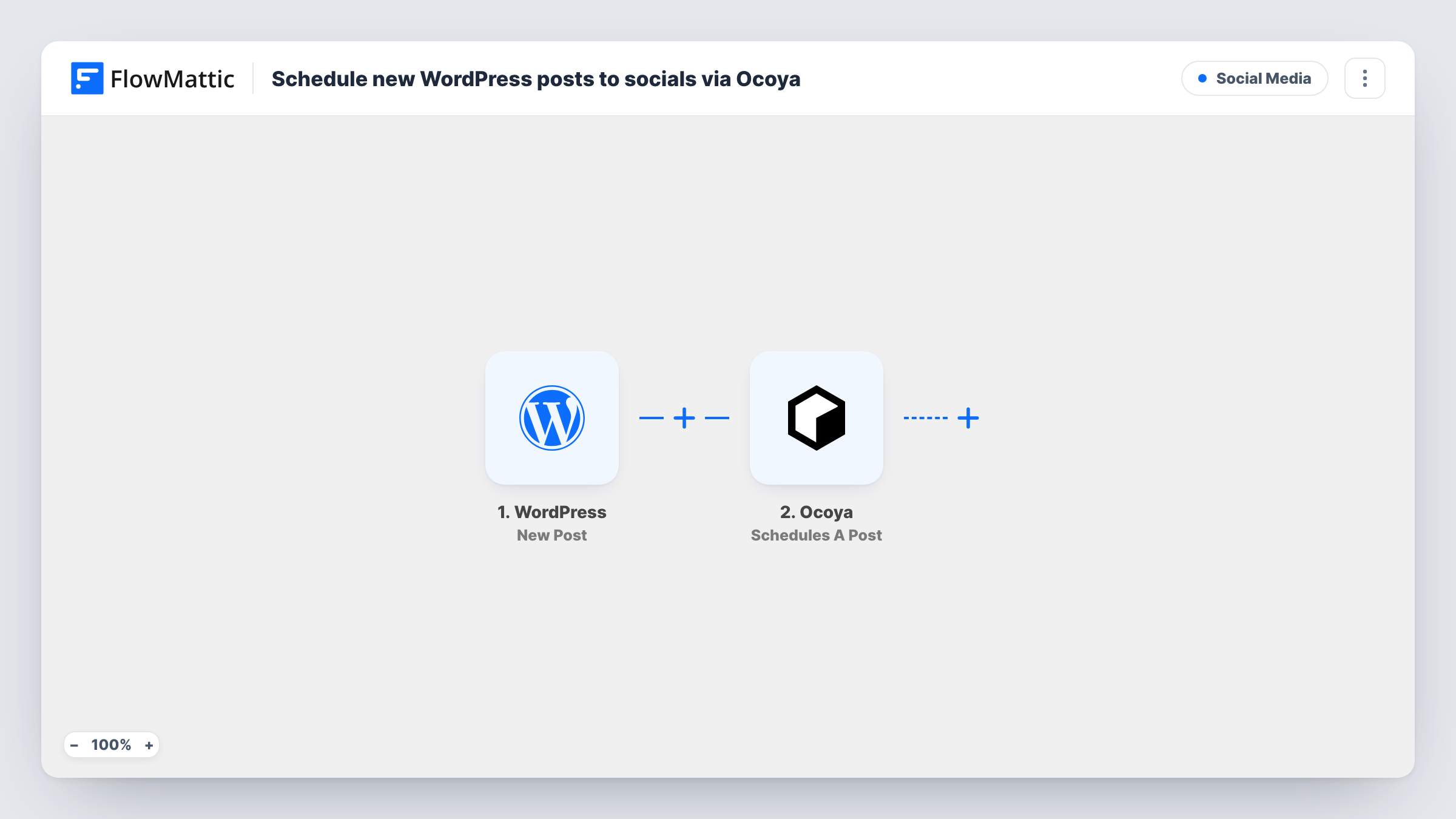
The WordPress trigger, New Post, fires when a new post is published on your site. FlowMattic passes the post's data, such as its title, link and excerpt, to Ocoya. The Schedules A Post action creates a post there with a caption and media and schedules it at a specific time.
You build the caption from the post's fields when you set up the Ocoya step. Every published post runs the workflow once, because there is no Filter. Drafts don't start it, since the trigger waits for a post to be published.
Company blog with a weekly schedule
Each article you publish turns into an Ocoya post with its title and link, so your social channels share it without a separate task.
News or recipe site with many authors
Several writers publish through WordPress. Every new post reaches Ocoya, where your social media manager can review the queue.
Freelancer promoting new portfolio pieces
A case study post on your site becomes a scheduled social post, so your network sees new work without extra steps.
How this workflow runs
What happens at each step once the workflow is on, and what you need before you import it.
 WordPress New Post
Starts a run once a fresh article goes live on your WordPress site. The post's title, link and other details are passed to Ocoya for the caption.
- Ocoya Schedules A Post
Creates a post in Ocoya with a caption and media, scheduled at a specific time. Build the caption from the WordPress fields and set the time it should go out, then test with a real post.
What you need
- FlowMatticCore
- Ocoya AccountAccount
After importing, map your own data. To keep the template universal, not every step is pre-filled. Open each step in the builder and connect your accounts and fields (channels, lists, sheets, recipients) before you switch the workflow on.
Make it yours
Changes worth making after you import it.
- Add a Filter after the trigger that continues only when the post's category matches the one you want shared, so other categories stay off your social channels.
- Insert an Ocoya Create AI Copy step before scheduling to draft a caption from the post title, then map that copy into the Schedules A Post step.
- End the caption with the post's link from the WordPress data, so followers can click through to the full article.
Questions about this workflow
Does updating an old WordPress post schedule it again in Ocoya?
No. The New Post trigger fires only when a post moves into published for the first time. Edits to a post that is already live don't start a run, so nothing is scheduled again.
Which social networks can Ocoya post the WordPress article to?
Ocoya posts to the social profiles connected in your Ocoya account. Run a test with a real article to see how the Schedules A Post step decides where the post goes.
Can the Ocoya post include the WordPress featured image?
Schedules A Post accepts media with the caption. Publish a test post and check whether the image URL appears in the captured WordPress data, then map it into the step.
Do pages or custom post types schedule to Ocoya as well?
Pages never start this workflow. Posts and custom post types do, unless you pick one post type in the trigger's settings, which limits it to that type.
More Social Media workflows
Other ready-to-import templates from the same category.






Import this workflow into your WordPress site
Download the JSON, import it from the Workflows screen and connect your accounts. Every run stays on your server, with no per-task fees.
30-day money-back guarantee Unlimited workflows and runs Self-hosted