

Post a Discord notice when a Foxy.io subscription is cancelled
When a subscription is cancelled in your Foxy.io store, this workflow posts a notice to the Discord channel you choose, so the people who handle customers hear about it from one place.
 Foxy.io
 Discord
2 steps Setup ~5 min Used on 3.0k sites Free to import
What this workflow does
A cancelled subscription is worth knowing about the day it happens. Someone may want to ask the customer why, check whether a payment problem caused it, or simply keep count. If your team coordinates in Discord, a short post there puts the news in front of them without anyone checking the Foxy.io admin.
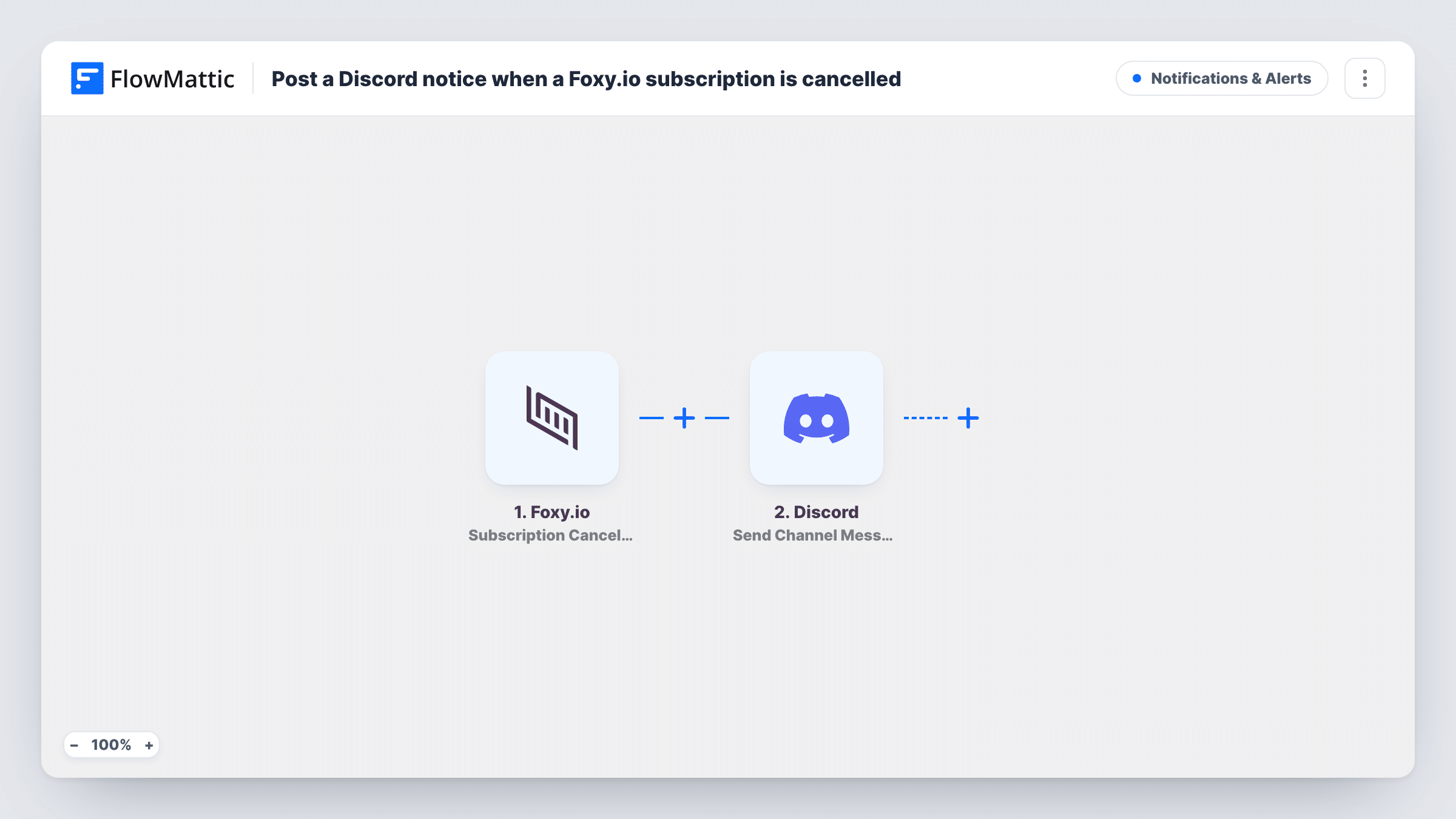
The Foxy.io trigger is Subscription Cancelled, which fires when a subscription in your store is cancelled. FlowMattic passes the subscription data to Discord, where Send Channel Message posts a new message to the #channel you pick. You write the notice and place Foxy.io fields in it, for example the customer and the product, once a test run shows which fields arrive.
The workflow only reports the cancellation. It does not contact the customer or change anything in Foxy.io. Each run appears in Task History, where you can see the data that came in and the message that went out.
Membership site churn channel
A #cancellations channel gets a post for every Foxy.io membership that ends, and the owner decides who to reach out to.
Subscription box team
Packing staff see in Discord when a box subscription is cancelled, so they know not to prepare that customer's next shipment.
Small SaaS founders
Two founders who run support from Discord get a notice for each cancelled plan and talk through the reason in the thread.
How this workflow runs
What happens at each step once the workflow is on, and what you need before you import it.
 Foxy.io Subscription Cancelled
Fires when a subscription in your Foxy.io store is cancelled. The subscription and customer data become available to use in the Discord message. Connect your Foxy.io store on import.
- Discord Send Channel Message
Posts a new message to the Discord #channel you choose. Write the notice and insert the Foxy.io fields your team needs to recognise the customer. You link Discord when importing.
What you need
- FlowMatticCore
- Foxy.io AccountAccount
- Discord AccountAccount
After importing, map your own data. To keep the template universal, not every step is pre-filled. Open each step in the builder and connect your accounts and fields (channels, lists, sheets, recipients) before you switch the workflow on.
Make it yours
Changes worth making after you import it.
- Add a Filter after the trigger if you only want cancellations for one product or plan posted, using the product field a test run shows.
- Add a second step that logs each cancellation to Google Sheets, so you keep a running record outside the Discord chat.
- Cancel a test subscription after import so FlowMattic captures the Foxy.io fields, then write the Discord message from them.
Questions about this workflow
Does a Foxy.io refund also post to Discord?
No. This template listens only for Subscription Cancelled. Foxy.io has a separate Transaction Refunded trigger you could use in another workflow.
Does the workflow contact the customer who cancelled?
No. It only posts to your Discord channel. Any message to the customer is up to you, or to a step you add.
Which Foxy.io details can the Discord notice include?
Whatever Foxy.io sends with the cancellation event. Run one test cancellation after import and pick the fields you want from the captured data.
Will cancellations from before I import appear in Discord?
No. Only cancellations made after the workflow is turned on start a run.
More Notifications & Alerts workflows
Other ready-to-import templates from the same category.




Import this workflow into your WordPress site
Download the JSON, import it from the Workflows screen and connect your accounts. Every run stays on your server, with no per-task fees.
30-day money-back guarantee Unlimited workflows and runs Self-hosted