

Send a Slack notification when a new Fillout submission arrives
Each time someone submits one of your Fillout forms, this workflow posts a message to a Slack channel you choose, carrying the answers you map, so your team sees the response without opening Fillout.
 Fillout
 Slack
2 steps Setup ~5 min Used on 667 sites Free to import
What this workflow does
Fillout collects responses well, but they sit in the Fillout dashboard until someone goes to look. If your team lives in Slack, a response can wait hours before anyone notices it. This two-step workflow brings each new response into a channel your team already reads.
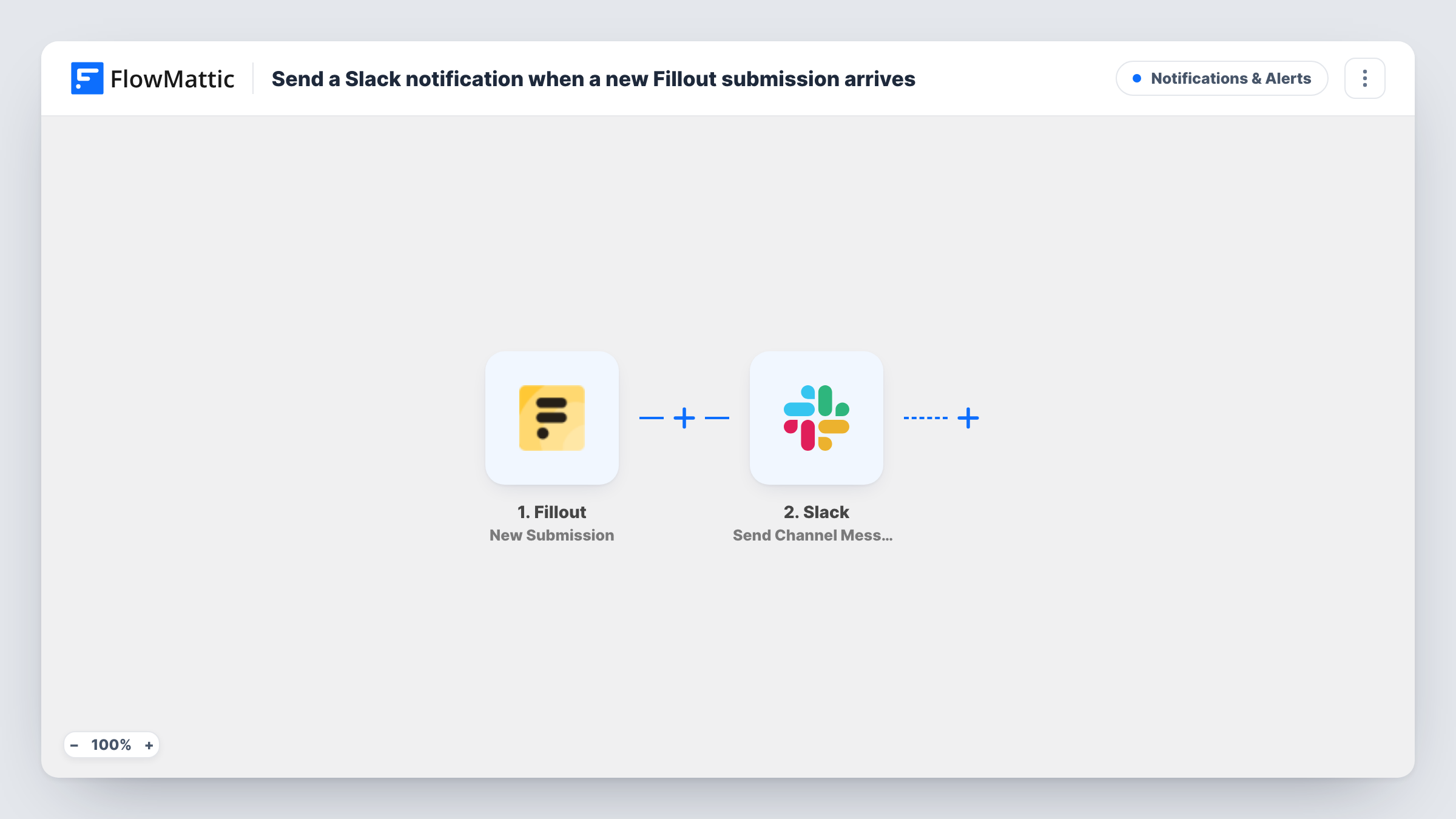
The Fillout trigger fires when a form receives a new submission. FlowMattic receives the answers and makes each one available to map. The Slack step then runs Send Channel Message, which posts to the #channel you pick. You write the message text yourself and drop in the Fillout answers you want shown, such as the respondent's name or the question they asked.
Nothing is changed in Fillout, so the response stays stored there as usual. Every run shows up in Task History, which helps you check what reached Slack and spot a message that didn't go through.
Demo requests for a sales channel
A Fillout demo-request form posts each new request to #sales, with the company name and preferred time in the message, so a rep can pick it up from Slack.
Bug reports from a feedback form
Customers report problems through a Fillout form, and each report appears in your #support channel with the page and description they entered.
Volunteer sign-ups for an event team
Organisers watch one Slack channel and see every volunteer who signs up through Fillout, along with the shift they picked.
How this workflow runs
What happens at each step once the workflow is on, and what you need before you import it.
 Fillout New Submission
Fires whenever one of your Fillout forms receives a new submission. Connect your Fillout account and choose the form, then send a test response so its answers can be mapped.
- Slack Send Channel Message
Sends your team a message in whichever Slack #channel you pick. Compose the message and insert the Fillout answers you want your team to see, then connect your Slack workspace.
What you need
- FlowMatticCore
- Fillout AccountAccount
- Slack AccountAccount
After importing, map your own data. To keep the template universal, not every step is pre-filled. Open each step in the builder and connect your accounts and fields (channels, lists, sheets, recipients) before you switch the workflow on.
Make it yours
Changes worth making after you import it.
- Want only some responses in Slack? Add a Filter between the two steps, for example continuing only when a Fillout answer such as a topic or rating equals the value your team cares about.
- For a private Fillout alerts channel, replace this step with Slack's Send Private Channel Message action, or with Send Direct Message when a single colleague handles every response.
- Put the respondent's email in the Slack message so whoever reads it can reply without opening Fillout.
Questions about this workflow
Which Fillout answers can appear in the Slack message?
Any answer the trigger receives. After you send a test response, the answers show up as fields you can insert into the message text.
Will older Fillout responses be posted to Slack?
No. The trigger fires for new submissions, so only responses made after the workflow is on are posted.
Can one Fillout response notify two Slack channels?
Yes. Place another Send Channel Message step after the existing one and set that copy to your second channel. Both steps run for every response.
What if the Slack message fails to post?
Task History shows the run with Slack's response on that step, so you can see why. The Fillout response itself is unaffected.
More Notifications & Alerts workflows
Other ready-to-import templates from the same category.




Import this workflow into your WordPress site
Download the JSON, import it from the Workflows screen and connect your accounts. Every run stays on your server, with no per-task fees.
30-day money-back guarantee Unlimited workflows and runs Self-hosted