

Record new Funnelish activity events in an Airtable base
Every new Funnelish activity, from opt-ins to purchases, purchase attempts and refunds, is saved as a new record in the Airtable table you choose, giving you one place to sort and count funnel events.
 Funnelish
 Airtable
2 steps Setup ~5 min Used on 1.1k sites Free to import
What this workflow does
Funnelish shows what happens in your funnels, but comparing opt-ins, purchases and refunds over time is easier in a table you control. Airtable lets you group, filter and chart those events the way you want. This workflow adds each event to your base as it happens.
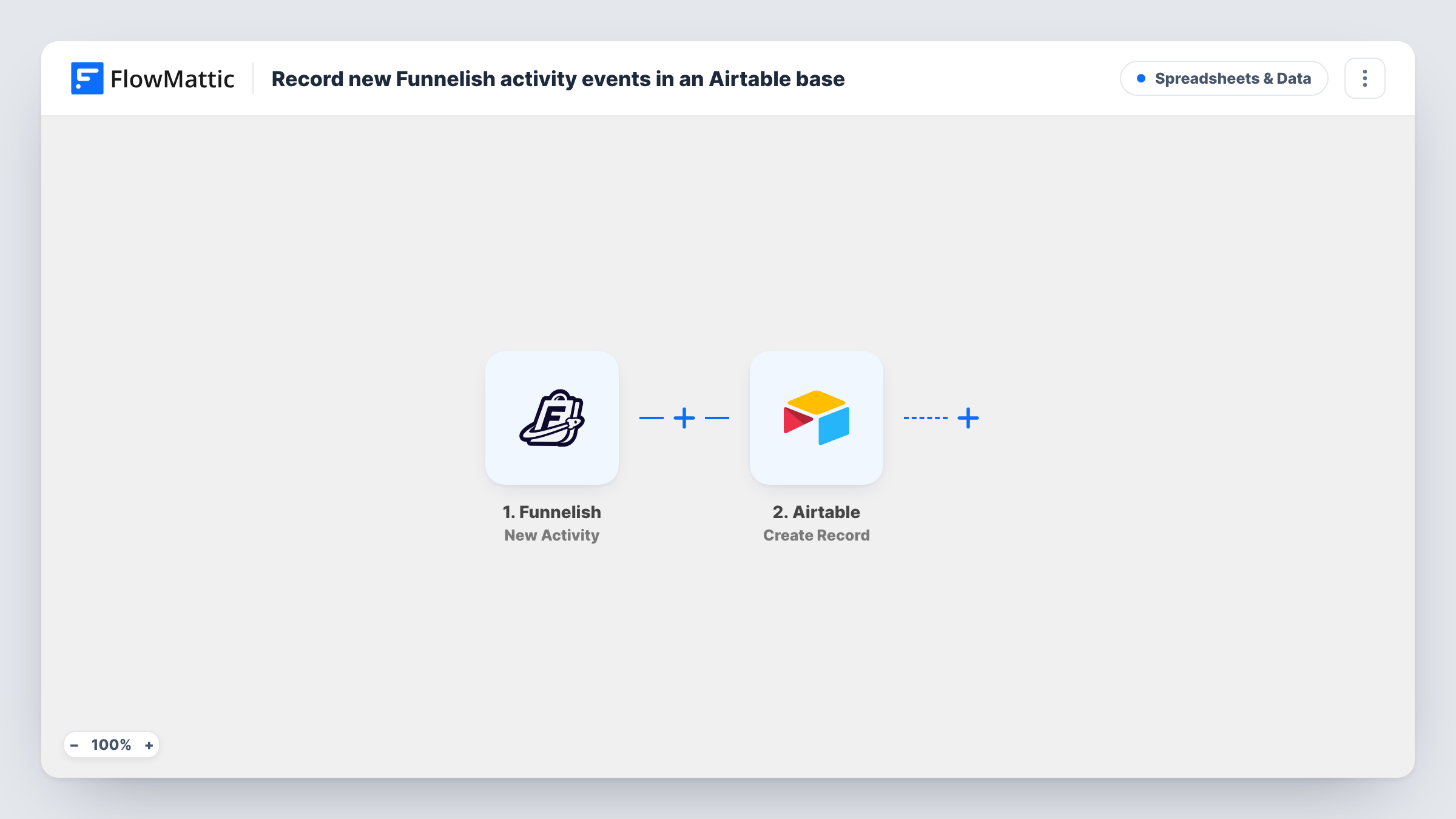
The Funnelish trigger, New Activity, fires when a new activity is created, such as an opt-in, a purchase, a purchase attempt or a refund. FlowMattic passes that activity's data to Airtable, where Create Record adds a new record to the base and table you pick. You map the activity type, the contact's details and any amounts into your fields.
All activity types reach Airtable, since there is no Filter. That gives you a complete event log. Map the activity type into its own field so you can group or filter by it inside Airtable later.
Funnel reporting for a course launch
Opt-ins, purchases and refunds during a launch all land in one Airtable table, where you build views by day and by activity type.
Spotting failed checkouts
Purchase attempts that didn't turn into purchases sit next to completed ones, so you can see which contacts got close to buying.
Client reporting for an agency
An agency running funnels for clients shares an Airtable view of each client's events instead of exporting reports from Funnelish.
How this workflow runs
What happens at each step once the workflow is on, and what you need before you import it.
 Funnelish New Activity
Fires when a new activity is created in Funnelish, such as an opt-in, purchase, purchase attempt or refund. The activity's data is passed on to Airtable.
- Airtable Create Record
Creates a new record in your Airtable base and table with the activity data. Map the activity type, contact details and amount into your fields after one test event is captured.
What you need
- FlowMatticCore
- Funnelish AccountAccount
- Airtable AccountAccount
After importing, map your own data. To keep the template universal, not every step is pre-filled. Open each step in the builder and connect your accounts and fields (channels, lists, sheets, recipients) before you switch the workflow on.
Make it yours
Changes worth making after you import it.
- Add a Filter after the Funnelish trigger that continues only when the activity type is Purchase, if you want a table of sales rather than every event.
- Use a Router with routes for opt-ins and purchases, each with its own Airtable Create Record step pointing at a different table.
- Create a date field in Airtable and map the activity time into it, so you can chart events by day or week.
Questions about this workflow
Which Funnelish activities reach Airtable?
All of them, as imported. New Activity covers events such as opt-ins, purchases, purchase attempts and refunds, and there is no Filter to narrow them.
Does the Airtable table need to exist before I import the Funnelish workflow?
Yes. Create Record adds records to an existing base and table, so set up the fields you want first, then map the activity data into them.
Will past Funnelish activity be copied into Airtable?
No. The trigger fires on new activity, so only events after you turn the workflow on are recorded.
Can one buyer create several Airtable records?
Yes. Each activity is its own record, so a buyer who opts in, buys and later gets a refund appears three times, once per event.
More Spreadsheets & Data workflows
Other ready-to-import templates from the same category.






Import this workflow into your WordPress site
Download the JSON, import it from the Workflows screen and connect your accounts. Every run stays on your server, with no per-task fees.
30-day money-back guarantee Unlimited workflows and runs Self-hosted