

Send a Telegram notification when a Caspio record is deleted
When a record is deleted from a Caspio table you choose, this workflow sends a Telegram message about it, so you or your team hear about removed data as it happens.
 Caspio
 Telegram
2 steps Setup ~5 min Used on 2.8k sites Free to import
What this workflow does
Deleted data is easy to miss. A record removed from a Caspio app by mistake, or by someone who shouldn't have, often goes unnoticed until a report comes up short. This workflow sends a Telegram message each time a record is deleted, so the deletion is visible straight away.
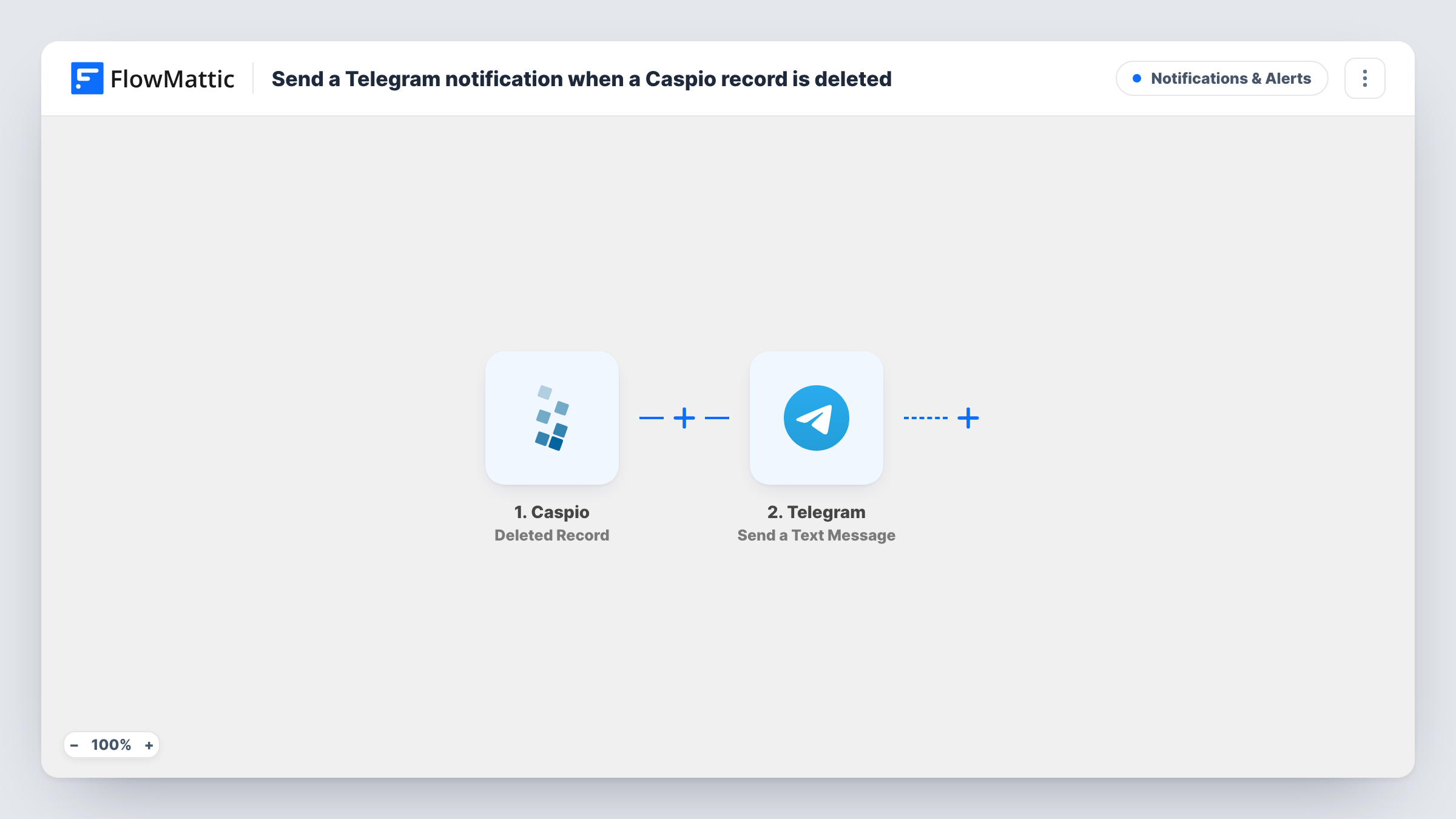
The Caspio trigger, Deleted Record, fires when a record is deleted from the table you pick. FlowMattic then runs Send a Text Message in Telegram, which sends a text message, with markup support, to the chat you set. You write the message and add values from the Caspio event, such as an ID, to show which record went.
What the deletion event carries depends on Caspio, so run a test deletion on a sample record after import and look at the data in Task History. There is no Filter, so every deletion from that table produces one Telegram message. If someone clears many records at once, expect a message for each one.
Watching a customer table for removals
A Caspio app holds your customer records. Each deletion sends a Telegram message to the admin, who can check whether the removal was meant to happen.
Inventory items taken out of stock lists
When staff delete an item from the inventory table, the warehouse lead's Telegram chat gets a note naming the record.
Audit trail for a small team
A Telegram group collects a message for every deleted record, giving the team a running list they can scroll back through.
How this workflow runs
What happens at each step once the workflow is on, and what you need before you import it.
 Caspio Deleted Record
Fires when a record is deleted from the Caspio table you choose. The data Caspio sends about the deleted record is passed on for the message.
- Telegram Send a Text Message
Posts a text message through your Telegram bot to the chat you pick. Write the text, add details from the Caspio deletion event, and connect the bot on import.
What you need
- FlowMatticCore
- Caspio AccountAccount
- Telegram AccountAccount
After importing, map your own data. To keep the template universal, not every step is pre-filled. Open each step in the builder and connect your accounts and fields (channels, lists, sheets, recipients) before you switch the workflow on.
Make it yours
Changes worth making after you import it.
- Delete a test record after import so FlowMattic captures a real Deleted Record event, then see which values you can place in the Telegram text.
- Add a Google Sheets step after the Telegram message to keep a log of deleted records alongside the alert.
- To watch a second Caspio table, import the workflow again and point the copy's trigger at that table, with its own Telegram text.
Questions about this workflow
Does every Caspio deletion send a Telegram message?
Yes, for the table you choose in the trigger. There is no Filter, so each deleted record produces one message.
Can the Telegram alert show what the deleted Caspio record contained?
Only the values the Deleted Record event sends. Delete a sample record after import and check the captured data before you write the message.
Can the message go to a Telegram group instead of one person?
Yes, if your bot is a member of that group. You set the chat the message goes to in the Telegram step.
Can this workflow restore a deleted Caspio record?
No. It only sends the alert. Recovering the record is done in Caspio.
More Notifications & Alerts workflows
Other ready-to-import templates from the same category.





Import this workflow into your WordPress site
Download the JSON, import it from the Workflows screen and connect your accounts. Every run stays on your server, with no per-task fees.
30-day money-back guarantee Unlimited workflows and runs Self-hosted