

Send a Slack alert to the team for each new ANGI lead
Every lead ANGI assigns to your account is posted to a Slack channel with the details you choose, so the whole team sees new home service jobs and can decide who calls back.
 ANGI Leads
 Slack
2 steps Setup ~5 min Used on 3.2k sites Free to import
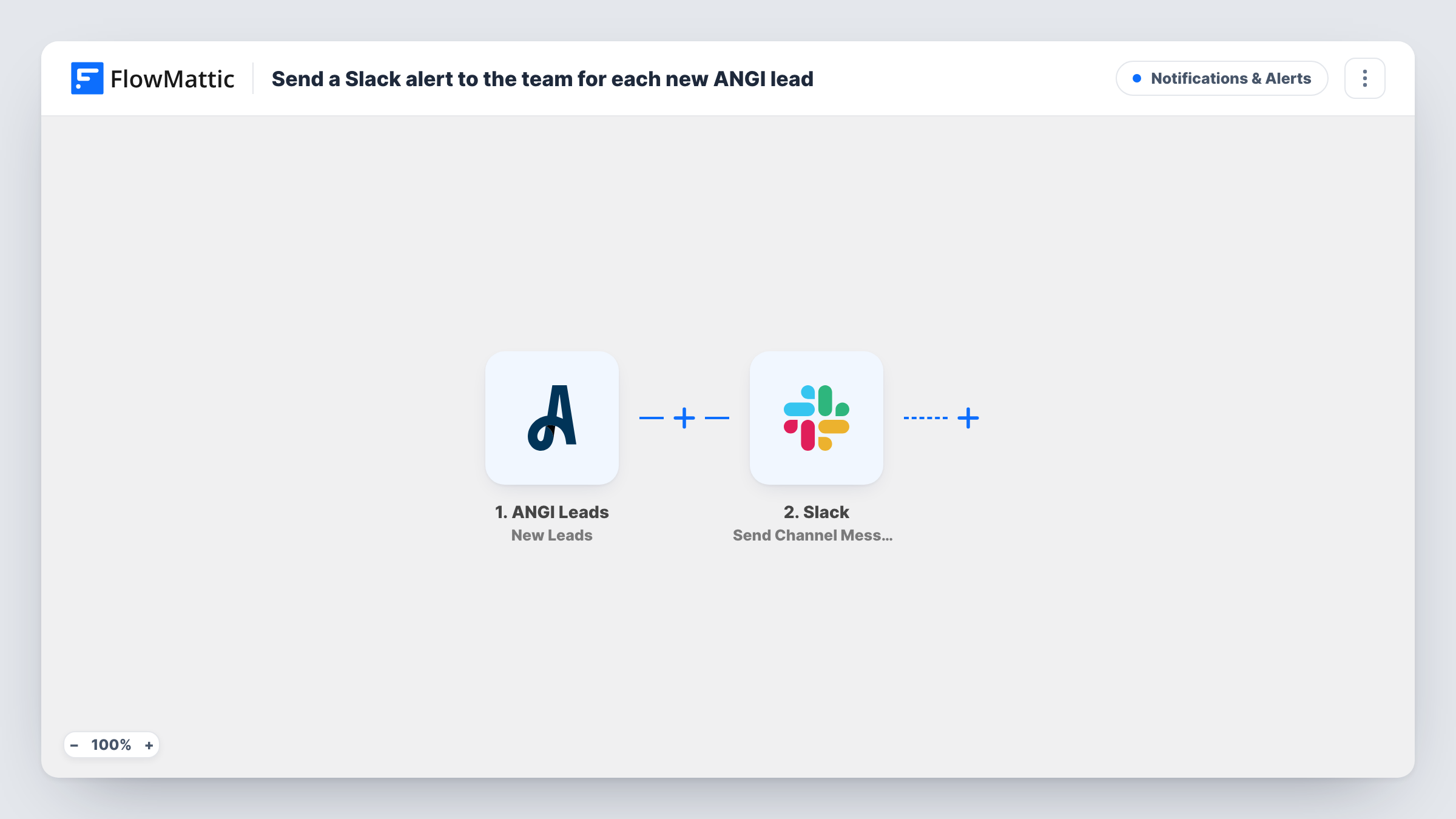
What this workflow does
When several people share the work of answering leads, a single inbox or one person's phone becomes a bottleneck. Posting each ANGI lead in a team Slack channel puts it in front of everyone at once, so whoever is free can claim it. This workflow does the posting.
A run begins whenever ANGI Leads hands your business a fresh job request through the New Leads trigger. Details of that lead are handed to the next step for mapping. Slack then gets a message in the channel you select, made from text you write plus the lead fields you insert, for example the customer's name, location and the service requested.
Nothing in the template narrows which leads are posted, so each assigned lead produces one message. Team members can reply in a thread to say who is taking it. Task History keeps a record of every run and the text that went to Slack.
Landscaping crew sharing leads
A landscaping company posts ANGI leads to #new-jobs, and the first crew lead with space in their week replies in the thread to claim it.
Office manager assigning callbacks
An HVAC business has its office manager watch the channel and hand each ANGI lead to a technician by mentioning them in a reply.
Owner keeping an eye on lead volume
A remodeling business owner follows the channel to see how many ANGI leads arrive each day without logging in to the ANGI dashboard.
How this workflow runs
What happens at each step once the workflow is on, and what you need before you import it.
 ANGI Leads New Leads
Fires when a lead is assigned to your ANGI account. The lead's information is passed on so you can include it in the Slack message.
- Slack Send Channel Message
Shares each assigned ANGI job with your team in one Slack channel. Write the message, insert the ANGI lead fields your team needs, and connect your Slack workspace during import.
What you need
- FlowMatticCore
- ANGI Leads AccountAccount
- Slack AccountAccount
After importing, map your own data. To keep the template universal, not every step is pre-filled. Open each step in the builder and connect your accounts and fields (channels, lists, sheets, recipients) before you switch the workflow on.
Make it yours
Changes worth making after you import it.
- Wait for an ANGI lead after import, or send a test one, so FlowMattic records the lead fields. Then build the Slack message from the ones your team uses.
- If the team channel is private, swap the step for Slack's Send Private Channel Message action, which is separate from Send Channel Message.
- Want one channel per service type? Add a Router after the trigger whose routes each match a different service and post to a different channel.
Questions about this workflow
Will every ANGI lead appear in the Slack channel?
Yes, as imported. Each lead assigned to your account posts a message. Add a Filter after the trigger to post only some leads, such as one service or area.
Can the ANGI lead go to a private Slack channel?
The shipped action covers regular channels only for this alert. Replace it with Slack's Send Private Channel Message action, or Send Direct Message for a single person.
Does posting the lead in Slack reply to the customer?
No. The workflow only tells your team. Someone still needs to contact the customer through ANGI or by phone.
What ANGI details can I include in the Slack alert?
Whatever fields ANGI sends with the lead. After the first lead arrives, FlowMattic shows them in the Slack step so you can pick what to include.
More Notifications & Alerts workflows
Other ready-to-import templates from the same category.





Import this workflow into your WordPress site
Download the JSON, import it from the Workflows screen and connect your accounts. Every run stays on your server, with no per-task fees.
30-day money-back guarantee Unlimited workflows and runs Self-hosted