

When new post created in WordPress, add post to Nuelink
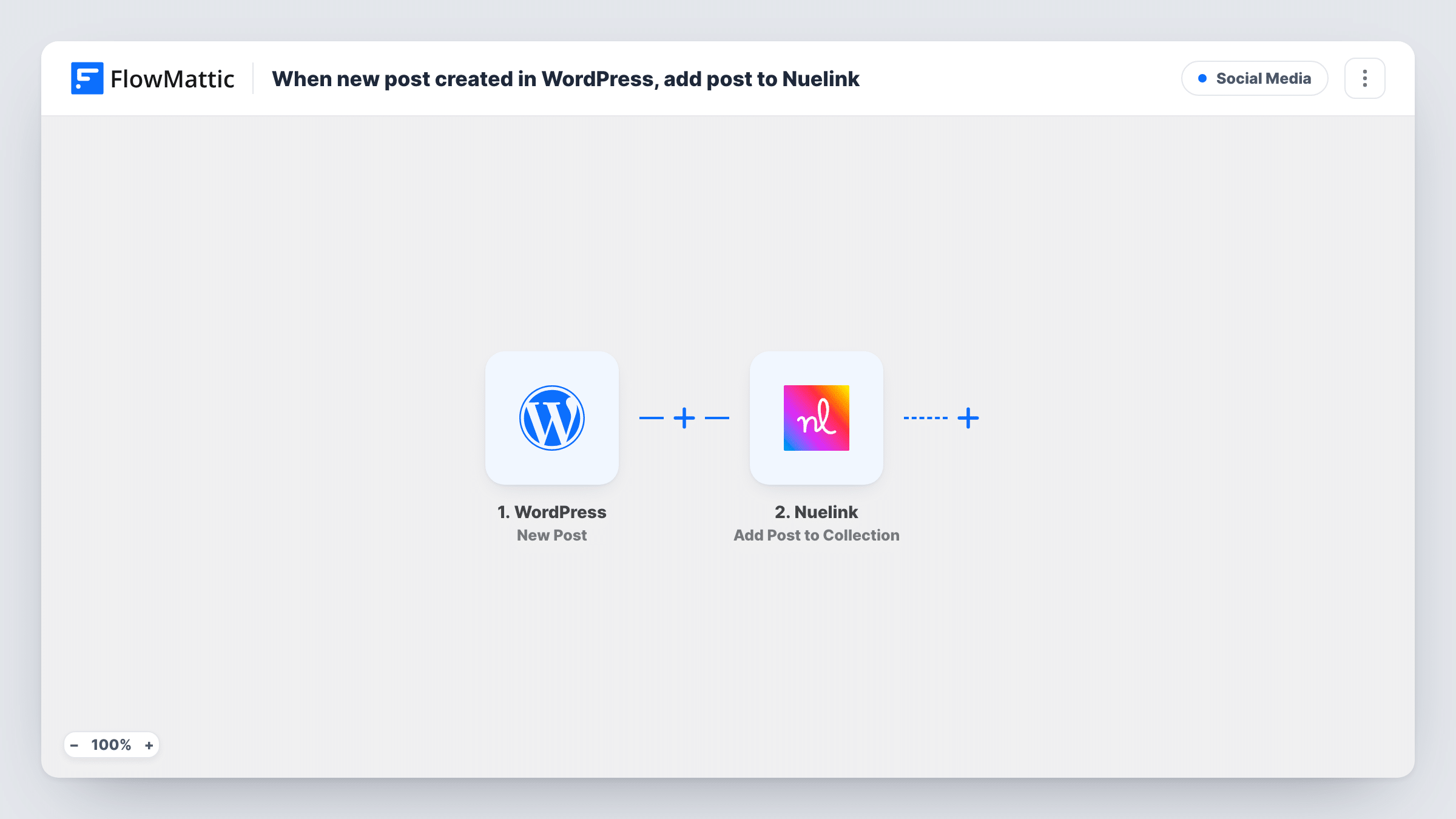
When you publish a new WordPress post, this workflow adds it to a Nuelink collection as a social media post, so each article joins your sharing queue without copying the title and link by hand.
 WordPress
 Nuelink
2 steps Setup ~5 min Used on 1.8k sites Free to import
What this workflow does
Writing the article is the hard part, yet the social post that follows is still a chore: open Nuelink, paste the title, paste the link, pick a collection. This workflow does that hand-off the moment a post goes live on your site.
The WordPress trigger fires once, when a post first moves to published. Updating an article that is already live does not start it again, and pages never fire it. Custom post types count too, unless you set the trigger's post type option to one type. The post's data, such as its title and permalink, is then ready to map.
The action adds a new social media post to a collection in Nuelink. You decide what the post text holds by mapping WordPress values into the step. What happens next in Nuelink depends on how you run that collection. Task History records each run with the data that was sent, so you can check a post that looks wrong in Nuelink.
Blog promotion for a small business
Every article you publish lands in the Nuelink collection you use for blog promotion, with its title and link already filled in.
News site with several authors
Editors publish in WordPress as usual. Each story is added to Nuelink without the social team needing to watch the site for new posts.
Product announcements from a custom post type
Limit the trigger to a releases post type, so only release notes reach the Nuelink collection reserved for product news.
How this workflow runs
What happens at each step once the workflow is on, and what you need before you import it.
 WordPress New Post
Fires when a WordPress post is published for the first time. Edits to live posts and new pages do not fire it. The post's details are passed on for mapping.
- Nuelink Add Post to Collection
Adds a new social media post to the Nuelink collection you pick. Map the WordPress title, permalink or excerpt into the post and connect your Nuelink account.
What you need
- FlowMatticCore
- Nuelink AccountAccount
After importing, map your own data. To keep the template universal, not every step is pre-filled. Open each step in the builder and connect your accounts and fields (channels, lists, sheets, recipients) before you switch the workflow on.
Make it yours
Changes worth making after you import it.
- To keep some posts off social media, add a Filter after the trigger that checks a value from the captured post data, such as a category if your test run shows one.
- Build the post text from more than one value, for example the title followed by the permalink, so each Nuelink post reads well without editing.
- Publish a test post after import so FlowMattic captures real post data, then map it in the Nuelink step before you switch the workflow on.
Questions about this workflow
Will updating an old WordPress post add it to Nuelink again?
No. The New Post trigger fires once, when a post is first published. Later edits to a live post do not start the workflow.
Do WordPress pages get sent to Nuelink?
No. Pages never fire this trigger. Posts and custom post types do, unless you limit the trigger to a single post type.
Do I need the Nuelink collection set up first?
Yes. The step adds posts to an existing collection, so create the collection in Nuelink, connect your account in FlowMattic and choose it in the step.
Are posts I published before turning this on added to Nuelink?
No. Only posts published while the workflow is active reach Nuelink.
More Social Media workflows
Other ready-to-import templates from the same category.




Import this workflow into your WordPress site
Download the JSON, import it from the Workflows screen and connect your accounts. Every run stays on your server, with no per-task fees.
30-day money-back guarantee Unlimited workflows and runs Self-hosted