

When a new survey response is received in Webask, generate a PDF report using PDF.co
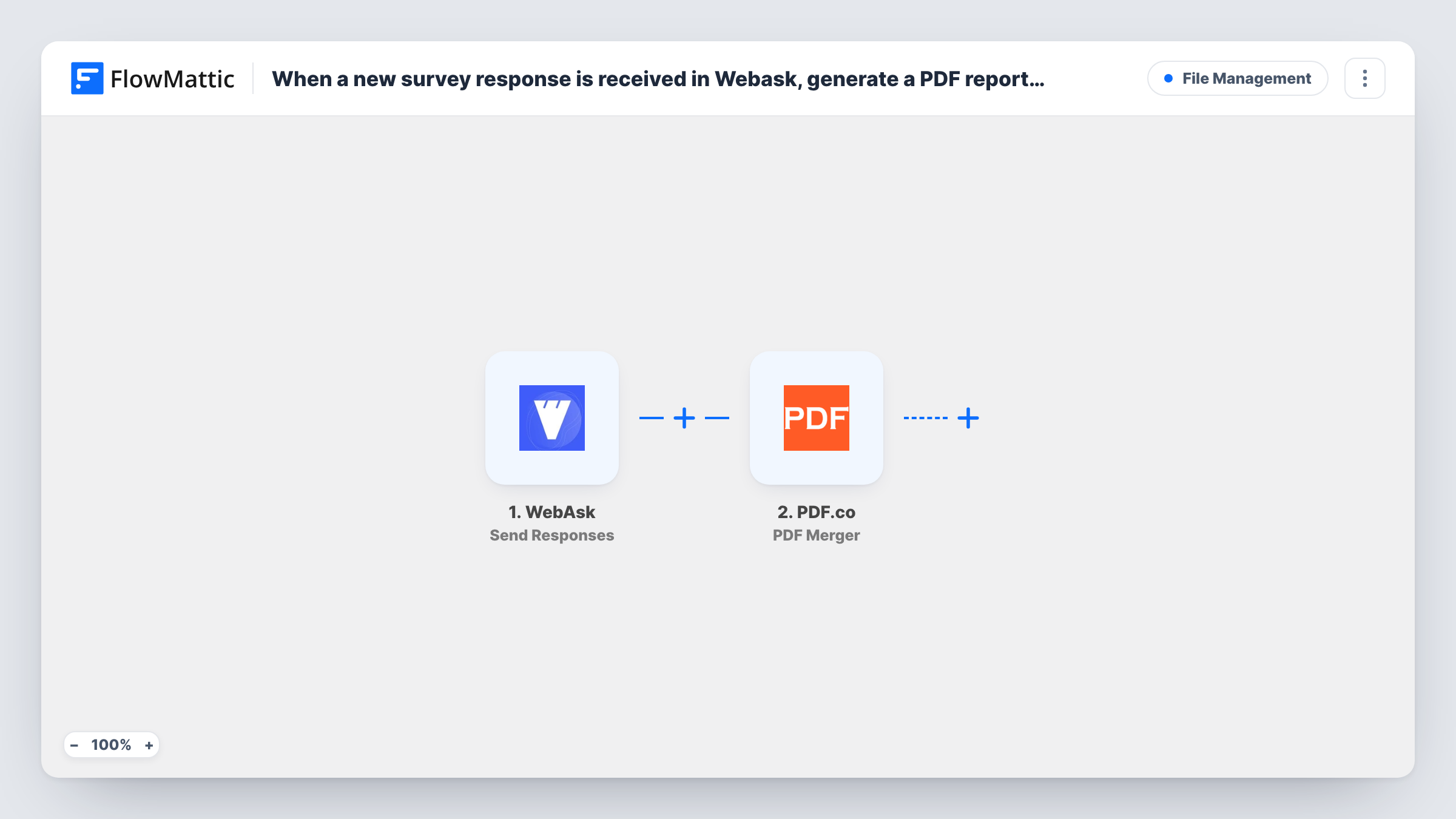
When WebAsk sends a new survey response to FlowMattic, PDF.co renders the answers into a PDF report from an HTML layout you write, one report per respondent.
 WebAsk
 PDF.co
2 steps Setup ~5 min Used on 803 sites Free to import
What this workflow does
A survey answer is easier to share, sign off or archive as a document than as a row in a results table. If you hand reports to clients, attach them to case files or review them in meetings, this workflow makes a PDF for each WebAsk response so nobody has to copy answers into a template by hand.
The WebAsk Send Responses trigger receives survey responses that WebAsk sends to FlowMattic. Connect your survey's response sending to the workflow, then submit a test answer so the questions and answers appear as fields you can map.
Next, the PDF.co HTML to PDF Converter step produces the report. It comes without any mapping. You write the report as HTML, place the WebAsk answers where they belong, and PDF.co converts the result. The action also accepts a URL and offers layout and orientation options, and it supports Handlebars and Mustache templates if you prefer placeholders.
The template stops once the PDF exists: nothing saves or emails it yet. PDF.co hands the result back to the workflow, so you can add a step after it that stores the report or sends its link. Check Task History after your test response to see what the conversion returned.
Client assessment reports
A coaching business runs an intake questionnaire in WebAsk and gets a formatted PDF of each client's answers to review before the first session.
Inspection checklists as documents
A facilities team fills in a WebAsk checklist on site, and each completed checklist becomes a PDF report for the building owner's records.
Employee feedback for HR files
An HR manager collects exit interview answers in WebAsk and keeps a PDF of each one alongside the employee's paperwork.
How this workflow runs
What happens at each step once the workflow is on, and what you need before you import it.
 WebAsk Send Responses
Receives each survey response WebAsk sends to FlowMattic. The respondent's answers arrive as fields you can place into the PDF layout in the next step.
- PDF.co HTML to PDF Converter
Converts your HTML layout into a PDF report. Shipped without mapping: connect PDF.co, write the HTML, insert the WebAsk answer fields, and look at a test run for the link to the finished PDF.
What you need
- FlowMatticCore
- WebAsk AccountAccount
- PDF.co AccountAccount
After importing, map your own data. To keep the template universal, not every step is pre-filled. Open each step in the builder and connect your accounts and fields (channels, lists, sheets, recipients) before you switch the workflow on.
Make it yours
Changes worth making after you import it.
- Put the respondent's name and the submission date at the top of the HTML, so each PDF can be identified without opening it fully.
- Add Google Drive's Upload a File action after the PDF.co step and map the returned PDF, giving you a folder with every survey report.
- Use a Handlebars or Mustache template in the PDF.co step when your survey is long, so the layout stays readable and the answers fill placeholders.
- To report only on some responses, such as one survey option, place a Filter between the WebAsk trigger and the PDF.co step on that answer. The answer and value depend on your survey.
Questions about this workflow
Is the WebAsk PDF report emailed to anyone?
Not as imported. PDF.co creates the report and returns it to the workflow. Add an email or storage step after PDF.co to deliver or keep it.
How do the WebAsk answers get into the PDF?
You map them. Write the HTML in the PDF.co step and insert each answer field from the trigger where it should appear in the report.
Will each response produce its own PDF?
Yes. Every response WebAsk sends to the workflow starts one run, and that run converts one HTML layout into one PDF.
Can the report include a chart of the answers?
The step converts the HTML you give it, so it can only show what your HTML contains. A chart would need to be built into that HTML, for example as an image link.
More File Management workflows
Other ready-to-import templates from the same category.




Import this workflow into your WordPress site
Download the JSON, import it from the Workflows screen and connect your accounts. Every run stays on your server, with no per-task fees.
30-day money-back guarantee Unlimited workflows and runs Self-hosted