

When new form submission is received in FormCrafts, upload the files to Google Drive
When a FormCrafts form is submitted, this workflow uploads the file from the submission to a Google Drive folder you choose, so uploaded documents and images are stored with your other team files.
 FormCrafts
 Google Drive
2 steps Setup ~5 min Used on 1.6k sites Free to import
What this workflow does
Forms that accept uploads, such as CVs, photos, signed documents or receipts, leave you with files spread across submissions. Moving them to Google Drive by hand means opening each entry and downloading. This workflow sends the file to Drive as the submission arrives.
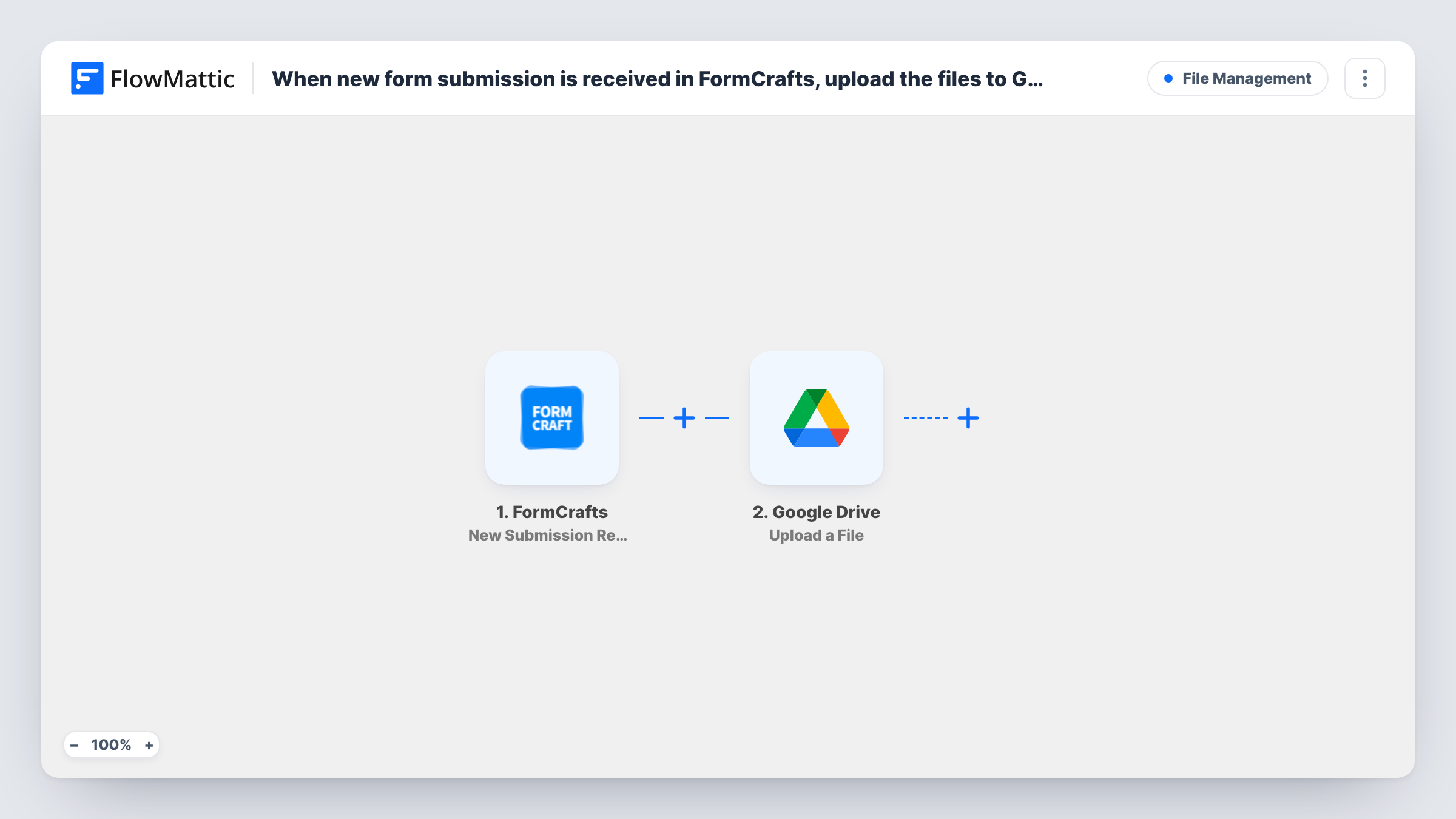
The FormCrafts trigger, New Submission Received, starts a run for each submission. FlowMattic then calls Google Drive's Upload a File action, which puts the file in the folder you select. You map the uploaded file from the submission into that step.
One Upload a File step handles one file per run. If your form has a single upload field, that covers it. For several upload fields, or one field that accepts multiple files, you need extra steps, as the tips explain. Run a test submission to see how FormCrafts passes the file before you map it. Task History shows the result of every upload.
Job applications with CVs
A careers form collects a CV. Each one is uploaded to a Recruitment folder in Drive, where the hiring team already shares documents.
Customer photo submissions
A repair service asks customers to upload a photo of the damaged item. The images go to a Drive folder the technicians check before each visit.
Expense receipts from staff
Employees submit receipts through a FormCrafts form, and the files collect in a finance folder ready for month-end.
How this workflow runs
What happens at each step once the workflow is on, and what you need before you import it.
 FormCrafts New Submission Received
Starts a run for each new FormCrafts submission. The answers and the uploaded file's details become available for the Google Drive step.
- Google Drive Upload a File
Uploads the file you map from the submission into the Google Drive folder you pick. Connect your Google account at import and check a test run to confirm the file arrives.
What you need
- FlowMatticCore
- FormCrafts AccountAccount
- Google Drive AccountAccount
After importing, map your own data. To keep the template universal, not every step is pre-filled. Open each step in the builder and connect your accounts and fields (channels, lists, sheets, recipients) before you switch the workflow on.
Make it yours
Changes worth making after you import it.
- Make a test submission with a file attached right after import. Look at how FormCrafts sends the upload in the trigger data before mapping it.
- For a form with two upload fields, add a second Upload a File step and map the other field into it.
- If one field can hold several files and they arrive as a list, add an Iterator before the Drive step so each file is uploaded on its own.
Questions about this workflow
Does it upload every file from a FormCrafts submission?
As imported, it uploads the one file you map. Add more Upload a File steps, or an Iterator for a list of files, to handle more.
What happens to FormCrafts submissions without a file?
The run still reaches the Drive step with nothing to upload, so expect a failed upload on that step in Task History. Add a Filter that continues only when the file field isn't empty.
Can each file go into a folder per submitter?
Add Google Drive's Create a Folder step before the upload, named from a form answer, and map its folder into the Upload a File step. Test it, since a new folder is made on every run.
Does FormCrafts keep its own copy of the file?
The workflow doesn't change anything in FormCrafts. It only reads the submission and sends the file to Drive.
More File Management workflows
Other ready-to-import templates from the same category.



Import this workflow into your WordPress site
Download the JSON, import it from the Workflows screen and connect your accounts. Every run stays on your server, with no per-task fees.
30-day money-back guarantee Unlimited workflows and runs Self-hosted