

Save a copy of each fully signed Concord document to Dropbox
When every party has signed a document in Concord, this workflow uploads a copy to your Dropbox account, so executed contracts sit alongside the rest of your company files.
 Concord
 Dropbox
2 steps Setup ~5 min Used on 3.1k sites Free to import
What this workflow does
Signed contracts are records you may need years later, often by people who never use your contract tool. Keeping a copy in Dropbox puts them where finance, legal or an outside accountant already look for files. Downloading each one by hand after the last signature is the step people forget.
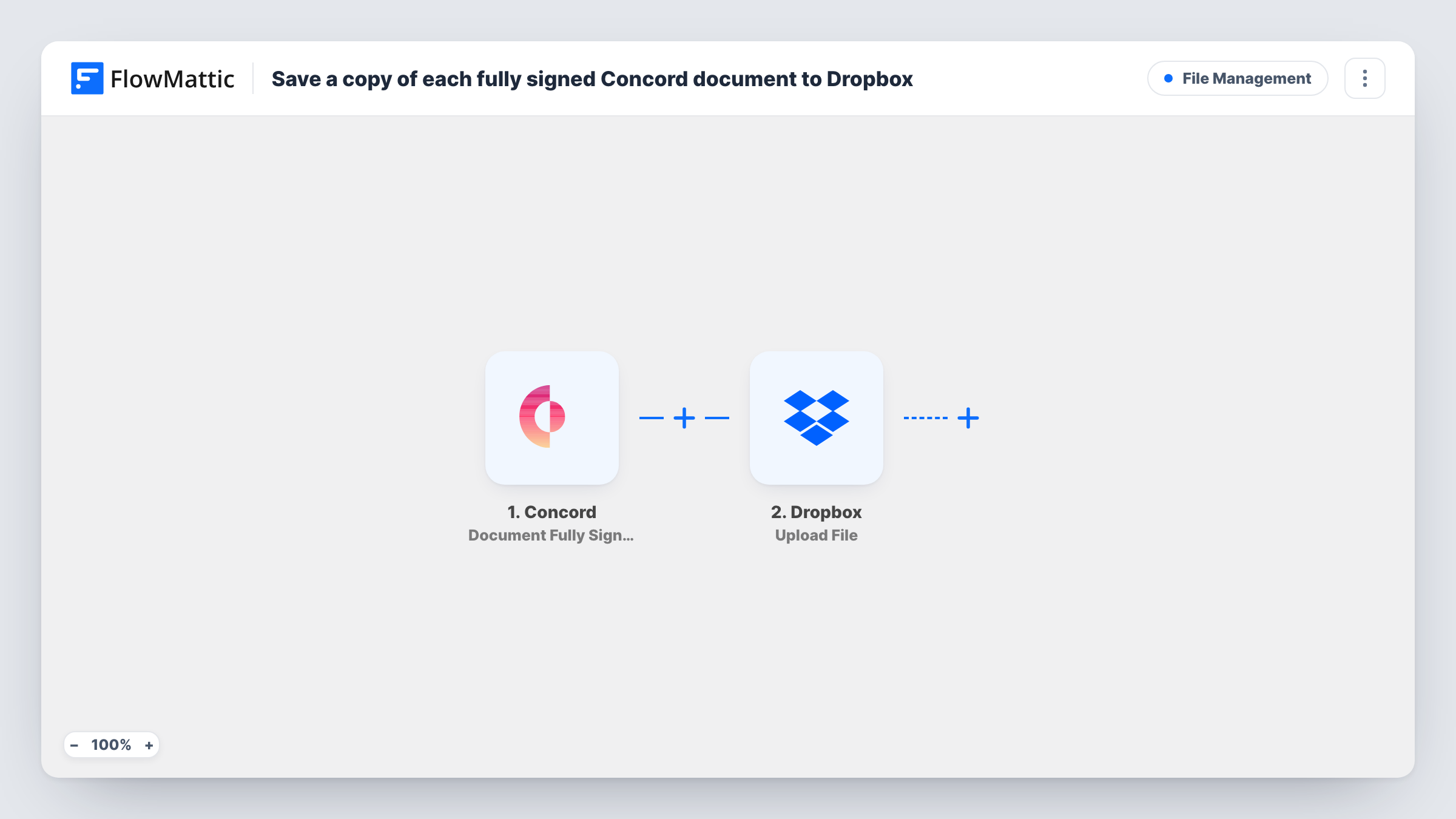
The Concord trigger fires when a document has been signed by all parties. Partly signed documents do not start a run. FlowMattic passes the document data to Dropbox, whose Upload File action uploads a file to your account. You map the signed document from the Concord data into that step.
Before you rely on it, run a test with a real signature. Open the run in Task History and confirm the Concord data holds the signed file or a link to it, since the upload needs a file to save. Check where the file lands in Dropbox at the same time. After that, each fully signed document produces one upload.
A contracts archive for a small company
Every client agreement signed in Concord lands in a Dropbox folder named Contracts, where the operations manager files them by year.
Copies for an outside accountant
Your accountant has access to a shared Dropbox folder. Each executed supplier contract appears there without anyone sending it on.
Employment paperwork for HR
Offer letters and employment agreements signed by both sides are copied into an HR folder in Dropbox as soon as the final signature is in.
How this workflow runs
What happens at each step once the workflow is on, and what you need before you import it.
 Concord Document Fully Signed
Fires when a Concord document has been signed by all parties. Documents still waiting for a signature do not start the workflow.
- Dropbox Upload File
Uploads a file to your Dropbox account. Map the signed document from the Concord data, then confirm with a test run that the file arrives where you expect.
What you need
- FlowMatticCore
- Concord AccountAccount
- Dropbox AccountAccount
After importing, map your own data. To keep the template universal, not every step is pre-filled. Open each step in the builder and connect your accounts and fields (channels, lists, sheets, recipients) before you switch the workflow on.
Make it yours
Changes worth making after you import it.
- If the Upload File step lets you name the file, include the document name or signing date from Concord so the copies are easy to tell apart.
- Add a Dropbox Create Shared Link step after the upload, then a Slack or email step, if someone needs a link to the stored contract.
- Sign a test document in Concord after import and check Task History to see which document values Concord sends before you finish the mapping.
Questions about this workflow
Does a Concord document signed by only one party get uploaded to Dropbox?
No. The trigger fires only when all parties have signed. Concord has a separate Signature Provided trigger in FlowMattic, but this template does not use it.
What if the Concord data has no file to upload?
Then the Dropbox step has nothing to save and Task History shows the error. Test with a real signature first to confirm the signed file comes through.
Will previously signed Concord contracts be copied too?
No. Only documents that become fully signed after the workflow is active start a run. Copy older contracts to Dropbox yourself.
Does this remove the document from Concord?
No. The workflow only reads the signed document's data and uploads a copy. The original stays in Concord as before.
More File Management workflows
Other ready-to-import templates from the same category.






Import this workflow into your WordPress site
Download the JSON, import it from the Workflows screen and connect your accounts. Every run stays on your server, with no per-task fees.
30-day money-back guarantee Unlimited workflows and runs Self-hosted