

Send a Gmail welcome email when a student enrolls in a Masteriyo course
When a student enrolls in any Masteriyo course on your site, this workflow sends them a welcome email from your Gmail account, written by you and filled in with their name and the course details.
 Masteriyo
 Gmail
2 steps Setup ~5 min Used on 1.7k sites Free to import
What this workflow does
A personal note at the start of a course tells a student who you are, where to begin and how to reach you. Masteriyo handles the enrollment, but a message in your own voice, from your own inbox, is something you'd normally write by hand. This workflow sends it for you each time someone enrolls.
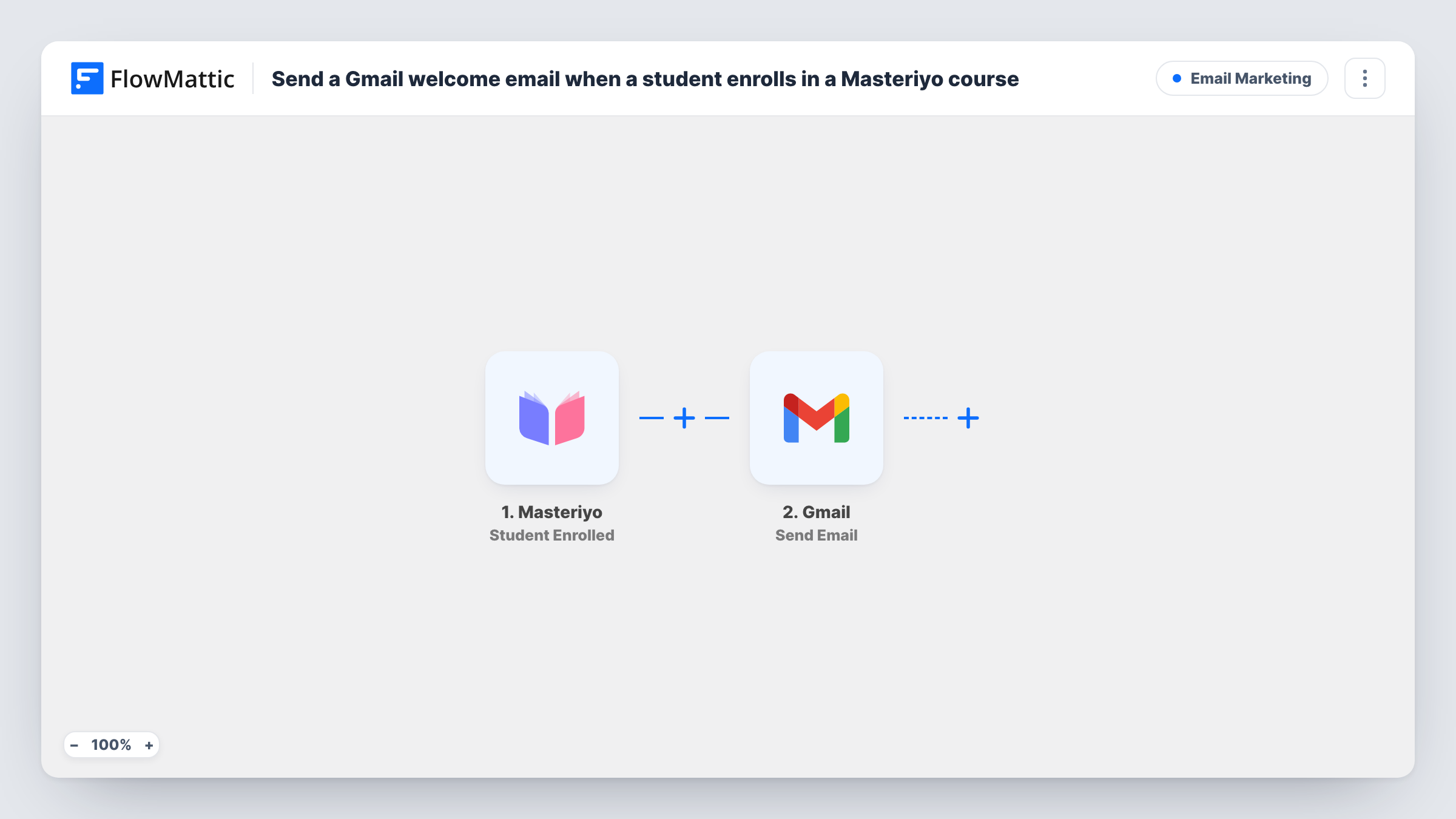
The Masteriyo trigger fires when a student is enrolled in any course. The enrollment data, such as the student and the course, is passed to Gmail, whose Send Email action sends a message to the recipient you map. Map the student's email as the recipient and use their name and the course title in the subject and body you write.
The email comes from the Gmail account you connect, so replies land in that inbox. Because the trigger covers every course, a student who joins three courses receives three emails, one per enrollment. If each course needs its own message, the tips explain how to split them. Task History logs each run along with Gmail's reply.
Solo instructor with a few courses
You teach two photography courses through Masteriyo. Each new student gets a short note from your Gmail with a link to the first lesson and an invitation to reply with questions.
Coaching programme with a kickoff call
Students who enroll in your coaching course receive an email from the programme inbox asking them to book their first call.
Corporate training site
Staff enrolled in a compliance course get a welcome from the training team's Gmail account explaining the deadline set by their manager.
How this workflow runs
What happens at each step once the workflow is on, and what you need before you import it.
 Masteriyo Student Enrolled
Fires when a student is enrolled in any course on your Masteriyo site. The enrollment data is passed on so you can map the student and course into the email.
- Gmail Send Email
Delivers the welcome message through the Gmail account you link on import. Map the student's email as the recipient, then write the subject and body using the student's name and course details.
What you need
- FlowMatticCore
- Masteriyo AccountAccount
- Gmail AccountAccount
After importing, map your own data. To keep the template universal, not every step is pre-filled. Open each step in the builder and connect your accounts and fields (channels, lists, sheets, recipients) before you switch the workflow on.
Make it yours
Changes worth making after you import it.
- To send a different welcome per course, replace the Gmail step with a Router whose routes each check the course title or ID, and give each route its own Send Email step.
- Only want the email for one course? Add a Filter after the trigger that continues when the course name equals that course.
- Enroll a test student after import so FlowMattic captures the Masteriyo fields, then check which value holds the student's email before mapping the recipient.
Questions about this workflow
Does Masteriyo still send its own enrollment emails?
This workflow doesn't change Masteriyo's settings. Any emails Masteriyo sends on its own carry on as before, so check them to avoid sending two similar welcomes.
Can the Gmail welcome include a PDF or workbook?
Don't count on attachments from the Gmail step. Put a link to the file in the email body instead, or use FlowMattic's Email step, which can attach files stored on your WordPress site.
Will students already enrolled in a Masteriyo course get the email?
No. Masteriyo enrollments from before the workflow was switched on never reach it. Earlier students won't receive anything.
Which Gmail address is the welcome sent from?
It goes out from whichever Gmail inbox you link to this template. Use a shared or course-specific account if you don't want replies in your personal inbox.
More Email Marketing workflows
Other ready-to-import templates from the same category.





Import this workflow into your WordPress site
Download the JSON, import it from the Workflows screen and connect your accounts. Every run stays on your server, with no per-task fees.
30-day money-back guarantee Unlimited workflows and runs Self-hosted