

Send a Twilio SMS follow-up based on a Callyzer call event
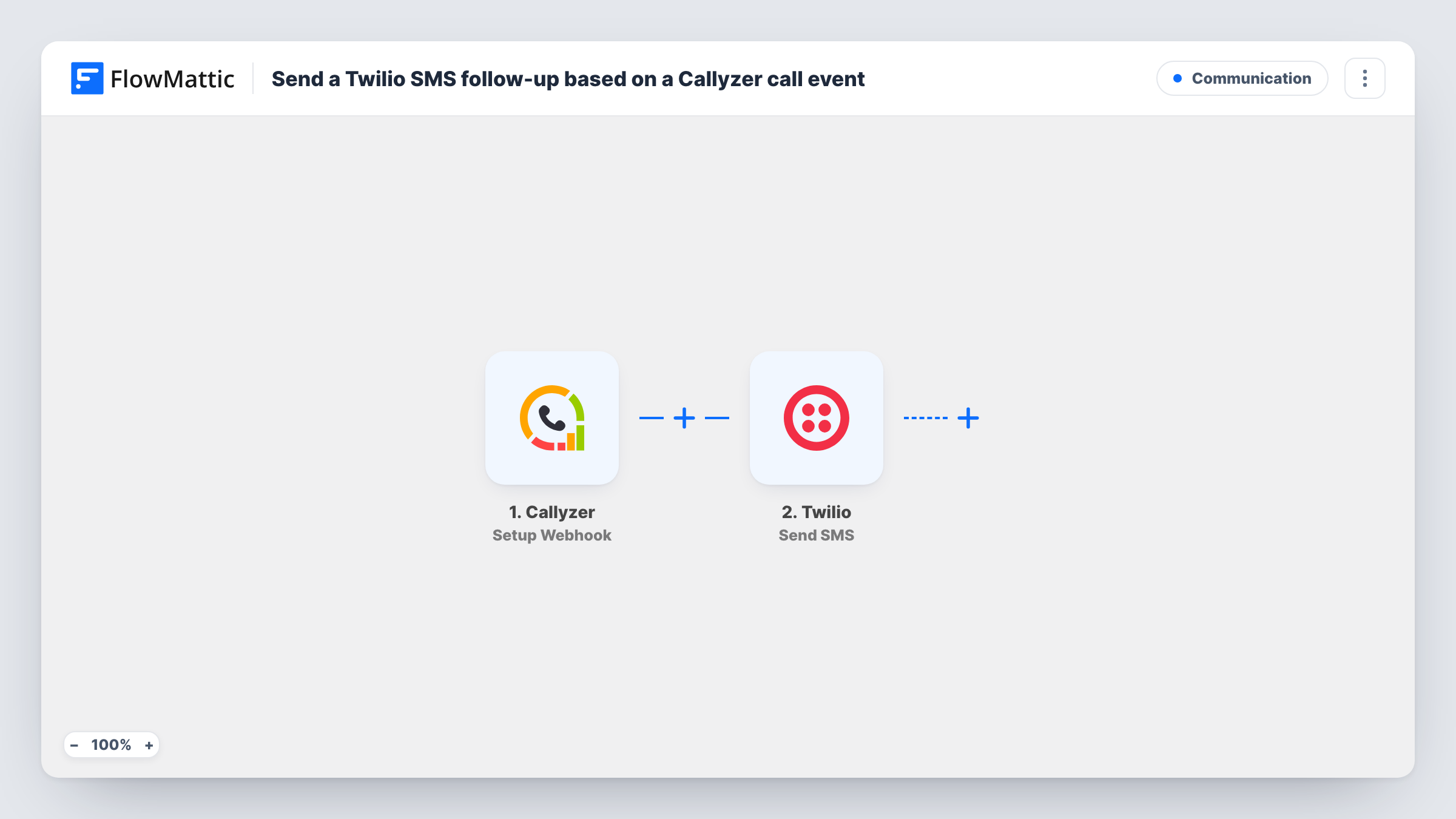
When Callyzer reports a call event to FlowMattic, this workflow sends a text message through Twilio, so the person on the other end of the call gets a written follow-up without anyone typing it.
 Callyzer
 Twilio
2 steps Setup ~5 min Used on 3.4k sites Free to import
What this workflow does
After a sales or support call, a short text with the next step, a booking link or your office hours keeps the conversation going. Writing that text by hand after every call is easy to forget on a busy day. This workflow sends it for you, based on the call data your team's phones already log in Callyzer.
The Callyzer trigger gives you a webhook URL. Once Callyzer is set up to post its call events there, each event reaches FlowMattic with the call details it carries. Next, the Twilio step texts that person using a number from your Twilio account. You map the phone number from the Callyzer data as the recipient and write the message, which can include details from the call.
As imported, there is no Filter, so every call event Callyzer sends produces one text. If Callyzer posts outgoing, missed and internal calls alike, each of them gets a message. Most teams narrow this with a Filter on the call type, as the tips explain. Task History lists each run and the response Twilio returned.
Missed-call text-back for a clinic
With a Filter added for missed calls, a patient whose call goes unanswered at the front desk gets a text saying the clinic will ring back, plus reception hours.
Field sales reps after a client call
Each logged call from a rep's phone triggers an SMS with a link to the product brochure, so the client has it while the details are fresh.
Service businesses confirming a callback
A plumber's office texts every caller a short note with a reference to the call, so the customer knows the request was logged.
How this workflow runs
What happens at each step once the workflow is on, and what you need before you import it.
 Callyzer Setup Webhook
Receives the call events Callyzer posts to this workflow's webhook URL. Set Callyzer to send its events to the URL, then make a test call so the call details appear for mapping.
- Twilio Send SMS
Texts the number you choose from your connected Twilio account. Map the phone number from the Callyzer event as the recipient, write the message text, and connect your Twilio account after import.
What you need
- FlowMatticCore
- Callyzer AccountAccount
- Twilio AccountAccount
After importing, map your own data. To keep the template universal, not every step is pre-filled. Open each step in the builder and connect your accounts and fields (channels, lists, sheets, recipients) before you switch the workflow on.
Make it yours
Changes worth making after you import it.
- Add a Filter after the trigger on the call type field that a test run shows, so texts go out only for the calls you choose, such as missed incoming calls.
- If Callyzer reports numbers without a country code, Twilio may not deliver the text. Check the number format in a test run before you turn the workflow on.
- Want a gap between hanging up and the text? Put a Delay between the Callyzer trigger and the Twilio step and set how many minutes it waits.
Questions about this workflow
Which Callyzer call events start this workflow?
Whichever events Callyzer posts to the webhook URL. Every event that arrives runs the workflow, so use a Filter on the call details if you want texts for only some calls.
Do I need a Twilio phone number to send the follow-up?
Yes. The Send SMS step sends from a number in your Twilio account, which you connect after import.
Will a caller who rings twice get two texts?
Yes. Each call event is its own run, and nothing in the template checks whether that number already got a message. A Filter on the call type can cut down repeats, but it does not track earlier texts.
Can the SMS mention details from the Callyzer call?
Yes. Any value in the Callyzer event, such as the number or call time if your test run shows them, can be mapped into the message text of the Twilio step.
More Communication workflows
Other ready-to-import templates from the same category.






Import this workflow into your WordPress site
Download the JSON, import it from the Workflows screen and connect your accounts. Every run stays on your server, with no per-task fees.
30-day money-back guarantee Unlimited workflows and runs Self-hosted