

Get Claude AI completions using caught webhooks and set them as webhook response
Send a prompt to a FlowMattic webhook, have Anthropic’s Claude write a completion for it, and return Claude’s text to the caller as the response to the same HTTP request.
 Webhook
 Anthropic (Claude)
 Webhook Response
3 steps Setup ~5 min Used on 680 sites Free to import
What this workflow does
You may want Claude's answers inside a tool that can call a URL but has no Claude integration of its own. This workflow turns your WordPress site into that endpoint. The caller sends a prompt and gets Claude's text back, while your Anthropic key stays in FlowMattic.
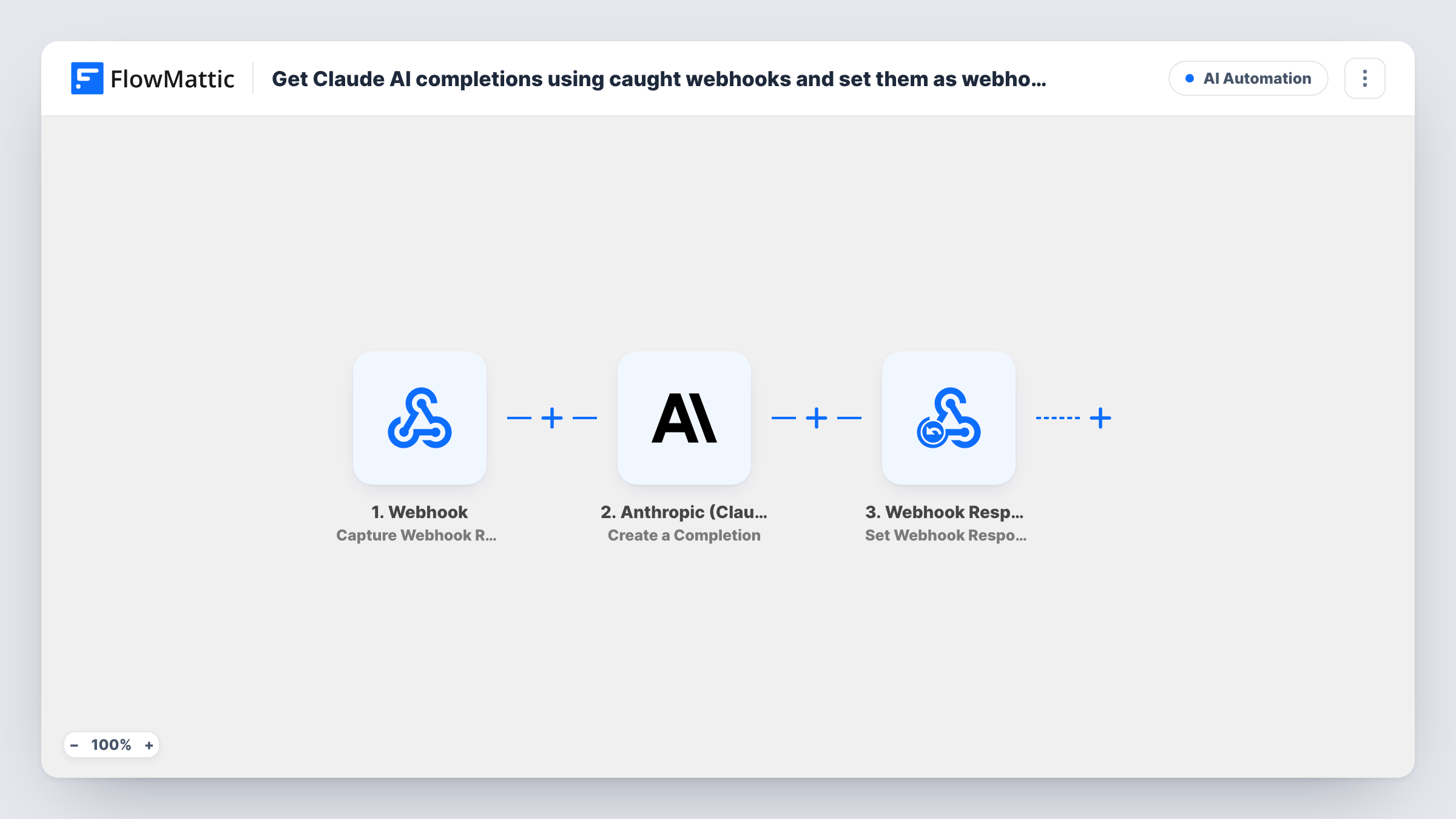
The Webhook trigger catches the incoming request and makes its payload available, including the prompt. The Anthropic (Claude) step runs Create a Completion with the prompt you map. The Webhook Response step then hands Claude's completion back to the caller as the reply.
The request stays open until Claude has finished, so long answers mean a longer wait for the calling app. Task History logs every prompt and reply. Turn on authentication in the trigger before you share the URL, or anyone who finds it can run prompts on your Anthropic account.
Claude inside a chatbot builder
A chatbot tool that supports HTTP calls posts the visitor's question to the webhook and shows Claude's reply in the chat window.
Summaries from an internal app
Your team's internal app posts meeting notes as the prompt and stores the summary Claude sends back.
Email reply drafts from a helpdesk
A helpdesk automation sends the customer's message and receives a suggested reply that agents can edit before sending.
How this workflow runs
What happens at each step once the workflow is on, and what you need before you import it.
 Webhook Capture Webhook Response
Catches a request sent to the workflow's unique webhook URL and starts a run. Send a test request containing a prompt so you can map it in the Claude step.
- Anthropic (Claude) Create a Completion
Sends the prompt to Anthropic's Claude and generates a completion. Connect your Anthropic account, map the prompt from the webhook, and check which Claude model the step uses.
- Webhook Response Set Webhook Response
Replies to the app that called the webhook. Map Claude's completion text here so the caller receives it as the body of the response.
What you need
- FlowMatticCore
- Anthropic (Claude) AccountAccount
After importing, map your own data. To keep the template universal, not every step is pre-filled. Open each step in the builder and connect your accounts and fields (channels, lists, sheets, recipients) before you switch the workflow on.
Make it yours
Changes worth making after you import it.
- Turn on Require authentication on incoming requests in the Webhook trigger and send the key from your calling app, so only it can use your Claude account.
- Write a fixed instruction before the mapped prompt in the Claude step, such as answer in under 100 words, so replies stay short for the calling app.
- Map other parts of Claude's result into the Webhook Response step too, after checking them in a test run, if the caller needs more than the text.
Questions about this workflow
Do I need an Anthropic account for the Claude webhook?
Yes. The completion step runs through the Anthropic (Claude) account you connect in FlowMattic, and usage is billed by Anthropic.
How does the calling app get Claude's answer?
In the HTTP response to the same request. The Webhook Response step sends back whatever you map, usually Claude's completion text.
Which Claude model answers the webhook prompts?
The one set in the Create a Completion step. Open that step after you connect your Anthropic account, pick the model you want, and send a test prompt before you share the URL.
Is my Claude webhook URL open to anyone?
Out of the box, every request that reaches the URL runs the workflow. With the trigger's authentication setting on, only requests carrying your key do.
More AI Automation workflows
Other ready-to-import templates from the same category.







Import this workflow into your WordPress site
Download the JSON, import it from the Workflows screen and connect your accounts. Every run stays on your server, with no per-task fees.
30-day money-back guarantee Unlimited workflows and runs Self-hosted