

Send a Slack alert to the team when a meeting is booked for your team in Lemcal
Whenever Lemcal books a meeting for anyone on your team, this workflow posts an alert to a Slack channel, so the whole team can see new meetings without each person checking their own calendar.
 Lemcal
 Slack
2 steps Setup ~5 min Used on 3.0k sites Free to import
What this workflow does
When several people take meetings through Lemcal, each person sees only their own bookings. A manager or a sales team that wants the full picture has to ask around. This workflow posts every team meeting from Lemcal into one Slack channel.
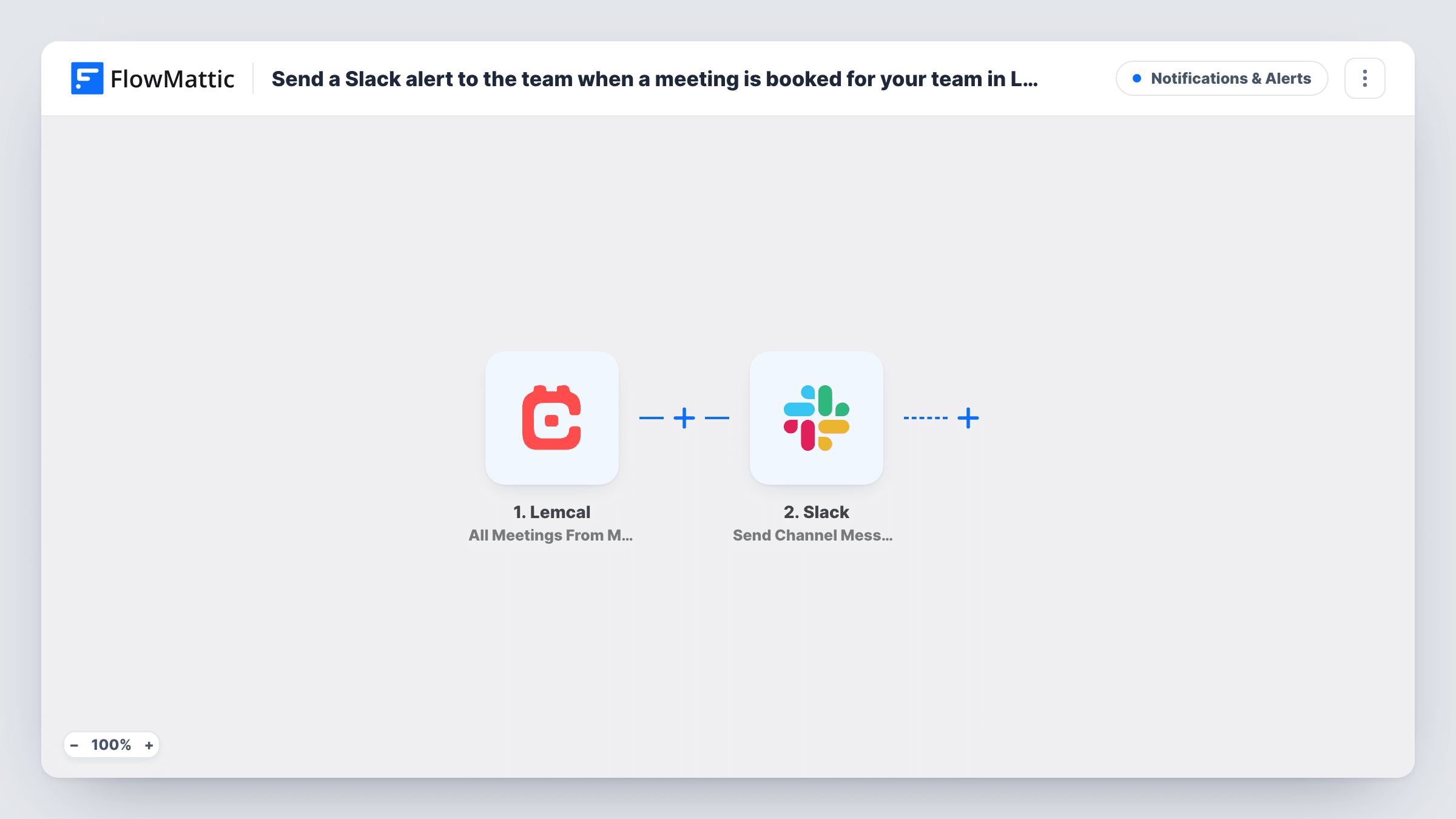
The Lemcal trigger used here is All Meetings From My Team. It fires for the meetings of everyone on your Lemcal team, not just your own, and passes the meeting details to FlowMattic. The Slack step then publishes a message in the channel you pick, built from whichever meeting details you map.
There is no condition in between, so every team meeting Lemcal sends produces one Slack post. Make a test booking after import to see exactly which details Lemcal returns before you write the message. Task History logs each run of this workflow.
Sales team demo board
Each rep takes demo bookings through Lemcal. The sales channel shows every new demo, so the manager can see the pipeline building through the week.
Agency discovery calls
Several partners book discovery calls with prospects. Posting each one in Slack lets the team prepare and avoid two partners chasing the same lead.
Customer success check-ins
Account managers book check-ins in Lemcal. The success channel sees each meeting, so support can flag open tickets before the call.
How this workflow runs
What happens at each step once the workflow is on, and what you need before you import it.
 Lemcal All Meetings From My Team
Fires for each meeting Lemcal reports for anyone on your team. The meeting details become available to map into the Slack message.
- Slack Send Channel Message
Publishes the alert in the Slack channel you set. Write the message and map in the Lemcal meeting details your team needs, checking a test run for what Lemcal sends.
What you need
- FlowMatticCore
- Lemcal AccountAccount
- Slack AccountAccount
After importing, map your own data. To keep the template universal, not every step is pre-filled. Open each step in the builder and connect your accounts and fields (channels, lists, sheets, recipients) before you switch the workflow on.
Make it yours
Changes worth making after you import it.
- For a narrower feed, swap the trigger for Lemcal's A Specific Meeting Type trigger, which fires only for the meeting type you set.
- Post to a private Slack channel with the Send Private Channel Message action instead, if meeting details shouldn't be visible to the whole workspace.
- Add a Filter after the trigger on the team member's name or email, if Lemcal returns it, so only one group's meetings reach this channel.
Questions about this workflow
Does the Lemcal trigger include meetings booked with my teammates?
Yes. All Meetings From My Team fires for the meetings of your whole Lemcal team. Lemcal's A Specific Meeting Type trigger gives you a feed limited to one meeting type.
Can each Lemcal meeting alert go to the host directly?
Not as imported, since it posts to one channel. Swap in Slack's Send Direct Message action if you want a single person to get the alert.
What Lemcal details can the Slack message show?
Whatever the trigger returns for the meeting. Book a test meeting after import and look at the captured data before you write the message.
Do I need a Lemcal team set up?
Yes. This trigger covers the meetings of your Lemcal team, so teammates need to be in your Lemcal team for their meetings to appear.
More Notifications & Alerts workflows
Other ready-to-import templates from the same category.




Import this workflow into your WordPress site
Download the JSON, import it from the Workflows screen and connect your accounts. Every run stays on your server, with no per-task fees.
30-day money-back guarantee Unlimited workflows and runs Self-hosted