

Send a Telegram notification when a Leave Dates request is canceled
When a leave request is canceled in Leave Dates, this workflow sends a Telegram message through your bot, so managers and teammates learn that the person will be at work after all.
 Leave Dates
 Telegram
2 steps Setup ~5 min Used on 569 sites Free to import
What this workflow does
A canceled leave changes the plan. Cover that was arranged may no longer be needed, and the person is back on the rota. If the news stays in Leave Dates, the team keeps working from the old plan. This workflow posts each cancellation to Telegram.
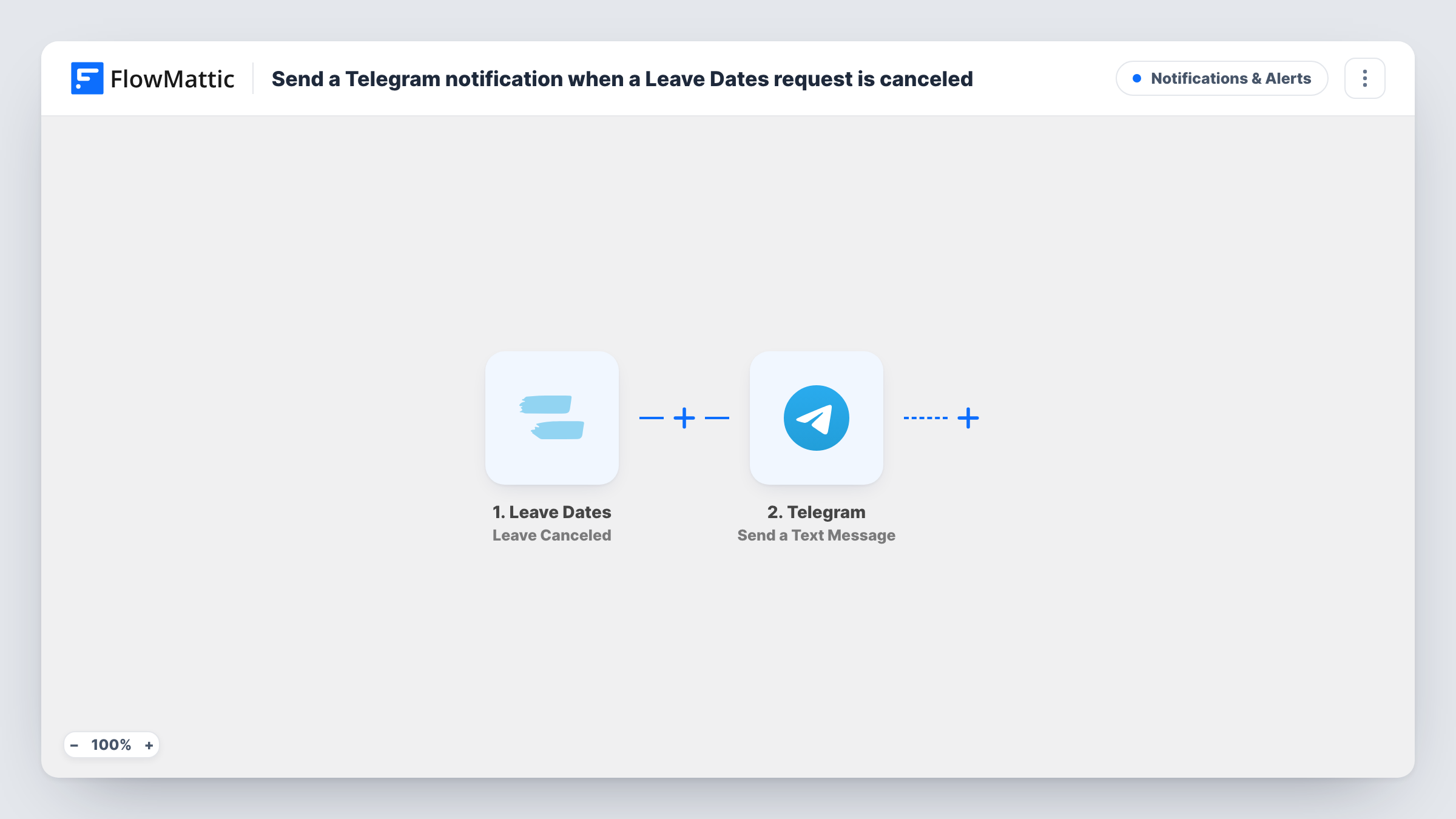
The Leave Dates trigger fires when a leave is canceled and passes the leave details to FlowMattic. The Telegram step then sends a text message from your bot to the chat you set, which can be a private chat, a group or a channel the bot belongs to. You write the message and map in the leave details a test run shows, such as the person and the dates if Leave Dates returns them.
The template covers cancellations only. Leave Dates also has FlowMattic triggers for requested, approved, rejected and updated leave, each usable in its own workflow. Every canceled leave sends one message, and Task History records each run.
Shift cover in a small shop
When a staff member cancels their day off, the managers' Telegram group hears about it and can stand down the cover they booked.
Project team availability
A project lead gets a Telegram message when someone cancels leave, so they can bring that person back into the sprint plan.
HR record keeping
HR follows a private Telegram channel where every canceled leave appears, giving a running list next to their other leave alerts.
How this workflow runs
What happens at each step once the workflow is on, and what you need before you import it.
 Leave Dates Leave Canceled
Fires when a leave is canceled in Leave Dates. The details of that leave become available to map into the Telegram message.
- Telegram Send a Text Message
Your Telegram bot posts the cancellation notice in the chat you pick. Write the text and map in the canceled leave details from Leave Dates.
What you need
- FlowMatticCore
- Leave Dates AccountAccount
- Telegram AccountAccount
After importing, map your own data. To keep the template universal, not every step is pre-filled. Open each step in the builder and connect your accounts and fields (channels, lists, sheets, recipients) before you switch the workflow on.
Make it yours
Changes worth making after you import it.
- Add the bot to your managers' Telegram group and use that group as the destination, so everyone who plans cover sees the message at once.
- Clone this workflow and switch the trigger to Leave Dates' Leave Approved, so the same chat hears about new approved leave as well as cancellations.
- Cancel a test leave in Leave Dates after import so FlowMattic captures the trigger data, then map the details your team needs into the message.
Questions about this workflow
Do I need a Telegram bot for Leave Dates alerts?
Yes. Messages go out through a Telegram bot linked to FlowMattic. Add that bot to the group or channel where the leave alerts should appear.
Does this also alert on approved or rejected leave in Leave Dates?
No. It uses the Leave Canceled trigger only. Leave Dates has separate triggers for approved, rejected, requested and updated leave in FlowMattic.
Which leave details can the Telegram message include?
Whatever the Leave Canceled trigger returns. Cancel a test leave and look at the captured data before you write the message.
Can the Leave Dates alert use bold or links in Telegram?
FlowMattic's Send a Text Message action for Telegram supports markup, so you can use Telegram formatting in the text. Send a test to check how it looks.
More Notifications & Alerts workflows
Other ready-to-import templates from the same category.





Import this workflow into your WordPress site
Download the JSON, import it from the Workflows screen and connect your accounts. Every run stays on your server, with no per-task fees.
30-day money-back guarantee Unlimited workflows and runs Self-hosted