

When a custom form is submitted in Umso, post a message in Discord
Every custom form response on your Umso site posts a message to the Discord channel you choose, so your team reads new enquiries in the server where they already chat.
 Umso
 Discord
2 steps Setup ~5 min Used on 3.1k sites Free to import
What this workflow does
Plenty of small teams run their day-to-day talk in Discord. Form responses that arrive by email to one founder can sit there while the rest of the team never sees them. This workflow puts each custom form response from Umso into a Discord channel.
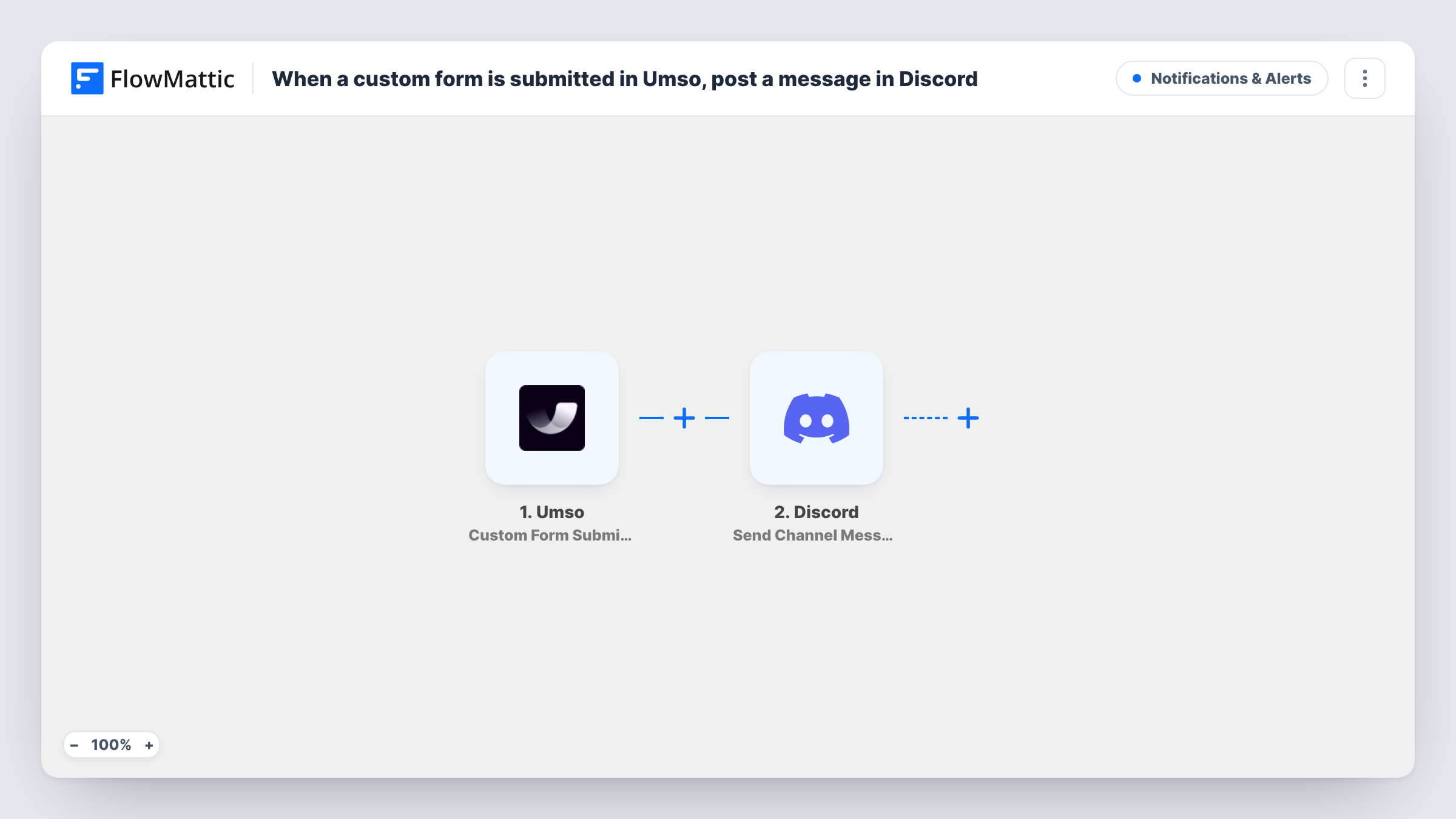
The Umso trigger used here is Custom Form Submission. It fires when someone submits a form response on your Umso site, and the answers come into FlowMattic. The Discord step then posts a new message to the channel you pick, with the answers you map laid out in the text.
Every response creates one post, with no Filter in between. Keep in mind that whoever can read the channel sees what people typed into the form, so choose a channel for your team rather than a public community one if the form collects contact details. Each Umso response and its Discord post can be reviewed in Task History.
Startup demo requests
A demo request form on the Umso landing page posts to the founders' Discord channel, so whoever is free can reply first.
Beta waitlist applications
Applicants fill in a custom Umso form about their use case. The product team reads each one in a private Discord channel and picks testers.
Partnership enquiries
A partners form on the Umso site sends each enquiry to the business development channel, where the team discusses it in a thread.
How this workflow runs
What happens at each step once the workflow is on, and what you need before you import it.
 Umso Custom Form Submission
Fires when a visitor submits a custom form response on your Umso site. Each answer becomes available to place in the Discord message.
- Discord Send Channel Message
Sends the response to your chosen Discord channel as a new message. Write the text and map in the Umso form answers, using a test response to see what Umso sends.
What you need
- FlowMatticCore
- Umso AccountAccount
- Discord AccountAccount
After importing, map your own data. To keep the template universal, not every step is pre-filled. Open each step in the builder and connect your accounts and fields (channels, lists, sheets, recipients) before you switch the workflow on.
Make it yours
Changes worth making after you import it.
- Use Umso's Contact Form Submission or New Email List Subscriber trigger in a second workflow if you also want those forms posted to Discord.
- Add a Filter after the trigger on one of the answers, such as a topic or budget question, so only the responses one team needs reach this channel.
- Submit a test response on your Umso site after import so FlowMattic captures the answers, then build the Discord message from them.
Questions about this workflow
Does this cover every form on my Umso site?
It uses the Custom Form Submission trigger. Umso also has Contact Form Submission and New Email List Subscriber triggers in FlowMattic, which you can use in their own workflows.
Can the Umso responses go to a private Discord channel?
Yes, as long as the Discord connection you use can post in that channel. Test with one response to confirm the message appears.
Which Umso form answers can appear in Discord?
Any the trigger returns. Send a test response and check the captured data, then map the answers you want into the message.
Will older Umso form responses be posted?
No. Only responses submitted after you turn the workflow on reach Discord.
More Notifications & Alerts workflows
Other ready-to-import templates from the same category.





Import this workflow into your WordPress site
Download the JSON, import it from the Workflows screen and connect your accounts. Every run stays on your server, with no per-task fees.
30-day money-back guarantee Unlimited workflows and runs Self-hosted