

When a contact form is submitted in Umso, send a notification message in Slack
When someone submits the contact form on your Umso site, this workflow posts their message to a Slack channel you choose, so your team sees new enquiries in the place they already talk.
 Umso
Umso
 Slack
Slack2 steps Setup ~5 min Used on 1.8k sites Free to import
What this workflow does
When Umso contact form messages reach you only by email, they compete with everything else in your inbox. If your team works in Slack, a message there is seen by everyone who can answer. This workflow sends each Umso contact form response to a channel.
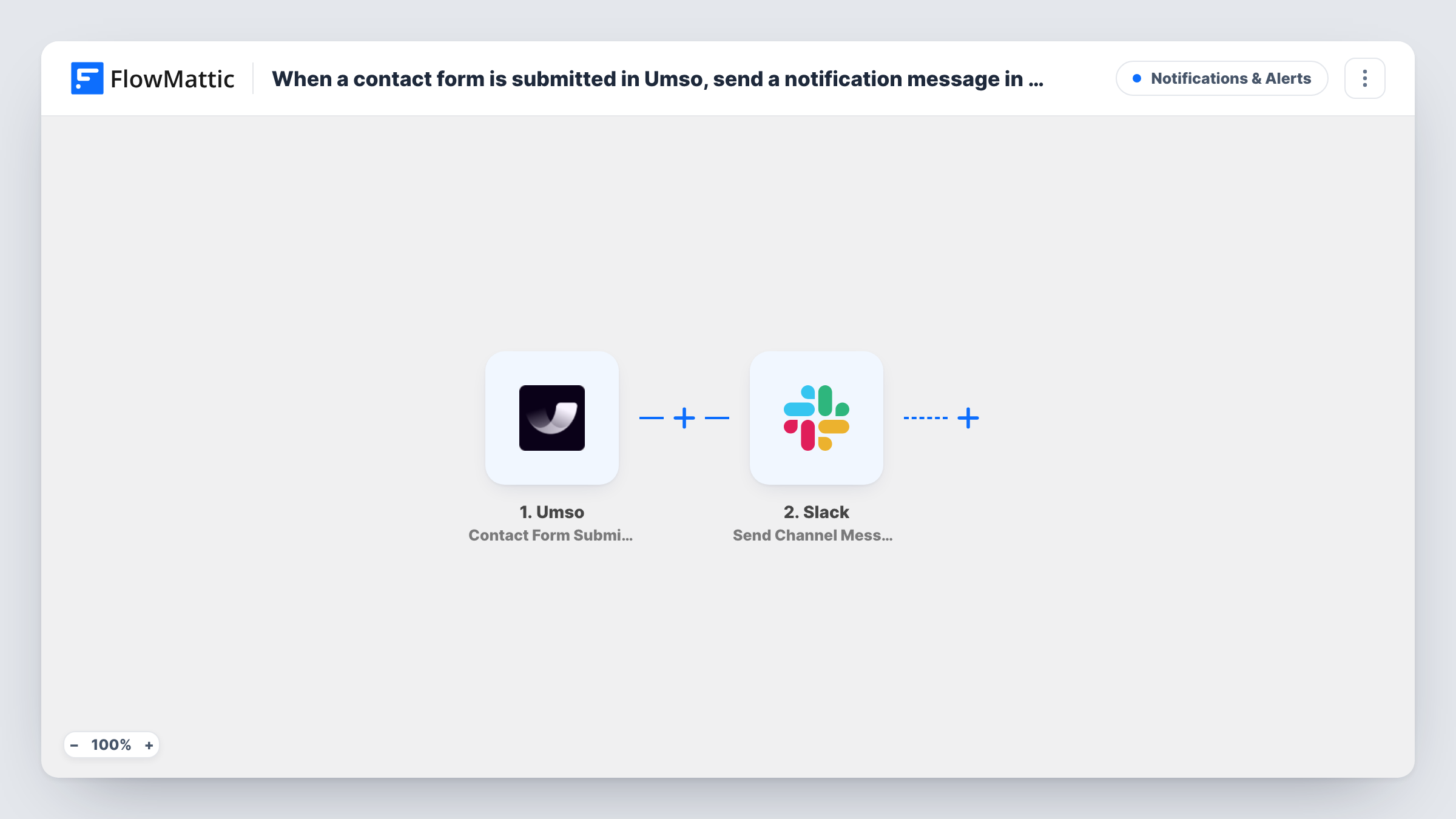
The Umso trigger fires when a contact form response is submitted. FlowMattic receives the answers the visitor typed. The Slack step then runs Send Channel Message and posts to the channel you pick. You write the message, placing the visitor's name, email and message where you want them, as long as your form asks for them.
Every submission posts once, and the post goes to a channel, not to one person. Anyone in that channel can read the visitor's details, so pick a channel whose members should see them. Task History shows each run if a message doesn't appear.
Sales enquiries for a small team
A two-person consultancy gets Umso contact messages in a #leads channel, so whoever is free can reply first.
Support questions from a product site
A SaaS landing page built on Umso sends contact messages to the support channel, where an agent claims each one with a reaction.
Agency client sites
An agency builds client pages in Umso and routes each site's contact form to a channel shared with that client.
How this workflow runs
What happens at each step once the workflow is on, and what you need before you import it.
 Umso Contact Form Submission
Fires when a visitor submits the contact form on your Umso site. The fields they filled in become available to map into the Slack message.
- Slack Send Channel Message
Sends one post per submission to the Slack channel you set. Write the message text and insert the visitor's name, email and message from the Umso data.
What you need
- FlowMatticCore
- Umso AccountAccount
- Slack AccountAccount
After importing, map your own data. To keep the template universal, not every step is pre-filled. Open each step in the builder and connect your accounts and fields (channels, lists, sheets, recipients) before you switch the workflow on.
Make it yours
Changes worth making after you import it.
- Submit your own Umso contact form once after import, so FlowMattic captures the field names before you write the Slack message.
- If your form asks for an email, put it at the start of the message, so whoever replies can copy it without opening the full post.
- Add a Filter after the trigger that continues only when the message field is not empty, so blank or test sends don't post to the channel.
Questions about this workflow
Does Umso still email me the contact form response?
The workflow doesn't change your Umso settings. It only receives the submission, so any email notification you set up in Umso continues as before.
Can the Umso alert land in a private Slack channel?
Send Channel Message isn't meant for private channels. Slack's Send Private Channel Message action covers those, and Send Direct Message reaches one person.
Does this cover Umso email capture forms too?
No. Email capture sign-ups use Umso's New Email List Subscriber trigger, which you would set up in its own workflow.
Can I reply to the visitor from Slack?
This template has no reply path. It only posts the submission. Reply to the visitor by email using the address in the Slack post.
More Notifications & Alerts workflows
Other ready-to-import templates from the same category.




Import this workflow into your WordPress site
Download the JSON, import it from the Workflows screen and connect your accounts. Every run stays on your server, with no per-task fees.
30-day money-back guarantee Unlimited workflows and runs Self-hosted