

When a form is submitted on Zoho Forms, notify the team in Slack with the form details
Every new Zoho Forms entry is posted to a Slack channel with the answers you choose, so your team reads each submission where they already talk, without logging in to Zoho.
 Zoho Forms
 Slack
Slack2 steps Setup ~5 min Used on 1.2k sites Free to import
What this workflow does
Zoho Forms collects entries well, but someone still has to open it to see them. When several people share the job of answering enquiries or sign-ups, the entries sit unread until someone checks. This workflow posts each new entry into a Slack channel the moment Zoho Forms reports it.
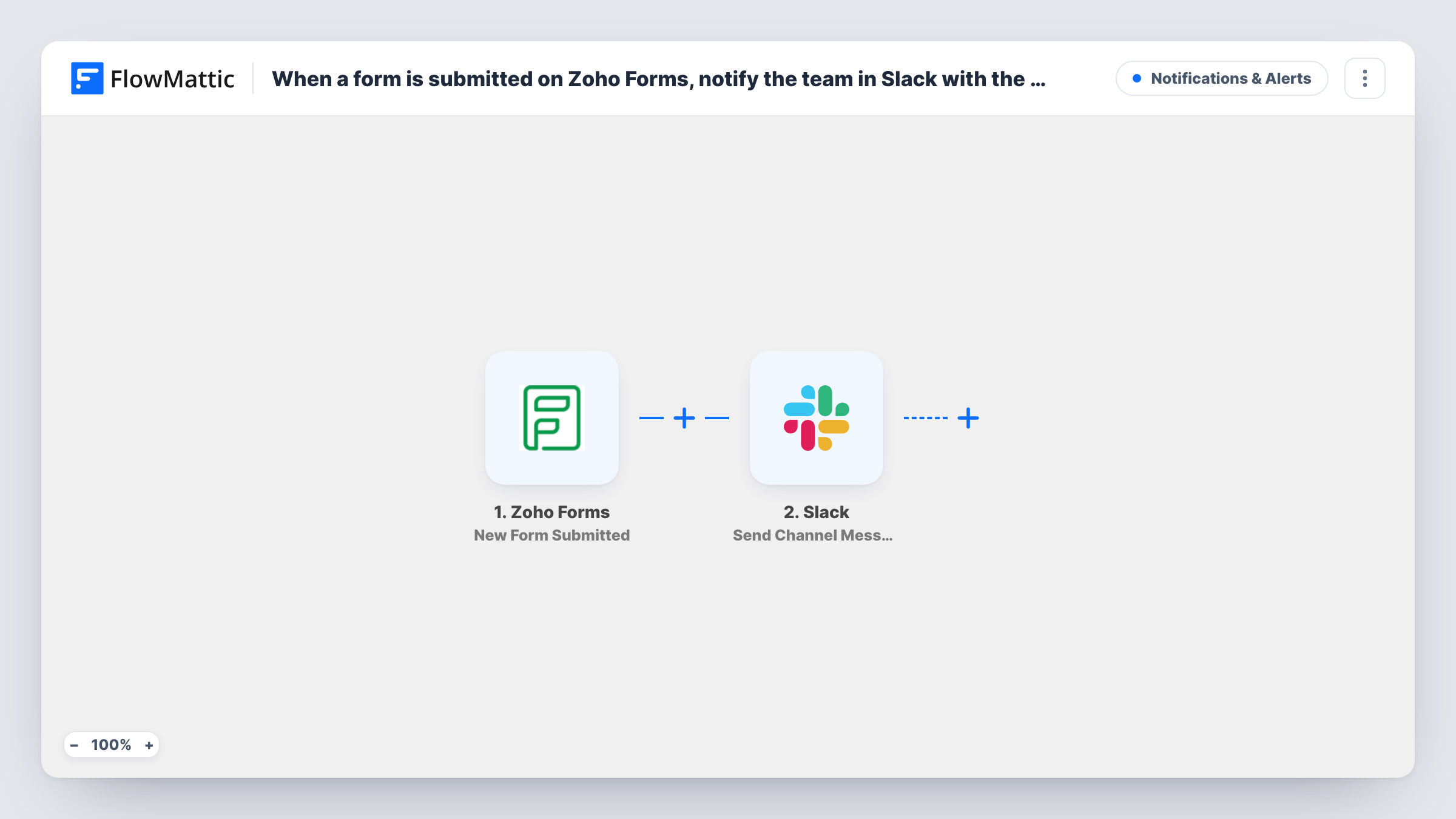
The Zoho Forms trigger starts a run each time someone submits an entry to your form. Its answers are passed to FlowMattic as fields you can map. The Slack step then sends a message into whichever channel you set. You decide what the message says: a short heading plus the name, email and message fields is a common layout, and you can include as many fields as the form has.
Every entry produces one Slack message, since nothing in the template filters them. If your form takes several kinds of requests, the tips show how to narrow which ones reach the channel.
Sales enquiries for a small team
A Zoho Forms contact form feeds a #leads channel, so whoever is free can reply to the enquiry without waiting for a forwarded email.
Event registration alerts
Each registration posts to an #events channel with the attendee's name and session choice, so organisers can watch numbers build.
Internal requests from staff
An IT or facilities request form built in Zoho Forms posts each new request to a team channel, giving everyone the same view of incoming work.
How this workflow runs
What happens at each step once the workflow is on, and what you need before you import it.
 Zoho Forms New Form Submitted
Fires when a new entry is submitted to the Zoho Forms form you connect. Each answer from the entry becomes a field you can place in the Slack message.
- Slack Send Channel Message
Sends the entry to one Slack channel as a message. Write the message text and insert the Zoho Forms answers you want the team to see, such as name, email and the request itself.
What you need
- FlowMatticCore
- Zoho Forms AccountAccount
- Slack AccountAccount
After importing, map your own data. To keep the template universal, not every step is pre-filled. Open each step in the builder and connect your accounts and fields (channels, lists, sheets, recipients) before you switch the workflow on.
Make it yours
Changes worth making after you import it.
- For a private channel, swap this step for Slack's Send Private Channel Message action. To alert one person instead of a channel, use Send Direct Message.
- Add a Filter after the trigger if only some entries matter, for example continuing only when a department dropdown equals Sales, so other entries don't post.
- Submit one test entry after import so FlowMattic captures the form's fields, then build the Slack message from them and check its layout in the channel.
Questions about this workflow
Can the Zoho Forms alert go to a private Slack channel?
Not with this step. Send Channel Message covers public channels only here. Replace it with Slack's Send Private Channel Message action to post into a private one.
Will older Zoho Forms entries be posted?
No. The trigger reacts to new entries, so only submissions made after you turn the workflow on reach Slack.
Does Zoho Forms still send its own notification emails?
Yes. FlowMattic just receives each entry from Zoho and it doesn't change the form's settings in Zoho, so any notifications you set there keep working.
Can I post file uploads from the Zoho Forms entry to Slack?
You can place any field the trigger provides into the message text. Check a test run to see what an upload field contains before relying on it.
More Notifications & Alerts workflows
Other ready-to-import templates from the same category.



Import this workflow into your WordPress site
Download the JSON, import it from the Workflows screen and connect your accounts. Every run stays on your server, with no per-task fees.
30-day money-back guarantee Unlimited workflows and runs Self-hosted