

When a form is submitted on Global Patron, add the user to a mailing list in MailerLite
When someone submits your Global Patron form, this workflow creates them as a MailerLite subscriber, or updates their subscriber record if MailerLite already has their email.
 Global Patron
 MailerLite
2 steps Setup ~5 min Used on 1.2k sites Free to import
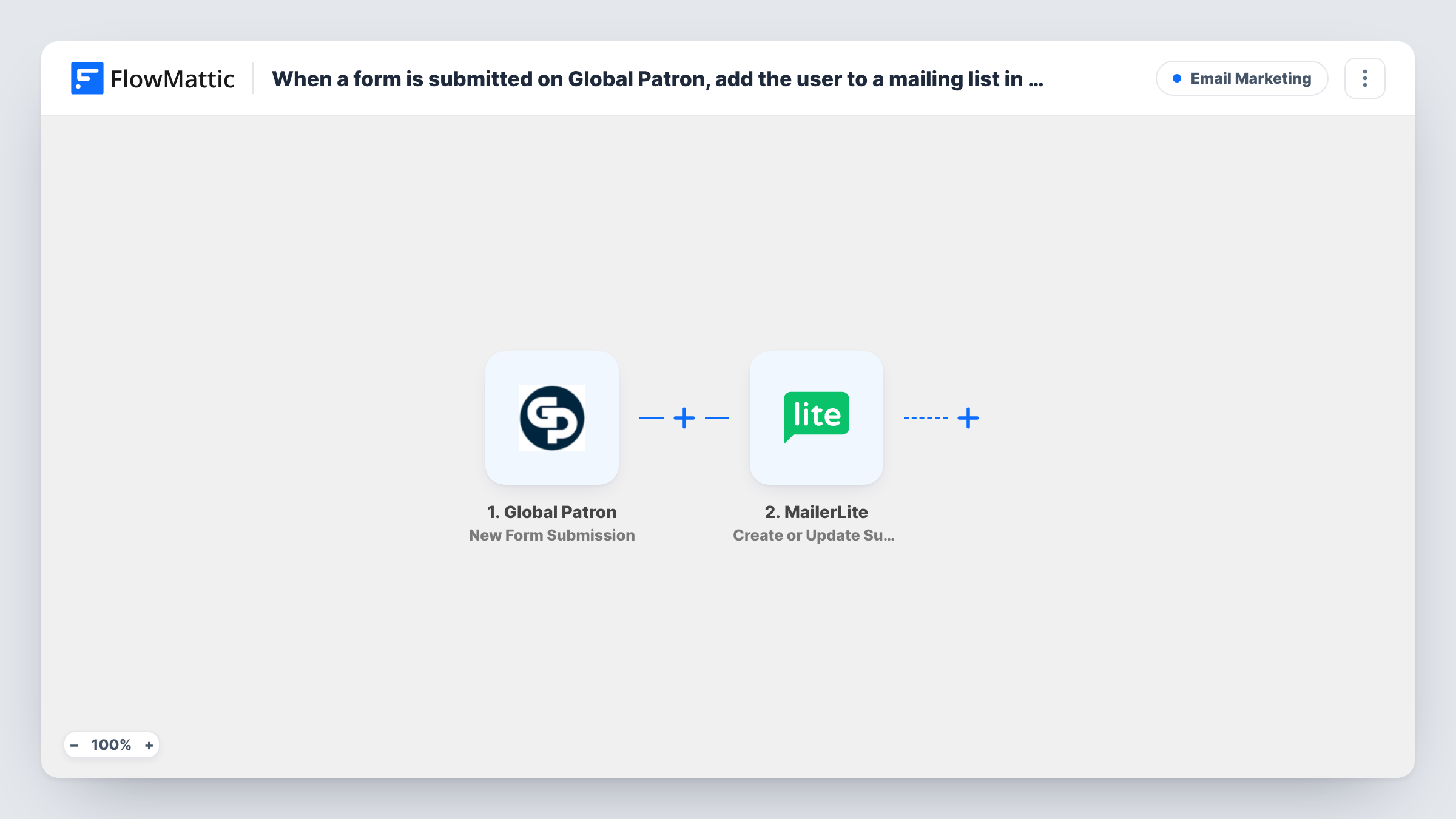
What this workflow does
Every Global Patron form that asks for an email address is a chance to keep in touch. If you send newsletters from MailerLite, those people need to become subscribers before your next campaign goes out. This workflow moves each form submitter into MailerLite.
The Global Patron trigger starts a run for each response someone sends through your form. FlowMattic passes the answers to MailerLite, where Create or Update Subscriber adds a new subscriber, or updates the existing one with that email, along with any custom fields you map.
As imported, the step adds people to your MailerLite subscribers without naming a group. If your mailing list is a particular MailerLite group, add the Add Subscriber to a Group step after this one. The subscriber exists by then, so it can be assigned. Every submission runs the workflow, since there is no Filter.
Newsletter sign-ups from a Global Patron form
A sign-up form built in Global Patron feeds MailerLite directly, so your next newsletter goes to everyone who signed up this week.
Enquiry forms that should keep in touch
People who ask about a tour or event through Global Patron become MailerLite subscribers you can send updates and offers to.
Keeping subscriber details current
When someone who is already a MailerLite subscriber fills in the form again, their subscriber record is updated with the answers you mapped.
How this workflow runs
What happens at each step once the workflow is on, and what you need before you import it.
 Global Patron New Form Submission
Runs each time a visitor completes and sends your Global Patron form. Their answers, including the email address, are passed on to MailerLite.
- MailerLite Create or Update Subscriber
Creates a new MailerLite subscriber from the form, or updates the existing subscriber with the same email. Map the email answer, plus any name or custom field values you want stored.
What you need
- FlowMatticCore
- Global Patron AccountAccount
- MailerLite AccountAccount
After importing, map your own data. To keep the template universal, not every step is pre-filled. Open each step in the builder and connect your accounts and fields (channels, lists, sheets, recipients) before you switch the workflow on.
Make it yours
Changes worth making after you import it.
- Add MailerLite's Add Subscriber to a Group step after this one if you want form submitters in a particular group. The subscriber already exists when it runs.
- Ask for consent in your Global Patron form and add a Filter after the trigger that continues only when it is given, so only people who agreed are subscribed.
- Make the email field required in the Global Patron form. Without an email, MailerLite has no address to create or update.
Questions about this workflow
What if the Global Patron submitter is already in MailerLite?
Create or Update Subscriber updates the existing subscriber instead of creating a second one. A blank answer in a mapped custom field may overwrite the stored value, so map only fields the form always fills.
Which MailerLite group does the subscriber join?
As imported, the step doesn't name a group. Add MailerLite's Add Subscriber to a Group step after it and choose the group there.
Will past Global Patron submitters be added to MailerLite?
No. The trigger reacts to forms submitted after the workflow is turned on. Earlier submitters would need to be imported into MailerLite another way.
More Email Marketing workflows
Other ready-to-import templates from the same category.






Import this workflow into your WordPress site
Download the JSON, import it from the Workflows screen and connect your accounts. Every run stays on your server, with no per-task fees.
30-day money-back guarantee Unlimited workflows and runs Self-hosted