

Notify the disputes team via Telegram when a Juspay chargeback is received
When Juspay reports that a chargeback has been received, this workflow sends a Telegram message with the details to your disputes team’s chat, so the case is seen the moment it arrives.
 Juspay
 Telegram
2 steps Setup ~5 min Used on 2.3k sites Free to import
What this workflow does
Chargebacks come with deadlines for sending evidence, and a notice sitting unread in a payments dashboard eats into that time. If your disputes team already talks in Telegram, that is where a new chargeback should show up.
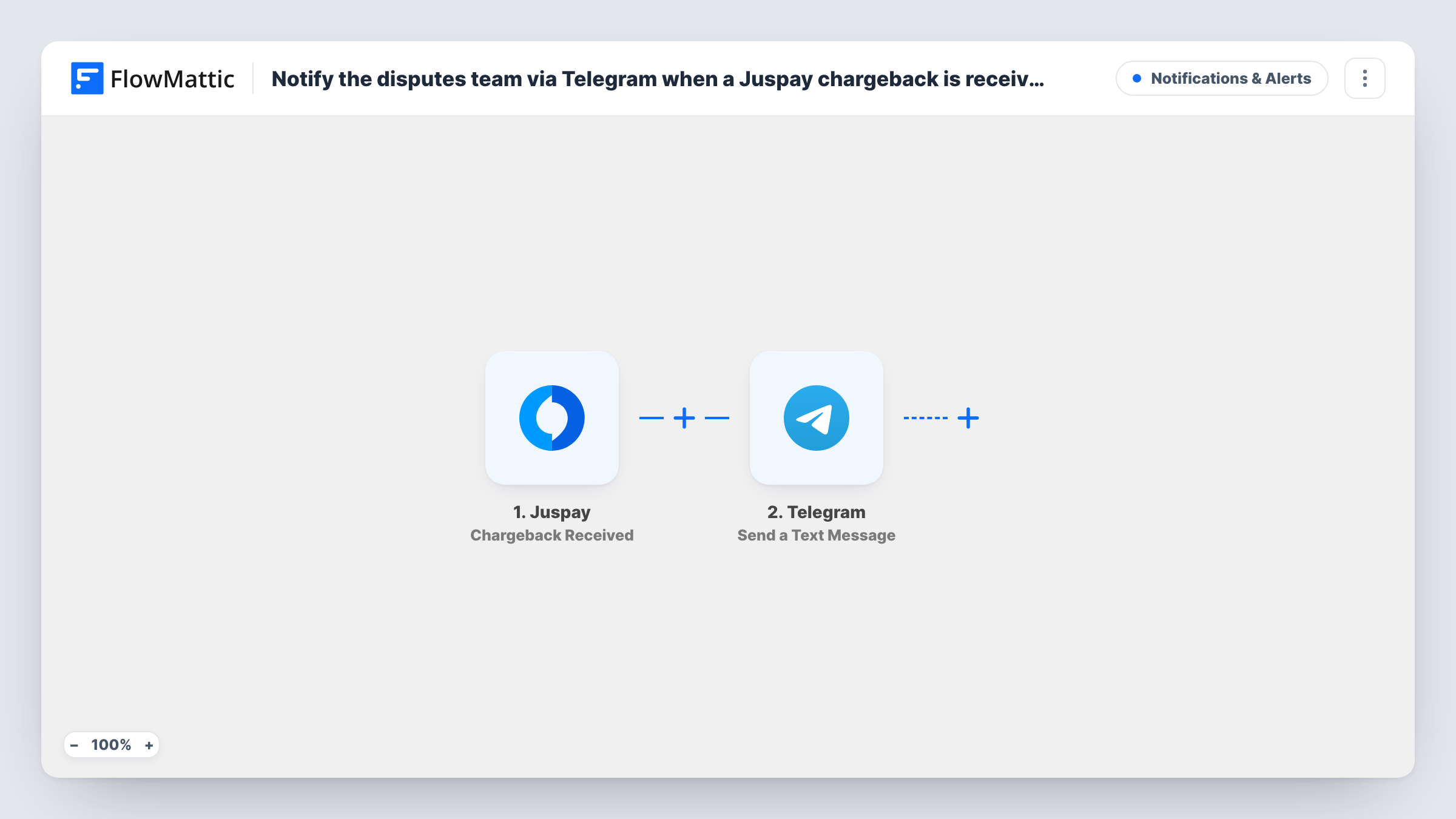
The Juspay trigger fires when a chargeback is received. FlowMattic captures the chargeback data that Juspay sends, which you can then place into a message. The Telegram step sends a text message through your bot to the chat you choose, such as a private disputes group. Write the message yourself and include the fields your team needs to start work, for example the order reference, amount and any reason code the event carries.
One Telegram alert goes out per Juspay chargeback. The workflow doesn't respond to the dispute or change anything in Juspay. It only makes sure the right people know about it.
Small disputes team in a Telegram group
Every new chargeback posts to the team's private group, and whoever picks it up replies in the chat to claim the case.
Founder alerts for an online store
A store owner without a dedicated payments team gets a Telegram message on their phone whenever a customer disputes a payment.
Watching for fraud patterns
A risk analyst follows chargebacks in a Telegram channel, so a run of disputes on similar orders stands out quickly.
How this workflow runs
What happens at each step once the workflow is on, and what you need before you import it.
 Juspay Chargeback Received
Fires when Juspay reports a new chargeback. The chargeback data from the event is passed to the Telegram step for mapping.
- Telegram Send a Text Message
Sends a text message from your Telegram bot to the chat you set, with Juspay chargeback details placed in the text. Markup is supported for bold labels or line breaks.
What you need
- FlowMatticCore
- Juspay AccountAccount
- Telegram AccountAccount
After importing, map your own data. To keep the template universal, not every step is pre-filled. Open each step in the builder and connect your accounts and fields (channels, lists, sheets, recipients) before you switch the workflow on.
Make it yours
Changes worth making after you import it.
- Add your Telegram bot to the disputes group before you test, since a bot can only post in chats it belongs to.
- Track the outcome too with a second workflow on Juspay's Chargeback Canceled or Chargeback Expired triggers, posting to the same Telegram group.
- After import, check a test event in Task History to see which chargeback fields Juspay sends, then build the message from those.
Questions about this workflow
Which Juspay events does this workflow react to?
Only Chargeback Received. Juspay has other triggers in FlowMattic, such as Order Refunded or Chargeback Canceled, which you can use in separate workflows.
Can the chargeback alert go to more than one Telegram chat?
Add another Send a Text Message step for each extra chat. One step sends to one chat.
Does the workflow respond to the chargeback in Juspay?
No. It only sends the Telegram alert. Gathering evidence and responding still happen in Juspay or your payment processor.
Do I need my own Telegram bot?
Yes. The message is sent through a bot you create in Telegram and connect to FlowMattic. Add that bot to the chat that should receive the alerts.
More Notifications & Alerts workflows
Other ready-to-import templates from the same category.






Import this workflow into your WordPress site
Download the JSON, import it from the Workflows screen and connect your accounts. Every run stays on your server, with no per-task fees.
30-day money-back guarantee Unlimited workflows and runs Self-hosted