

When a new post submission is received using Frontend Submission, add new post details to Google Spreadsheet
When a visitor sends a post through a Meta Box Frontend Submission form, this workflow copies the post’s details into a new Google Sheets row, giving you a log of submitted content outside WordPress.
 Metabox
 Google Sheets
2 steps Setup ~5 min Used on 2.3k sites Free to import
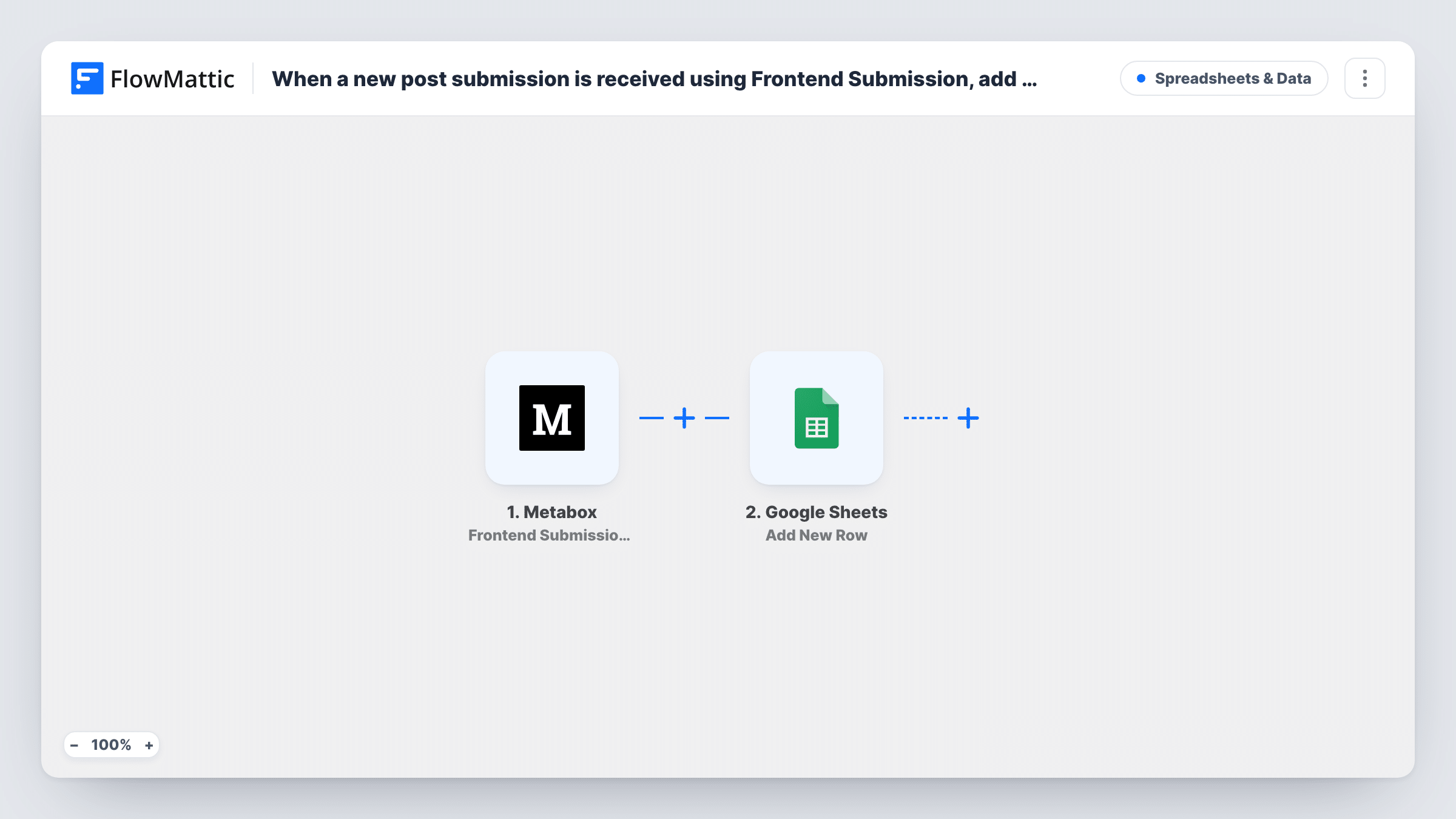
What this workflow does
Front-end submission forms let guest writers, members or customers send posts without a WordPress login to the dashboard. Reviewing them means opening each draft in the admin area. This workflow also writes every submission to a spreadsheet, so an editor can scan titles, authors and fields at a glance.
The Metabox trigger listens for the Frontend Submission extension. It fires once Meta Box has processed a submitted form, which means the post exists in WordPress by the time FlowMattic receives the data. The post details and the form's custom fields then go to Google Sheets, where the Add New Row action writes them into the columns you map.
The trigger reacts to the form being processed, not to the post's status, so drafts and pending posts are logged as well as anything published straight away. If your users can also edit their posts through the same form, run a test edit: a processed edit can add a second row for that post. Task History keeps every post's run, so you can see exactly what reached the sheet.
Guest post queue for an editor
Writers send articles through a front-end form. The editor works from the sheet, adding notes and a review date beside each submitted title.
Directory listings sent by members
Members submit their business listing as a custom post type with Meta Box fields. The sheet gives the site owner a quick view of every new listing and its details.
Recipe or story contributions
A community site collects reader recipes through Meta Box. A shared spreadsheet lets volunteers pick which ones to feature without logging in to WordPress.
How this workflow runs
What happens at each step once the workflow is on, and what you need before you import it.
 Metabox Frontend Submission: After Form Submitted
Fires after a Meta Box Frontend Submission form has been processed on your site. The submitted post's data and its custom field values are passed on for mapping.
- Google Sheets Add New Row
Appends one row per submitted post to a Google Sheets spreadsheet of your choice. Connect your Google account, choose the sheet and map each column to a post or field value.
What you need
- FlowMatticCore
- Metabox PluginPlugin
- Google Sheets AccountAccount
After importing, map your own data. To keep the template universal, not every step is pre-filled. Open each step in the builder and connect your accounts and fields (channels, lists, sheets, recipients) before you switch the workflow on.
Make it yours
Changes worth making after you import it.
- Put a link back to the post in one column. If the trigger data includes the post ID, a column built from your site's edit URL and that ID lets editors open the post in one click.
- Add a Filter after the trigger if only one of your front-end forms should be logged, using a value that tells the forms apart, such as the post type, once a test run shows it.
- Add a Slack or email step after the sheet so an editor hears about each new submission, not only when they next open the spreadsheet.
Questions about this workflow
Do I need the Meta Box Frontend Submission extension?
Yes. The trigger belongs to that extension, so it has to be active on the same WordPress site as FlowMattic, with a front-end form placed on a page.
Does Meta Box still save the post as usual?
Yes. The workflow starts after Meta Box has processed the form, so the post and its fields are stored in WordPress first. The workflow only copies the details to Google Sheets.
Are custom fields from the Meta Box form included in the sheet row?
They're available when the trigger passes them on. Submit one test post after import, then map the custom field values that appear into the columns you want.
Will posts submitted before import show up in Google Sheets?
No. Only forms processed after you turn the workflow on create rows. Older posts would need to be exported from WordPress separately.
More Spreadsheets & Data workflows
Other ready-to-import templates from the same category.




Import this workflow into your WordPress site
Download the JSON, import it from the Workflows screen and connect your accounts. Every run stays on your server, with no per-task fees.
30-day money-back guarantee Unlimited workflows and runs Self-hosted