

Send Slack notifications for new Zoho Books invoices to the finance team
Every invoice created in Zoho Books is announced in the Slack channel your finance team uses, with the invoice details you choose to include in the message.
 Zoho Books
 Slack
Slack2 steps Setup ~5 min Used on 549 sites Free to import
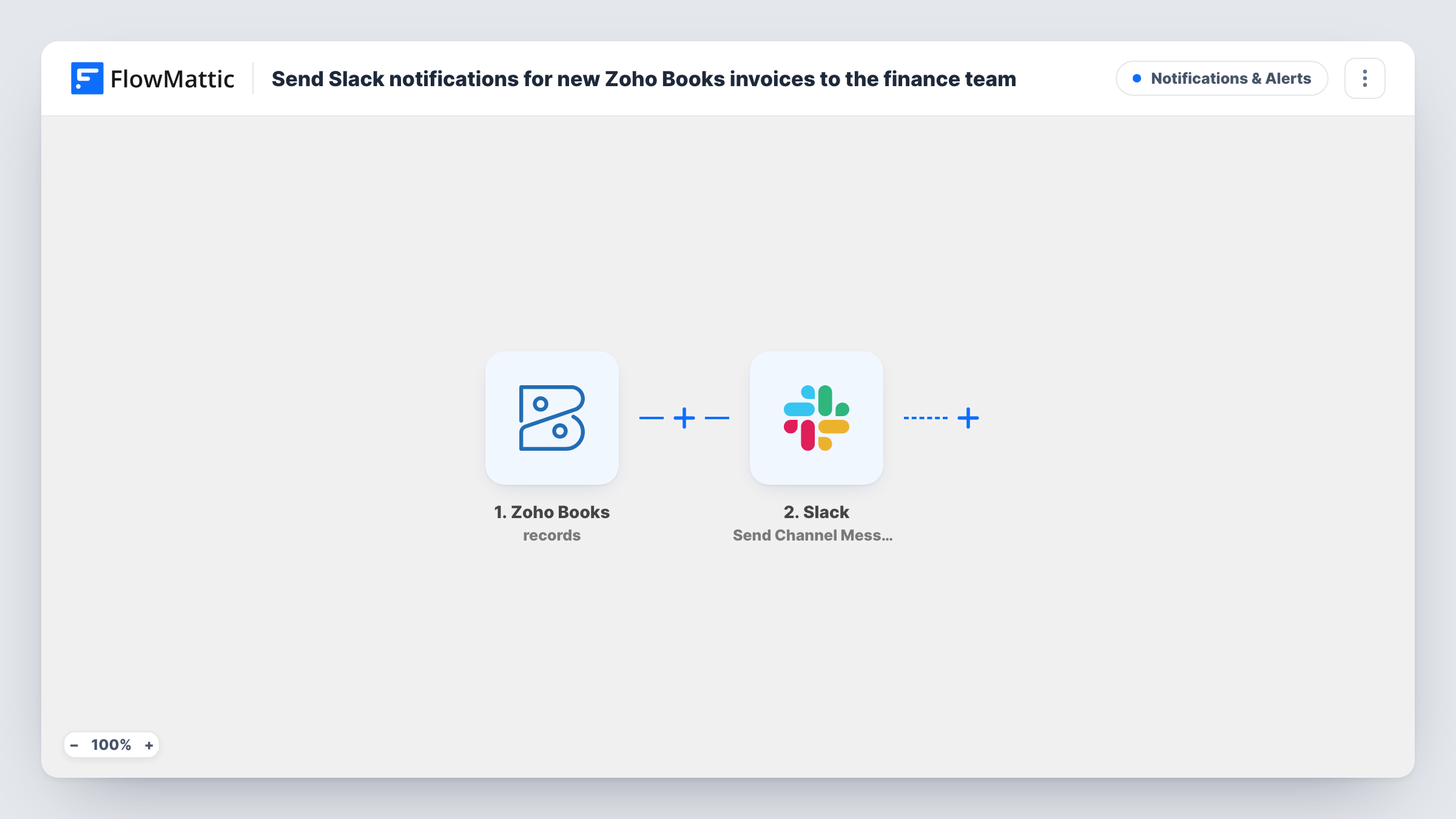
What this workflow does
Finance teams often learn about new invoices only when they open Zoho Books or when a client asks a question. A message in Slack puts each new invoice in front of the people who chase payments, reconcile accounts or answer billing queries, without anyone forwarding emails.
The Zoho Books New Invoice trigger fires whenever an invoice is created in your Zoho Books organization. The invoice's details are passed to the next step. Run a test invoice to see which fields arrive, such as the invoice number, customer name, total and due date.
The Slack step then posts to a channel with Send Channel Message. The template doesn't set the channel or the message, so after import you connect Slack, pick your finance channel and write the text, mapping in the Zoho Books fields you want the team to see.
Each new invoice produces one Slack message. Invoices that already existed before you turned the workflow on aren't posted, and later edits to an invoice don't start a new run, because the trigger watches for new invoices only.
Collections team sees every new bill
An agency's account managers create invoices in Zoho Books. The person who handles collections sees each one in #finance and adds it to the follow-up list.
Owner keeps an eye on billing
A small business owner who doesn't log in to Zoho Books daily reads the finance channel on their phone and knows what went out that day.
Large invoices flagged for review
With a Filter on the invoice total, a consultancy posts only invoices above a set amount so a partner can check them before the client does.
How this workflow runs
What happens at each step once the workflow is on, and what you need before you import it.
 Zoho Books New Invoice
Fires each time a new invoice is created in Zoho Books. The invoice's customer, number, amounts and dates are passed on; check a test run to see the exact field names before you write the message.
- Slack Send Channel Message
Announces the new Zoho Books invoice in one Slack channel. The step ships unmapped: connect Slack, pick the finance channel and write the message with the Zoho Books invoice fields you want mapped in.
What you need
- FlowMatticCore
- Zoho Books AccountAccount
- Slack AccountAccount
After importing, map your own data. To keep the template universal, not every step is pre-filled. Open each step in the builder and connect your accounts and fields (channels, lists, sheets, recipients) before you switch the workflow on.
Make it yours
Changes worth making after you import it.
- Put the invoice number, customer name, total and due date in the Slack message, so the team can act on it without opening Zoho Books.
- Put a Filter between the Zoho Books trigger and the Slack step on the invoice total, for example greater than 1000, if only large invoices need attention. The amount is yours to set.
- For a private finance channel, switch to Slack's Send Private Channel Message action instead of Send Channel Message.
- Add a Google Sheets Add New Row step after the Slack step if you also want a running list of new invoices outside Zoho Books.
Questions about this workflow
Can the Slack message go to a private finance channel?
Use FlowMattic's Slack Send Private Channel Message action for that. Send Channel Message, which the template uses, is for posting to a regular channel.
Will editing a Zoho Books invoice post another Slack message?
No. The trigger fires when a new invoice is created, so later changes to that invoice don't start a run.
Which invoice details appear in the Slack post?
The ones you map. The message is empty in the template, so write it after import and insert the Zoho Books fields you want, such as number, customer and total.
Do recurring invoices in Zoho Books trigger this?
FlowMattic's Zoho Books integration also has a New Recurring Invoice trigger, which fires when a recurring invoice is created. Whether each invoice they generate fires New Invoice is worth checking with a test before you rely on it.
More Notifications & Alerts workflows
Other ready-to-import templates from the same category.



Import this workflow into your WordPress site
Download the JSON, import it from the Workflows screen and connect your accounts. Every run stays on your server, with no per-task fees.
30-day money-back guarantee Unlimited workflows and runs Self-hosted