

When a Tutor LMS user scores less than 50 percent on a quiz, add their details to Google Sheets
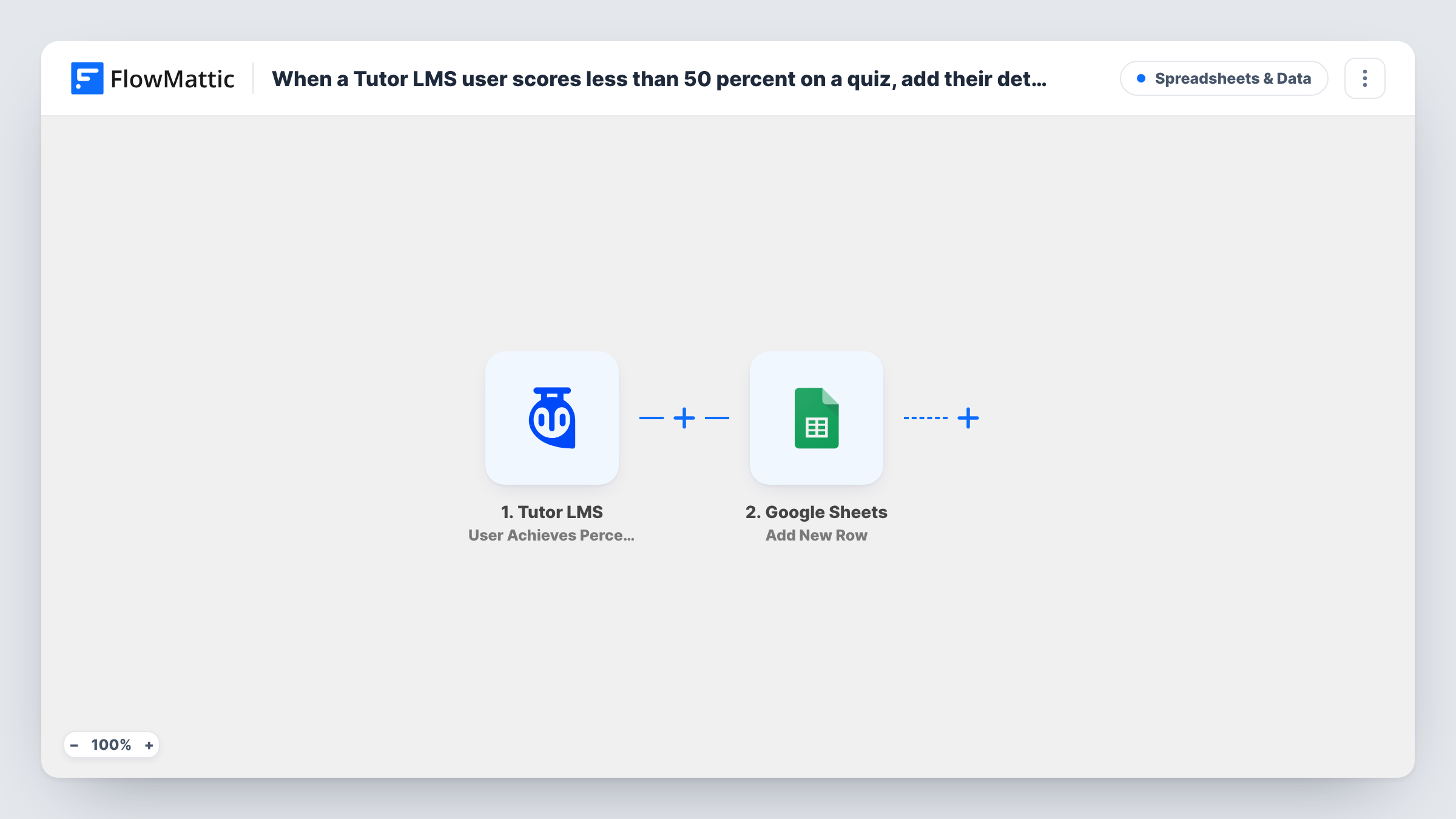
When a Tutor LMS student’s quiz result meets the percentage condition you set on the trigger, below 50 percent, FlowMattic adds the student’s details to a Google Sheets row.
 Tutor LMS
 Google Sheets
2 steps Setup ~5 min Used on 2.4k sites Free to import
What this workflow does
A low quiz score is often the first sign that a student is stuck. Instead of scanning quiz attempts in the Tutor LMS dashboard, this workflow builds a list of students who scored under 50 percent in a Google Sheet, so an instructor or support person can reach out.
The Tutor LMS User Achieves Percentage in Quiz trigger fires when a student's result meets the percentage you set on it. The template doesn't store that setting, so after import set the trigger to less than 50 percent, as the title describes. The student's and quiz's details are then passed on.
The Google Sheets Add New Row step writes one row for each qualifying attempt. It ships unmapped, so choose your spreadsheet and map the fields you want, such as the student's name and email, the quiz title, the score and the date.
Every attempt that meets the condition adds a row, so a student who fails the same quiz twice appears twice. Take a test quiz with a low score and look at Task History to confirm the trigger fired and see which fields it sent.
Instructor follow-up list
An instructor checks the sheet every Friday and emails students who scored under 50 percent with extra reading for the topics they missed.
Spotting quizzes that are too hard
A course team sorts the sheet by quiz title, and a quiz with many rows tells them the questions or the lesson before it need work.
Tutoring offers for struggling learners
An academy that sells one-to-one tutoring uses the list to offer a session to learners who are having trouble with a module.
How this workflow runs
What happens at each step once the workflow is on, and what you need before you import it.
 Tutor LMS User Achieves Percentage in Quiz
Fires when a student's quiz result meets the percentage set on the trigger. The template leaves it unset: configure it for scores below 50 percent after import, then test with a low score.
- Google Sheets Add New Row
Adds a row to your Google Sheet for each qualifying attempt. Nothing is mapped yet, so pick the sheet and map the student, quiz and score fields into its columns.
What you need
- FlowMatticCore
- Tutor LMS PluginPlugin
- Google Sheets AccountAccount
After importing, map your own data. To keep the template universal, not every step is pre-filled. Open each step in the builder and connect your accounts and fields (channels, lists, sheets, recipients) before you switch the workflow on.
Make it yours
Changes worth making after you import it.
- Add a column for the attempt date and map it, so you can tell repeat attempts at the same quiz apart.
- Add an Email step after the Google Sheets step to send the student a short note with study resources when their result is logged.
- Add a status column such as contacted or resolved and fill it in by hand, turning the sheet into a follow-up tracker.
- Import a second copy with the trigger set to a high percentage to keep a separate sheet of top scorers.
Questions about this workflow
Where do I set the 50 percent limit for the Tutor LMS quiz?
In the Tutor LMS trigger step itself. The template doesn't store the condition, so set it to less than 50 after import and run a test attempt to confirm the trigger fires for low scores.
Does one student get a new row for every failed attempt?
Yes. Each attempt that meets the condition starts its own run and adds its own row. Nothing in the template checks whether the student is already in the sheet.
Which student details can go into the Google Sheet?
Whatever the trigger sends, which you map into columns in the Add New Row step. Take a test quiz and check Task History to see the available fields before mapping.
Are past quiz attempts added to the sheet?
No. Only attempts made while the workflow is active start a run. Earlier low scores stay in Tutor LMS's own quiz records.
More Spreadsheets & Data workflows
Other ready-to-import templates from the same category.




Import this workflow into your WordPress site
Download the JSON, import it from the Workflows screen and connect your accounts. Every run stays on your server, with no per-task fees.
30-day money-back guarantee Unlimited workflows and runs Self-hosted