

Generate bulk coupons in WooCommerce Smart Coupons when a new campaign is created in MailerLite
When a MailerLite campaign has been sent out, this workflow generates a batch of WooCommerce Smart Coupons in your store, giving you fresh codes tied to each campaign you send.
 MailerLite
 WooCommerce Smart Coupons
2 steps Setup ~5 min Used on 2.8k sites Free to import
What this workflow does
Shops that run promotions by email often want a new set of coupon codes for each send, so one campaign's codes can be tracked apart from the next. Creating those codes by hand after every campaign is easy to forget. This workflow generates them as soon as MailerLite reports the campaign as sent.
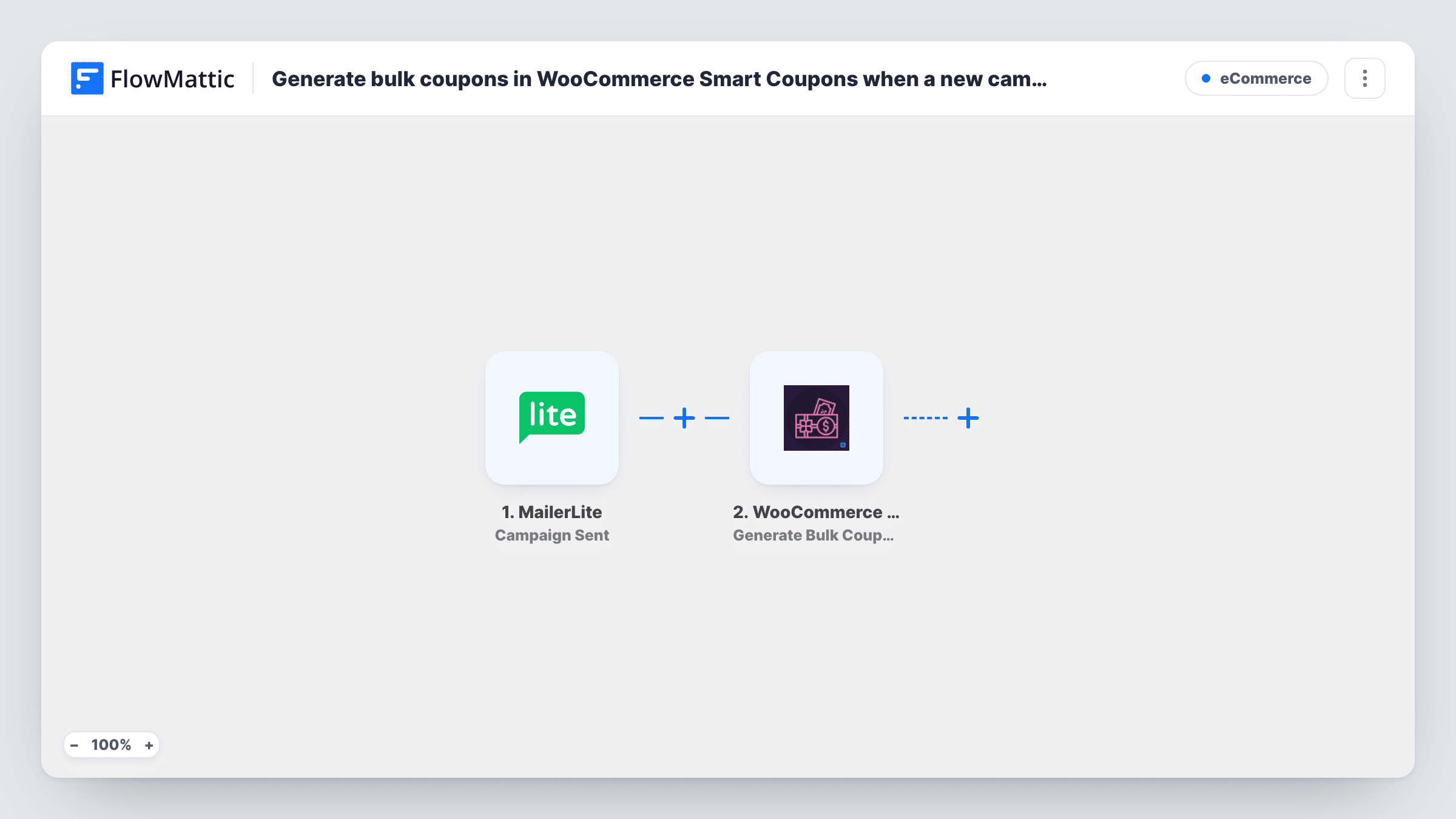
The MailerLite trigger is Campaign Sent. MailerLite has no trigger in FlowMattic for a campaign being created, so this one runs at the moment a campaign goes out, not when you first draft it. FlowMattic then calls WooCommerce Smart Coupons with Generate Bulk Coupons, which creates multiple coupons at once in your WooCommerce store. You set the batch up in that step, and you can map campaign details from MailerLite into it.
The coupons are created in WooCommerce and stop there. They are not added to the campaign, which has already gone out, and no step sends them to anyone. Every campaign you send creates another batch, including test or small sends, so add a Filter if only some campaigns should produce coupons.
A coupon batch per newsletter issue
A store sends a monthly newsletter and wants a separate set of codes ready afterwards for customer service to hand out when readers ask about that month's offer.
Codes for a follow-up send
After a product launch email goes out, a batch of coupons is ready in WooCommerce for the follow-up campaign you write for people who clicked.
Partner and influencer codes
When a partner announcement campaign is sent, the shop gets a batch of codes it can share out among partners who promote the same offer.
How this workflow runs
What happens at each step once the workflow is on, and what you need before you import it.
 MailerLite Campaign Sent
Runs when a campaign has been sent out from your MailerLite account. Campaign details are captured and can be mapped into the coupon step.
- WooCommerce Smart Coupons Generate Bulk Coupons
Generates multiple WooCommerce Smart Coupons in one go on your store. Set up the batch in this step and map any MailerLite campaign details you want to use, then test once to check the coupons it creates.
What you need
- FlowMatticCore
- MailerLite AccountAccount
- WooCommerce Smart Coupons PluginPlugin
After importing, map your own data. To keep the template universal, not every step is pre-filled. Open each step in the builder and connect your accounts and fields (channels, lists, sheets, recipients) before you switch the workflow on.
Make it yours
Changes worth making after you import it.
- Add a Filter after the trigger that continues only when the campaign name contains a word such as promo. Other sends then stop before any coupons are generated.
- Want the codes delivered? WooCommerce Smart Coupons has a Send Coupon via Email action for sending an existing coupon to a customer. Check a test run to see what the bulk step returns before you build on it.
- Send one small test campaign after import and check Task History. You will see the campaign fields MailerLite sends and the result from Smart Coupons.
Questions about this workflow
Does the workflow run when I create a MailerLite campaign?
No. The trigger is Campaign Sent, so it runs when the campaign goes out. MailerLite has no campaign-created trigger in FlowMattic.
Are the Smart Coupons codes inserted into the MailerLite email?
No. The email has already been sent when the workflow starts. The codes are created in WooCommerce for you to use afterwards.
Do I need the WooCommerce Smart Coupons plugin?
Yes. The step generates coupons through WooCommerce Smart Coupons, so it must be installed with WooCommerce on the same WordPress site as FlowMattic.
What happens if I send several MailerLite campaigns in a day?
Each sent campaign is its own run, so each one generates a separate batch of coupons.
More E-Commerce workflows
Other ready-to-import templates from the same category.







Import this workflow into your WordPress site
Download the JSON, import it from the Workflows screen and connect your accounts. Every run stays on your server, with no per-task fees.
30-day money-back guarantee Unlimited workflows and runs Self-hosted