

When new form submission is received in Bricks Form, create customer in SureCart
When a visitor submits a Bricks Builder form, this workflow creates a customer in SureCart from the name and email you map, so people who enquire or register are already in your store’s customer list.
 Bricks Forms
 Surecart
2 steps Setup ~5 min Used on 391 sites Free to import
What this workflow does
Sites built with Bricks often pair its forms with SureCart for selling. A registration, quote or waitlist form collects names and emails, but those people only show up in SureCart if they check out. If you want them in SureCart earlier, for invoices or for a later checkout, someone has to add them by hand. This workflow does it on each submission.
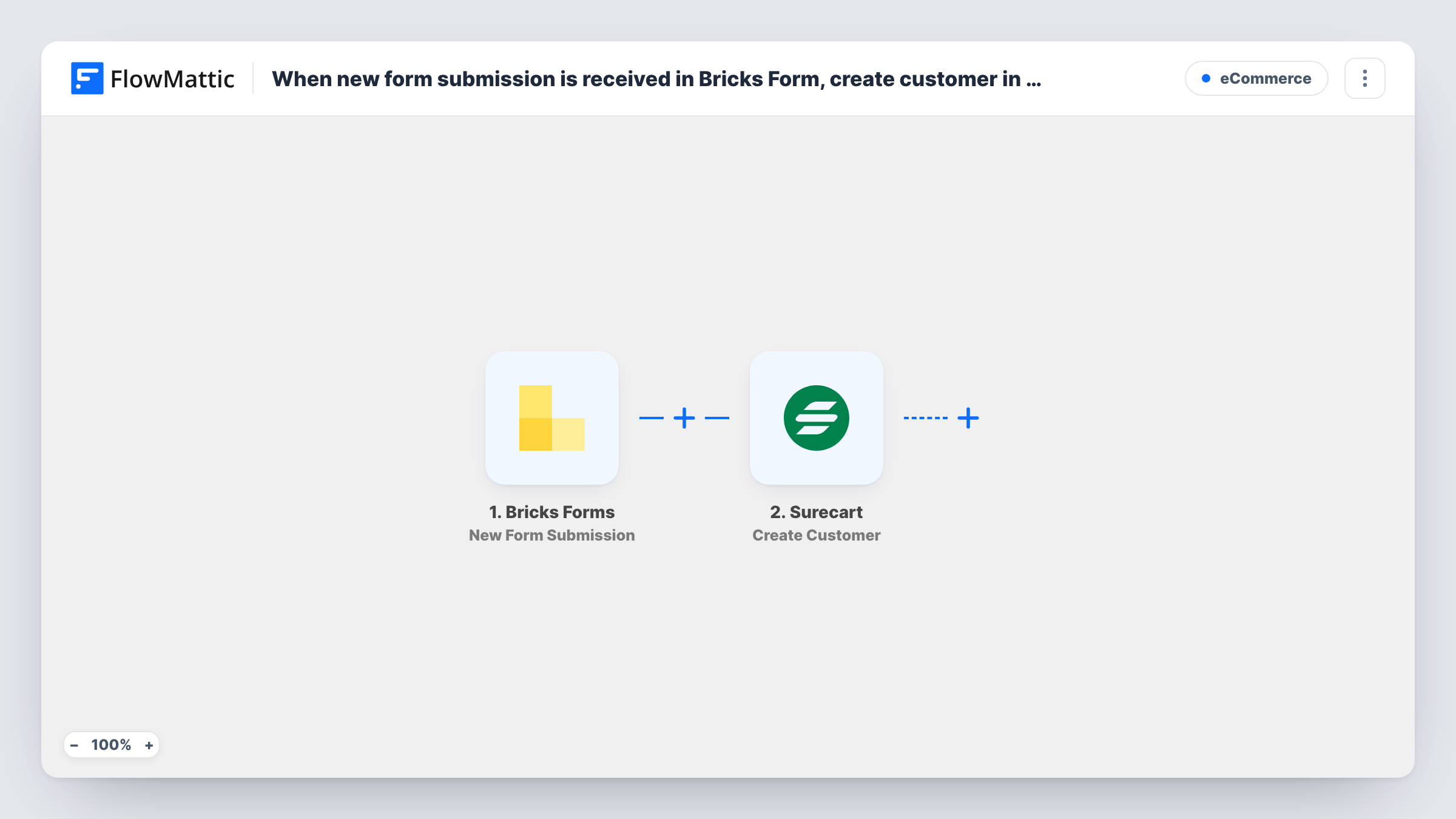
The Bricks Forms trigger, New Form Submission, fires when a form built with Bricks is submitted on your site. FlowMattic receives the submitted fields and passes them to SureCart. The Create Customer step adds a new customer to your store with the details you map, such as email and name.
Every submission creates a customer, whether or not the person ever buys. The step creates new customers only and doesn't look for an existing one first, so a repeat submission with the same email may be refused or create a second record. Task History shows SureCart's response for each run.
Invoicing clients from a request form
A service business collects project requests with a Bricks form. Each requester is already a SureCart customer when you create an invoice for them.
Pre-launch waitlist
Visitors join a waitlist through a Bricks form before a product launches. They are already SureCart customers when sales open.
Event or course registration
A Bricks registration form signs people up for a paid workshop. Each registrant is added to SureCart so you can send them a checkout or invoice.
How this workflow runs
What happens at each step once the workflow is on, and what you need before you import it.
 Bricks Forms New Form Submission
Fires when someone submits a form built with Bricks Builder on your WordPress site. The submitted fields come into FlowMattic for mapping into SureCart.
- Surecart Create Customer
Adds the form submitter to your SureCart store as a customer. Connect your store and map the form's email field, plus name fields if your form collects them, so the customer record is complete.
What you need
- FlowMatticCore
- Bricks Forms PluginPlugin
- SureCart AccountAccount
After importing, map your own data. To keep the template universal, not every step is pre-filled. Open each step in the builder and connect your accounts and fields (channels, lists, sheets, recipients) before you switch the workflow on.
Make it yours
Changes worth making after you import it.
- Add SureCart's Find Customer By Email step before Create Customer, followed by a Filter that continues only when no customer was found, to avoid duplicate records.
- Make the email field required in your Bricks form so every submission gives SureCart an address to create the customer with.
- If your site has several Bricks forms, add a Filter after the trigger so only the form meant for customers reaches SureCart. Check a test submission to see which value identifies it.
Questions about this workflow
What if the person is already a SureCart customer?
Create Customer doesn't check first. SureCart may refuse the duplicate or create a second record, and the run's entry in Task History shows which. A Find Customer By Email step before it lets you skip existing customers.
Does every Bricks form on my site send people to SureCart?
As imported, the trigger listens for Bricks form submissions without naming one form. Add a Filter on a value that identifies the form to limit it.
Do I need SureCart installed on the same WordPress site?
Bricks needs to run on the site with FlowMattic, since the trigger listens there. The SureCart step connects to your SureCart store when you import the workflow.
Does creating the SureCart customer charge them?
No. Create Customer adds a record and nothing more here. It doesn't start a checkout or take payment.
More E-Commerce workflows
Other ready-to-import templates from the same category.






Import this workflow into your WordPress site
Download the JSON, import it from the Workflows screen and connect your accounts. Every run stays on your server, with no per-task fees.
30-day money-back guarantee Unlimited workflows and runs Self-hosted