

Send a Discord notification when a Helpjuice article is archived
When an article is archived in your Helpjuice knowledge base, this workflow posts a message to a Discord channel, so support agents and writers know a help page has been taken out of circulation.
 Helpjuice
 Discord
2 steps Setup ~5 min Used on 740 sites Free to import
What this workflow does
Archiving a help article is easy to miss. Agents may keep pasting a link that no longer leads anywhere useful, and writers may not realise a page they own was pulled. This workflow tells your team in Discord the moment it happens.
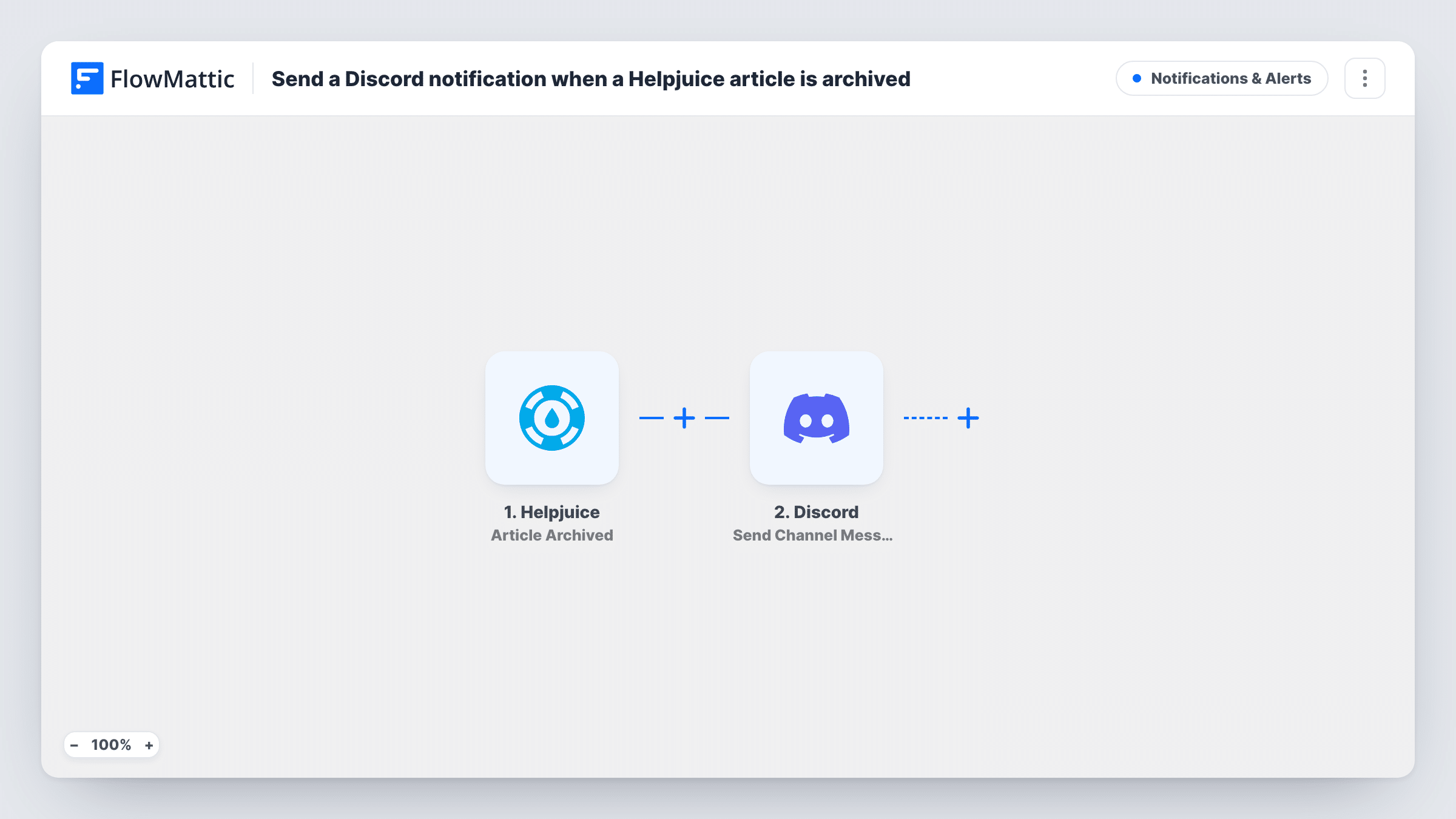
The Helpjuice trigger fires when an article is archived. FlowMattic takes the article data from that event and runs Send Channel Message in Discord. You write the message text and insert values from the trigger, such as the article title, so readers can tell which page went.
The workflow only posts. It doesn't restore, move or change the article in Helpjuice, and other article events such as deletion or publishing don't run it. Each archive triggers one message, and Task History lets you check what was posted and Discord's response.
Keeping saved replies current
A support team links help articles in canned replies. When one is archived, the Discord note reminds an agent to update any reply that points to it.
Content ownership in a docs team
Technical writers share one Discord channel, and an archive message there tells the article's owner that it was pulled during a cleanup.
Product retirement checks
When a feature is retired and its help pages are archived, the product team sees each one in Discord and can confirm nothing was missed.
How this workflow runs
What happens at each step once the workflow is on, and what you need before you import it.
 Helpjuice Article Archived
Fires when an article is archived in Helpjuice. The article details from that event are ready to use in the Discord message.
- Discord Send Channel Message
Posts your message to the Discord channel you set. Include the article details you want your team to see, and connect your Discord account when you import.
What you need
- FlowMatticCore
- Helpjuice AccountAccount
- Discord AccountAccount
After importing, map your own data. To keep the template universal, not every step is pre-filled. Open each step in the builder and connect your accounts and fields (channels, lists, sheets, recipients) before you switch the workflow on.
Make it yours
Changes worth making after you import it.
- Archive a test article after import and look at Task History to find the field names Helpjuice sends, such as the title, before you write the message.
- Want deletions announced too? Build a second workflow on Helpjuice's Article Deleted trigger, posting to the same Discord channel.
- Add a Filter before the Discord step if only certain articles matter, for example ones whose category or title matches a value you choose, as far as the trigger includes it.
Questions about this workflow
Does archiving a Helpjuice article still work as before?
Yes. The workflow only listens for the archive event and posts to Discord. Helpjuice handles the article exactly as it normally would.
Will deleted Helpjuice articles post to Discord too?
No. Deletion is its own Helpjuice trigger. This template reacts to archiving only, so add a second workflow if deletions should be announced.
Can the Discord message include a link to the archived article?
If the trigger passes a URL or ID for the article, you can place it in the message. Check a test run to see what Helpjuice includes.
Do articles archived before I import this get announced?
No. Only articles archived after the workflow is turned on produce a Discord message.
More Notifications & Alerts workflows
Other ready-to-import templates from the same category.




Import this workflow into your WordPress site
Download the JSON, import it from the Workflows screen and connect your accounts. Every run stays on your server, with no per-task fees.
30-day money-back guarantee Unlimited workflows and runs Self-hosted