

When a new form submission received in Unbounce, add a new ticket in Desku.io, and create a new lead in Mailbluster
Each Unbounce landing page form submission opens a ticket in Desku.io for your team to answer and adds the person to Mailbluster as a lead for your email campaigns.
 Unbounce
 Desku
 Mailbluster
3 steps Setup ~5 min Used on 762 sites Free to import
What this workflow does
A landing page form is often both a question and a sign-up. The visitor wants an answer, and you want them on your list for later. Handling those two jobs by hand means copying the same entry into two tools. This workflow does both from one Unbounce submission.
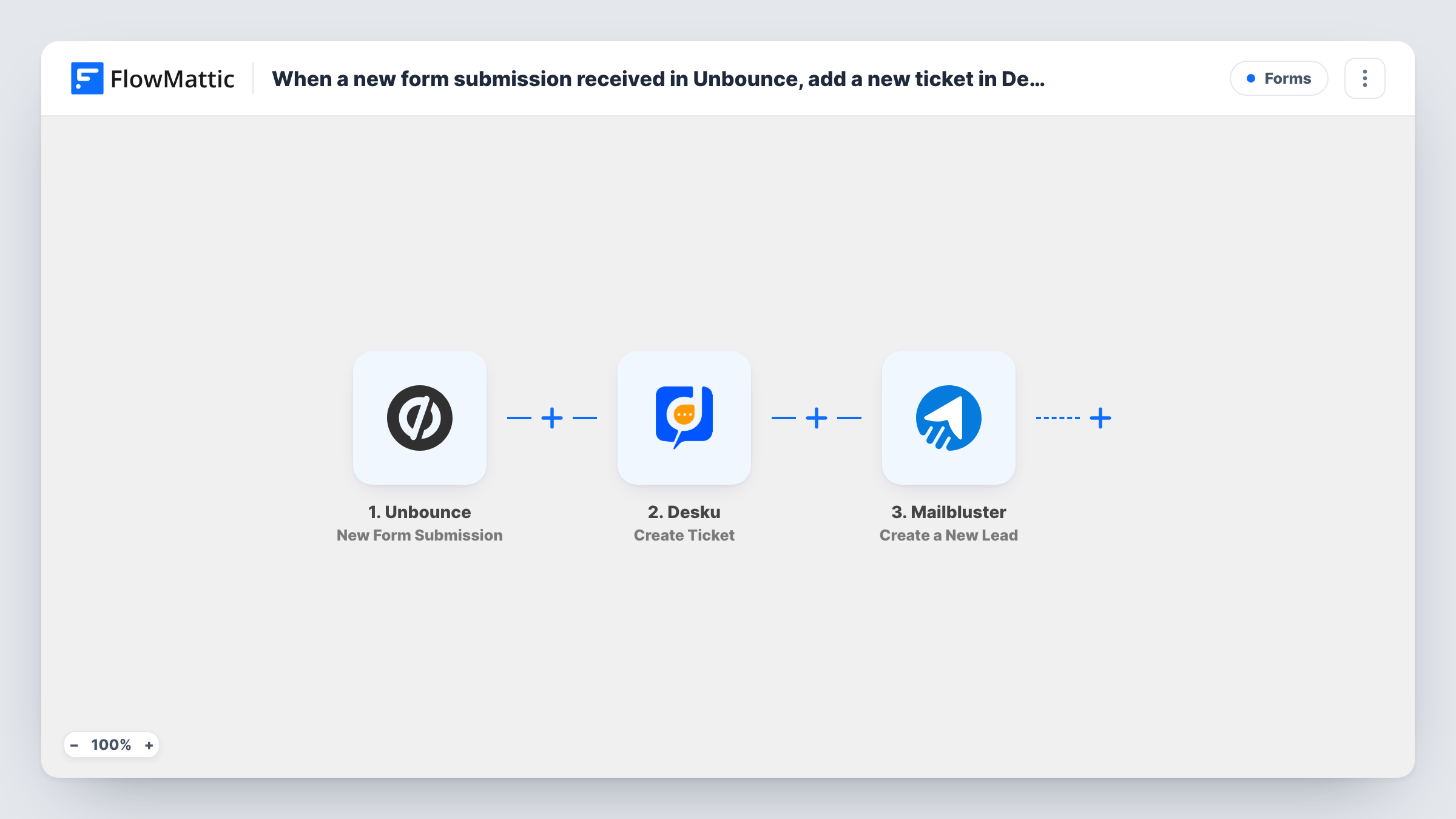
The Unbounce trigger starts a run when one of your landing page forms is submitted, and FlowMattic passes the answers on. The Desku.io step creates a new ticket from them, so the enquiry appears in your helpdesk with the visitor's message. The Mailbluster step then creates a new lead from the same submission.
The Desku and Mailbluster steps arrive with nothing mapped. After import you connect Desku and map the visitor's name, email and message into the ticket, then connect Mailbluster and map the email and name into the lead. Run a test submission to see which field names Unbounce sends.
Every submission does both, so people who only want an answer still join Mailbluster. If your page has a consent checkbox, use it as described in the tips. Task History shows each step's response, including how Mailbluster answered an address it already has.
Demo requests from a product page
A SaaS team's Unbounce demo form creates a Desku ticket for sales to reply to and puts the requester into Mailbluster for product updates.
Quote enquiries for a service business
A landscaping company handles quote requests as Desku tickets while building a Mailbluster list for seasonal offers.
Event landing page questions
An event organiser answers attendee questions in Desku and sends the same people schedule announcements from Mailbluster.
How this workflow runs
What happens at each step once the workflow is on, and what you need before you import it.
 Unbounce New Form Submission
Starts the workflow when someone submits a form on your Unbounce landing page. The visitor's answers are passed to the Desku and Mailbluster steps for mapping.
- Desku Create Ticket
Creates a new ticket in Desku.io from the submission. The step ships unmapped: connect Desku, then map the visitor's email, name and message into the ticket after a test submission.
- Mailbluster Create a New Lead
Creates a new lead in Mailbluster from the same Unbounce entry. Connect Mailbluster after import and map at least the visitor's email address, plus the name if you collect it.
What you need
- FlowMatticCore
- Unbounce AccountAccount
- Desku.io AccountAccount
- Mailbluster AccountAccount
After importing, map your own data. To keep the template universal, not every step is pre-filled. Open each step in the builder and connect your accounts and fields (channels, lists, sheets, recipients) before you switch the workflow on.
Make it yours
Changes worth making after you import it.
- If your Unbounce form has a marketing consent checkbox, put a Filter between the Desku step and the Mailbluster step that checks it. Every visitor still gets a ticket, and only those who agreed become leads.
- Map the Unbounce page name or form name into the ticket subject, if a test run shows it, so agents know which landing page the request came from.
- Make the email field required on the Unbounce form, so each Desku ticket has a contact address and Mailbluster has an email for the lead.
Questions about this workflow
Does every Unbounce submission become a Mailbluster lead?
Yes, as imported. Both steps run for each submission. Add a Filter between the Desku step and the Mailbluster step if only some visitors should join your list.
What if the visitor is already a lead in Mailbluster?
Mailbluster decides how to handle an email it already holds. Send a test with an address already on your list and read the response in Task History.
Which Unbounce fields reach Desku.io and Mailbluster?
The ones you map. Both action steps are empty in the template, so a test submission shows the field names Unbounce sends and you choose where each goes.
More Forms workflows
Other ready-to-import templates from the same category.






Import this workflow into your WordPress site
Download the JSON, import it from the Workflows screen and connect your accounts. Every run stays on your server, with no per-task fees.
30-day money-back guarantee Unlimited workflows and runs Self-hosted