

When a form submission received in Typeform, Create Membership Level in Wishlist Member
Each Typeform submission creates a new membership level in Wishlist Member on your WordPress site, using the answers you map, so levels can be set up from a form instead of the WordPress admin.
 Typeform
 Wishlist Member
2 steps Setup ~5 min Used on 2.5k sites Free to import
What this workflow does
Setting up a new membership level normally means logging in to WordPress and filling in Wishlist Member's settings by hand. If levels are requested by people who don't have admin access, such as course creators or partners, a form is an easier way to collect what each level needs. This workflow turns each Typeform response into a new level.
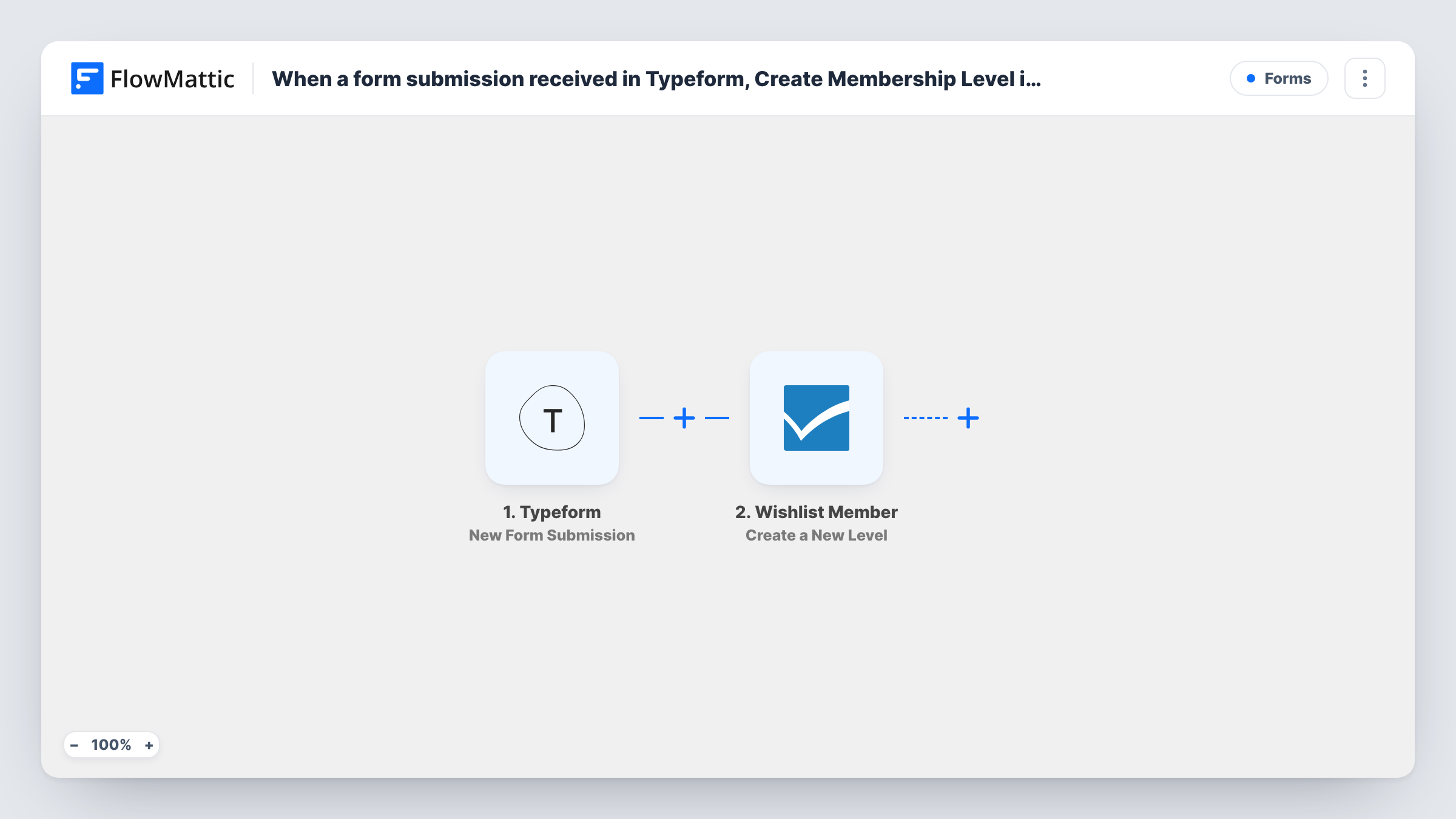
The Typeform trigger fires each time your connected Typeform receives a submission. FlowMattic passes the answers to Wishlist Member, and its Create a New Level action adds a level to your site with the values you map, for example the level name from a text answer.
Note what the flow does not do. It creates the level only: it doesn't add the person who filled in the form as a member, and it doesn't protect any content. Every submission creates another level, so a form sent twice makes two. Keep the form private to the people allowed to request levels, because anyone who can submit it can add one.
Course creators requesting a new tier
Instructors on a multi-author membership site fill in a Typeform with the tier name they need, and the level appears in Wishlist Member for the admin to finish.
Agency setting up client sites
During onboarding, a client completes an intake Typeform and the membership levels they named are created on their WordPress site.
Seasonal programmes
A coordinator submits a short form for each new cohort, and a matching Wishlist Member level is created for that cohort's members.
How this workflow runs
What happens at each step once the workflow is on, and what you need before you import it.
 Typeform New Form Submission
Fires when a response is submitted to the Typeform form you choose. Each answer becomes a value you can map into the Wishlist Member step.
- Wishlist Member Create a New Level
Creates a new membership level in Wishlist Member on your site. Map Typeform answers into the level settings the step offers, such as its name, and run a test to check the level it creates.
What you need
- FlowMatticCore
- Typeform AccountAccount
- Wishlist Member PluginPlugin
After importing, map your own data. To keep the template universal, not every step is pre-filled. Open each step in the builder and connect your accounts and fields (channels, lists, sheets, recipients) before you switch the workflow on.
Make it yours
Changes worth making after you import it.
- Add a Filter after the trigger that continues only when an approval question is answered yes, or when the email matches your team's domain, so stray submissions don't create levels.
- To avoid duplicates, add Wishlist Member's Get All Levels step before the create step and a Filter that stops the run when the requested name is already in the list.
- Submit one test response after import, then check the new level in Wishlist Member and delete it if you don't need it.
Questions about this workflow
Does the person who fills in the Typeform become a Wishlist Member member?
No. The workflow creates a level and stops there. Adding someone to a level is a separate action, Add Member to Level, which you could add as a later step.
What happens if two Typeform responses ask for the same level name?
Each response runs the workflow, so the step is asked to create a level both times. Check a test run to see how Wishlist Member handles a repeated name, or add a check before the create step.
Do I need Wishlist Member on the same site as FlowMattic?
Yes. Wishlist Member is a WordPress plugin, and the level is created on the site where FlowMattic runs.
Can a Typeform response change a Wishlist Member level that already exists?
Not with this template. Wishlist Member in FlowMattic has an Update Existing Level action for that, which needs the ID of the level you want to change.
More Forms workflows
Other ready-to-import templates from the same category.







Import this workflow into your WordPress site
Download the JSON, import it from the Workflows screen and connect your accounts. Every run stays on your server, with no per-task fees.
30-day money-back guarantee Unlimited workflows and runs Self-hosted