

Add Facebook Lead Ads leads to a Campaign Monitor list
Every lead from your Facebook Lead Ads form is added to a Campaign Monitor list with their name and email, ready for your welcome journey. Marketers no longer download lead CSVs from Meta and import them by hand. After import, pick the Facebook page and form in the trigger and the list in Campaign Monitor.
 Facebook Lead Ads
 Campaign Monitor
2 steps Setup ~5 min Used on 2.0k sites Growth Free to import
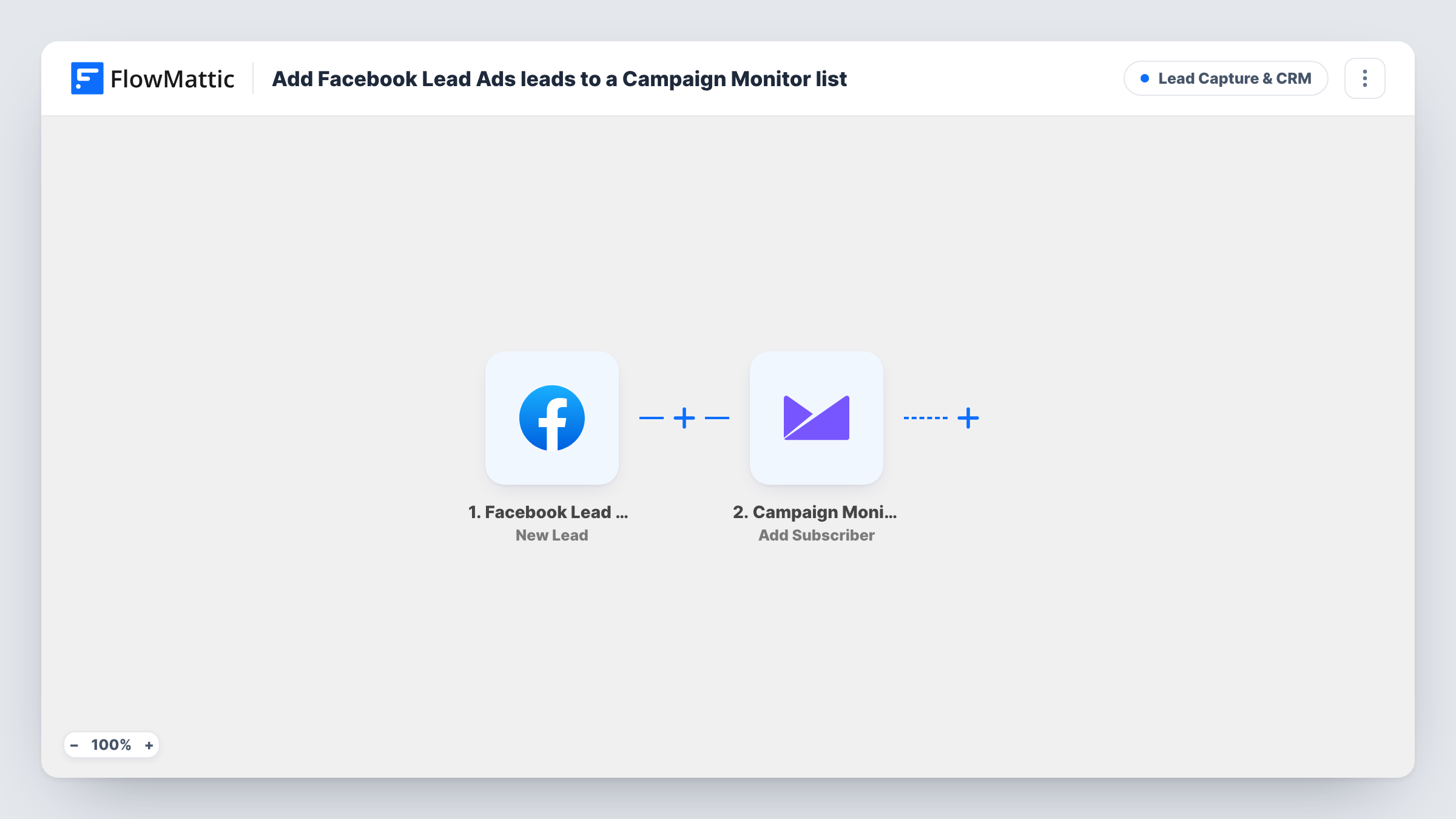
How this workflow runs
What happens at each step once the workflow is on, and what you need before you import it.
 Facebook Lead Ads New Lead
The workflow starts automatically when a new lead is created in Facebook Lead Ads. FlowMattic captures that data for the steps below.
- Campaign Monitor Add Subscriber
Campaign Monitor — add a new subscriber to the list. Data is mapped from earlier steps; connect your Campaign Monitor account on import.
What you need
- FlowMatticCore
- Facebook Lead Ads AccountAccount
- Campaign Monitor AccountAccount
After importing, map your own data. To keep the template universal, not every step is pre-filled. Open each step in the builder and connect your accounts and fields (channels, lists, sheets, recipients) before you switch the workflow on.
More Lead Capture & CRM workflows
Other ready-to-import templates from the same category.









Import this workflow into your WordPress site
Download the JSON, import it from the Workflows screen and connect your accounts. Every run stays on your server, with no per-task fees.
30-day money-back guarantee Unlimited workflows and runs Self-hosted