FTP automation in WordPress: upload, download and watch folders
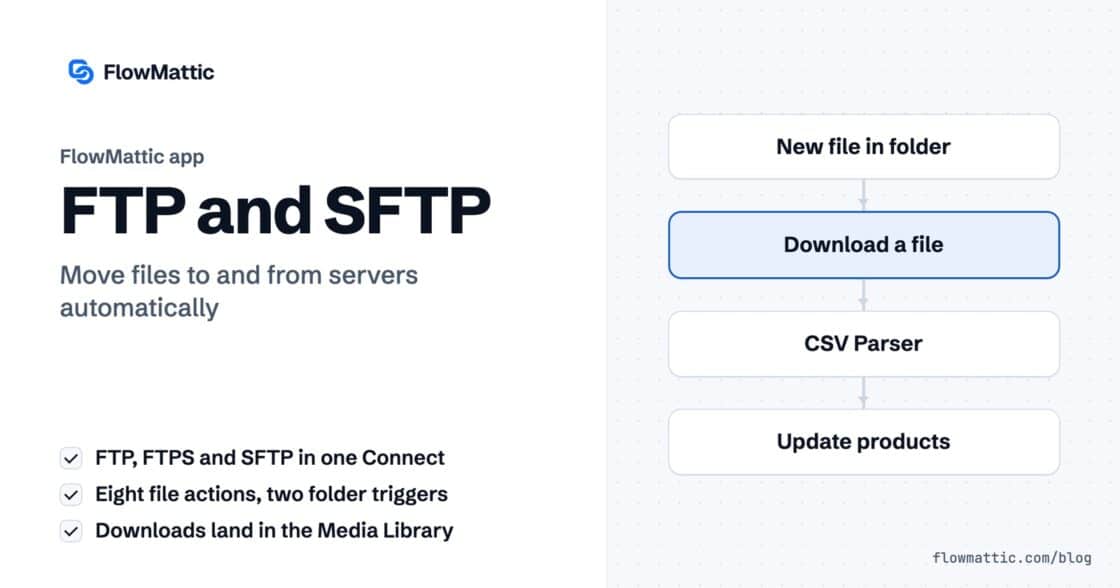
The FTP app uploads, downloads, moves and deletes files on FTP, FTPS and SFTP servers from any workflow, and starts workflows when…


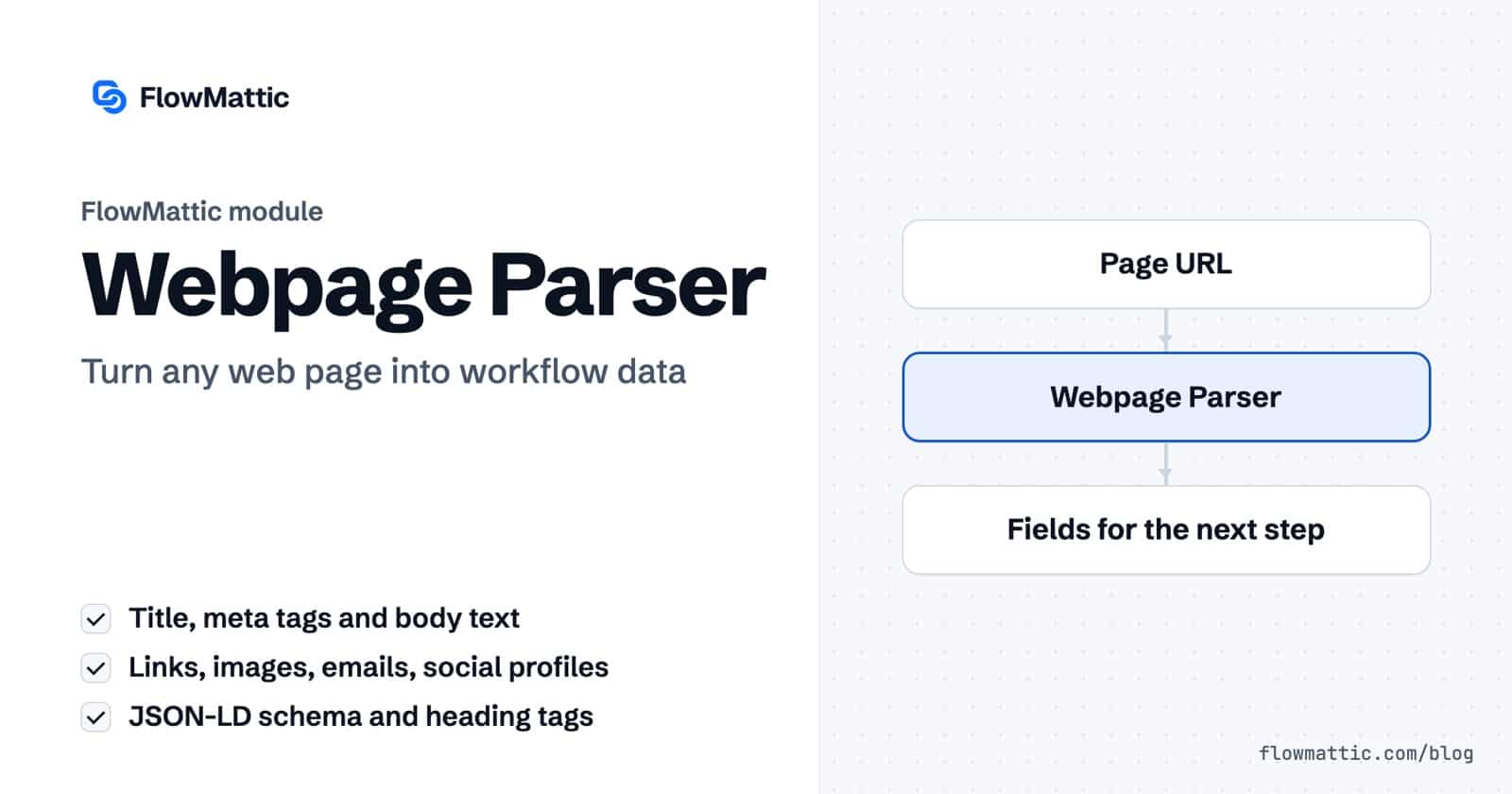
WordPress web scraping usually means a separate scraper service, a browser extension or a script you have to keep alive. The Webpage Parser module in FlowMattic does it as a workflow step: give it a URL and it returns the page title, meta tags, body text, headings, links, images, email addresses, social profiles and structured data as fields the next step can use.
It is built for marketers checking pages, agencies auditing client sites, and anyone who wants to enrich a lead or feed an AI agent with the contents of a page. The request goes out from your own WordPress server, and there is no separate scraping account to set up.
Webpage Parser by FlowMattic is a built-in action module in the visual workflow builder. Its description in the builder says it all: “Extract important data from any URL in your workflow.” You find it in the app picker under utilities, next to the other data tools.
It has two actions:
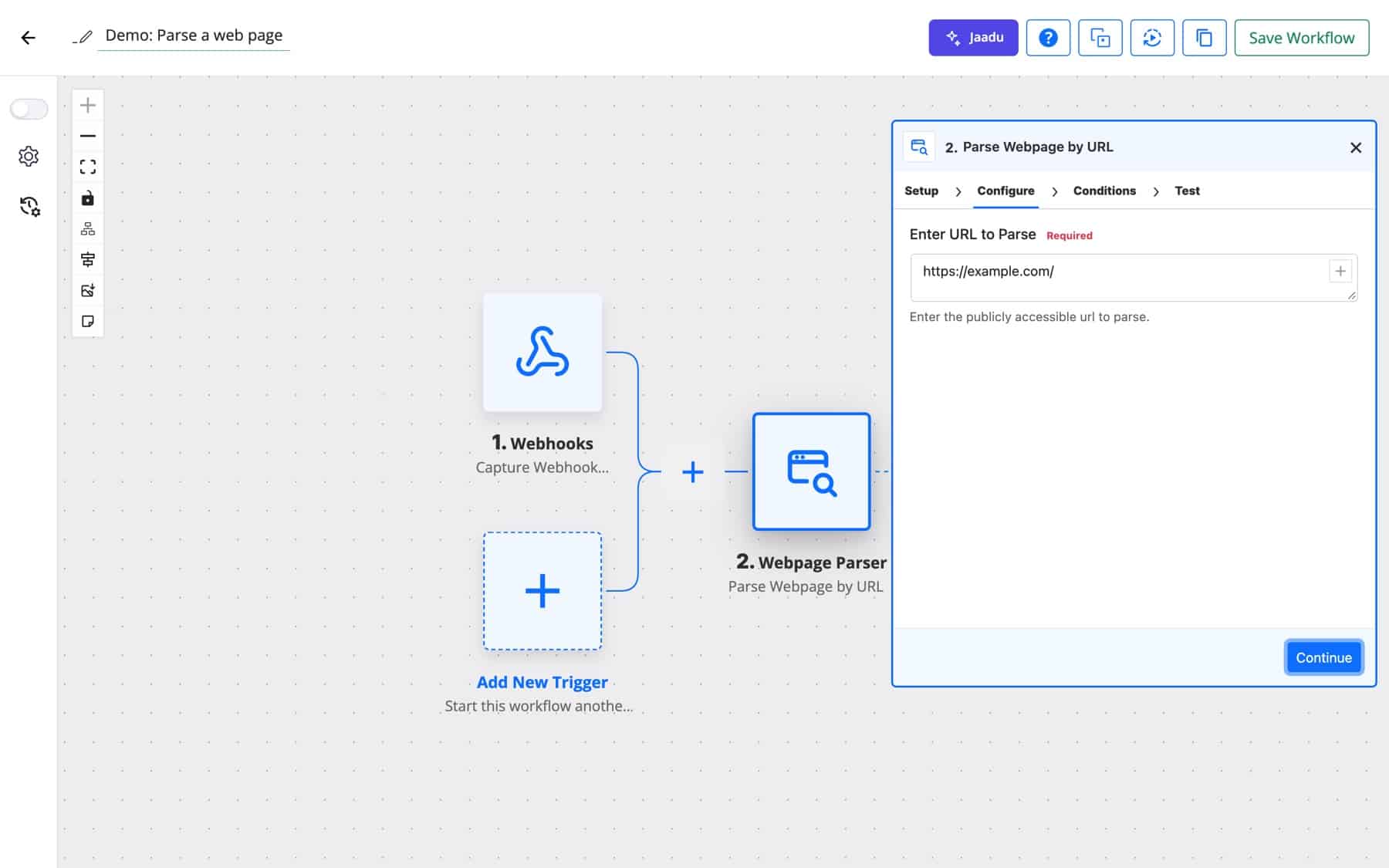
Behind the scenes, the module fetches the page’s HTML with the WordPress HTTP API and reads it with PHP’s DOM extension. Script and style tags are removed before the body text is collected, so content holds readable text rather than code. Your WordPress web scraping stays on your own server from fetch to result.
| Field | What it holds |
|---|---|
title | The page’s title tag |
description | The meta description |
meta | All meta tags as JSON, keyed by name or property |
content | The body text, with scripts and styles stripped |
schema | Every JSON-LD block (application/ld+json) on the page |
images | Each image’s attributes, such as src, alt and data-src; root-relative paths are made absolute |
emails, emails_list | Unique email addresses found in the HTML, as JSON and as a comma-separated list |
social_links | Links to Facebook, Twitter, LinkedIn, Instagram and YouTube |
internal_links, external_links, all_links | Unique links, split by whether the host matches the page’s host |
heading_tags | Every H1 to H6 with its tag and text |
This lighter action returns title, description and one field per meta tag, prefixed with meta-. An Open Graph image comes back as meta-og:image, a viewport tag as meta-viewport. Use it when you only need the preview data, for example to check how a link will look when shared.
A sales form asks for a company website. Parse it and save the public contact emails, social profiles and the page description next to the lead, so the person who follows up already knows what the company does.
Form submission → Webpage Parser (Parse Webpage by URL) → CRM: create contact
When a post goes live, read its meta tags from the public URL. If description or meta-og:image is empty, alert the editor before the post is shared.
WordPress: new post → Webpage Parser (Get Meta Tags) → Filter: description is empty → Slack message
Feed the content field of a page into an AI step to produce a summary, key points or a draft social post. This works well for curating links your team shares in a channel or a form.
Webhook (link shared) → Webpage Parser → AI Agent: summarise → Email digest
Agencies can list the pages to check in a table, parse each one on a schedule and record the heading tags, link counts and title for the monthly report.
Scheduler → WP Tables: get rows → Iterator → Webpage Parser → WP Tables: update row
Many shop pages publish JSON-LD Product schema with a name, price and availability. The schema field hands you that block as JSON, and the JSON Parser pulls out the values you need for a price-watch table.
Scheduler → Webpage Parser → JSON Parser → Router: price changed → Email
Support teams can parse a help article and send external_links to an Iterator that checks each URL with an HTTP request step, then flag the ones that no longer answer.
Scheduler → Webpage Parser → Iterator → API request → Filter: error → Slack
meta, schema, images, the link lists and heading_tags come back as JSON. Use the JSON Parser to pick one value, or an Iterator to loop through a list.www.example.com from example.com is listed as external./ are turned into full URLs; other relative forms may not resolve correctly.Yes. The Webpage Parser is a built-in FlowMattic module. It fetches the page from your own server and parses it there, so there is no scraping account or API key to manage.
No. It reads the HTML the server sends and does not run scripts. For single-page apps and pages that load content in the browser, use the FlowMattic Browser module instead.
Start the workflow with the Scheduler trigger, add the Webpage Parser with a fixed URL, and store or compare the results in later steps. Each run parses the page again.
Yes. Get Meta Tags returns every meta tag with a name or property, so Open Graph tags arrive as fields such as meta-og:title and meta-og:image.
The Webpage Parser is included with FlowMattic alongside the rest of the data tools and nearly 900 integrations. See the plans and start turning pages into data your workflows can use.
The FTP app uploads, downloads, moves and deletes files on FTP, FTPS and SFTP servers from any workflow, and starts workflows when…
Share Secrets turns a password or API key into a link that expires after a set time, a set number of views,…
Generate Magic Login Link creates single-use sign-in links from any workflow, valid from 1 minute to 30 days, with a confirmation page…