

Subscribe FlowMattic Forms respondents to Mailchimp instantly
Each submission to the FlowMattic form you select adds the respondent to your Mailchimp audience, using their email and name, or updates them if they are already a member of that audience.
 Form Builder
 Mailchimp
2 steps Setup ~5 min Used on 1.3k sites Marketing Free to import
What this workflow does
If you build forms with FlowMattic's own form builder, the people who fill them in are often the ones you want on your mailing list. Exporting entries and importing them into Mailchimp takes time and gets forgotten. This workflow moves each respondent across as they submit.
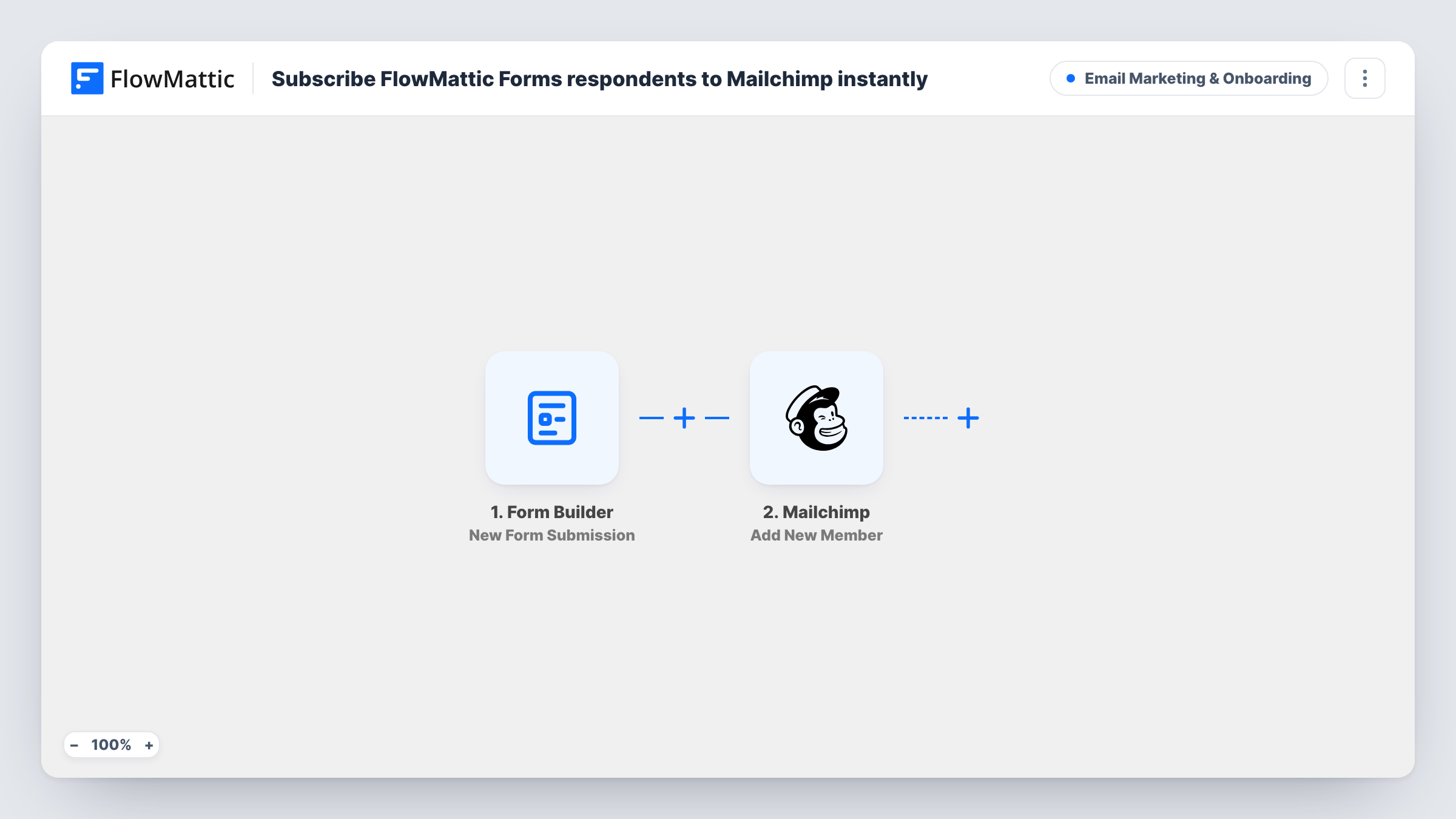
The Form Builder trigger is New Form Submission, which fires whenever the selected FlowMattic form receives a new submission. Every field value becomes a workflow variable you can map.
The Mailchimp step is Add New Member, already mapped: the form's email field goes to the member email and its name field to the first name. FlowMattic describes this action as adding a new member to the list, or updating them if they already exist, so repeat respondents are not duplicated. If your form's fields have different names, remap them after a test submission.
Newsletter box built with FlowMattic Forms
A blog's sign-up form, made with FlowMattic's form builder, adds every respondent straight to the Mailchimp audience that receives the newsletter.
Lead magnet downloads
Visitors request a checklist through a FlowMattic form, and each one joins the Mailchimp audience that sends the follow-up emails.
Contact form with list growth
A consultant's enquiry form also adds each person to Mailchimp, so past enquirers receive the monthly update.
How this workflow runs
What happens at each step once the workflow is on, and what you need before you import it.
 Form Builder New Form Submission
Fires whenever the FlowMattic form you select receives a new submission. Every field the person filled in is exposed as a variable for the Mailchimp step.
- Mailchimp Add New Member
Adds the respondent to your chosen Mailchimp audience with the form's email and name fields, or updates them if the address is already there. Pick the audience and connect Mailchimp.
What you need
- FlowMatticCore
- Mailchimp AccountAccount
After importing, map your own data. To keep the template universal, not every step is pre-filled. Open each step in the builder and connect your accounts and fields (channels, lists, sheets, recipients) before you switch the workflow on.
Make it yours
Changes worth making after you import it.
- Add a consent checkbox to the FlowMattic form and a Filter after the trigger that continues only when it is ticked, so only people who opted in reach Mailchimp.
- Follow Add New Member with Mailchimp's Add Member Tag step to label respondents by form, which helps when several forms feed the same audience.
- Submit a test entry after import and look at the captured variables, then check that email and name in the Mailchimp step point at the right fields.
Questions about this workflow
What happens if the FlowMattic Forms respondent is already in Mailchimp?
Mailchimp's Add New Member works as an upsert here: a known address is updated, a new one is added. The person stays a single member, with details refreshed from the form.
Which FlowMattic form does this workflow listen to?
Whichever form you pick in the Form Builder trigger. Each workflow watches its selected form, so pick your sign-up form after import, or import a copy for another form.
Do respondents need to confirm their subscription?
It comes down to your Mailchimp audience settings and the options in this step. Check the step's options after import and run a test to see whether Mailchimp adds the address as subscribed or pending.
More Email Marketing & Onboarding workflows
Other ready-to-import templates from the same category.






Import this workflow into your WordPress site
Download the JSON, import it from the Workflows screen and connect your accounts. Every run stays on your server, with no per-task fees.
30-day money-back guarantee Unlimited workflows and runs Self-hosted