

Summarize new pull requests with AI and post the digest to Slack
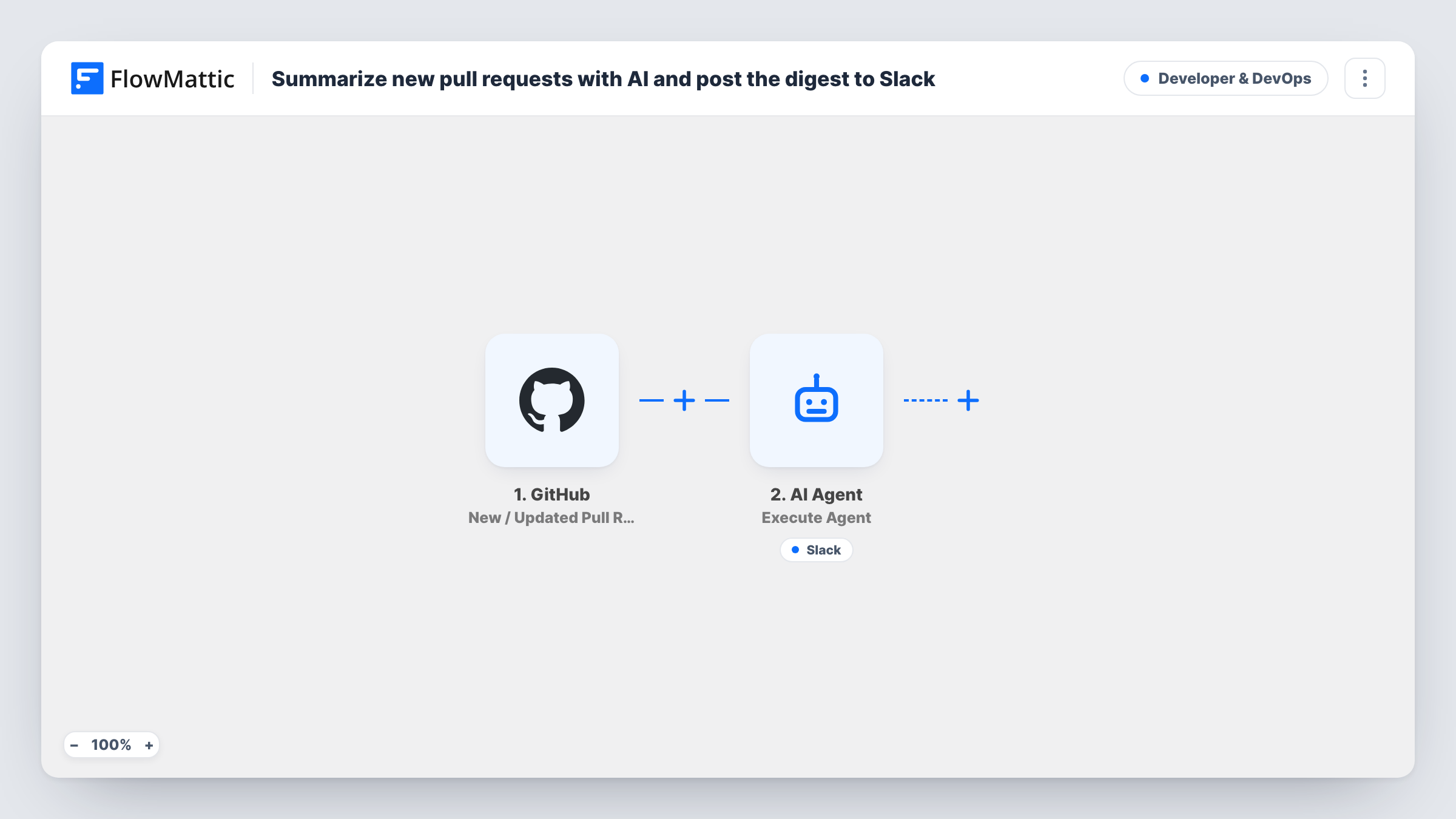
When a pull request is opened on GitHub, an AI agent reads its number, title and description, writes a short plain-language summary and can post it to Slack with its Slack tool, so reviewers know what changed.
 GitHub
 Filter
 AI Agent
 Slack
Slack4 steps Setup ~8 min Used on 1.2k sites Developer & DevOps Free to import
What this workflow does
Reviewers often open a pull request without knowing what it is about, and long descriptions get skimmed. This workflow asks an AI agent to read each new pull request and post a short, plain summary to Slack, so the team sees what changed and why before opening the diff.
The GitHub trigger, New / Updated Pull Request, runs on pull request activity in the connected repository. A Filter then continues only when the action is opened, so commits, edits and merges on an existing pull request don't produce new summaries.
The AI Agent step runs on GPT-4o from OpenAI. Its instructions tell it to write a concise, plain-language summary of what the pull request changes and why, then post it to Slack. It is given the pull request number, the title and the description body. It does not receive the code diff, so a pull request with an empty description gives it only the title to work from.
The agent's one tool is the Slack action Send Channel Message, described as posting the summary to the review channel. Its message is set to AI:, which means the agent writes the text. The agent decides when to use its tools, so check a few runs in Task History. After import, connect your OpenAI and Slack accounts and choose the channel in the tool's settings.
Faster review pickup
A product team's #code-review channel shows a two-line summary of each new pull request, so the right reviewer can claim it without opening GitHub first.
Keeping non-engineers informed
A product manager follows the Slack summaries to see what each new pull request is meant to change, in plain language, without reading code.
Open-source contributions
Maintainers of a busy repository read AI summaries of incoming pull requests from contributors in Slack and decide which to review first.
How this workflow runs
What happens at each step once the workflow is on, and what you need before you import it.
 GitHub New / Updated Pull Request
Runs on pull request activity in the connected GitHub repository, such as opened, edited, synchronised or closed. The pull request number, title, description and action pass on.
- Filter Continue If Condition Meet
Continues only when GitHub's action exactly matches opened, ignoring case. Updates to existing pull requests, and reopened ones, stop here, so each pull request is summarised once.
- AI Agent Execute Agent
Runs an AI agent on GPT-4o, told to summarise the pull request's changes and reasons plainly and post the summary to Slack. It receives the number, title and description, not the diff.
- Slack Send Channel Message
The agent's Slack tool, for posting the summary to your review channel. Its message is left to the agent, which writes the text. Choose the channel after import and check runs to confirm the agent posts.
What you need
- FlowMatticCore
- GitHub AccountAccount
- AI ProviderAccount
- Slack AccountAccount
After importing, map your own data. To keep the template universal, not every step is pre-filled. Open each step in the builder and connect your accounts and fields (channels, lists, sheets, recipients) before you switch the workflow on.
Make it yours
Changes worth making after you import it.
- Ask contributors to fill in the pull request description, for example with a GitHub pull request template, since the agent reads the description and not the code.
- Edit the agent's instructions to set a format, such as one sentence on what changed and one on why, so every Slack summary looks the same.
- Add the pull request link to the agent's input, by mapping the pull request's URL from the trigger, and ask in the instructions for it to be included in the Slack post.
Questions about this workflow
Does the AI agent read the code changes in the pull request?
No. As imported, the agent receives the pull request number, title and description body. It summarises from that text, so a thin description gives a thin summary.
Will the agent post to Slack for every new pull request?
Its instructions tell it to post, and its Slack tool is there for that, but the agent decides when to call a tool. Check Task History for a few runs to confirm the post happens.
Which AI model writes the pull request summaries?
The template uses OpenAI's GPT-4o, so you connect an OpenAI account in the AI Agent step. You can choose another provider or model there if you prefer.
Do commits pushed to an open pull request create new summaries?
No. Those updates start the trigger, but the Filter only continues for the opened action, so each pull request gets one summary when it is opened.
More Developer & DevOps workflows
Other ready-to-import templates from the same category.


Import this workflow into your WordPress site
Download the JSON, import it from the Workflows screen and connect your accounts. Every run stays on your server, with no per-task fees.
30-day money-back guarantee Unlimited workflows and runs Self-hosted