

Announce new GitHub releases in Discord
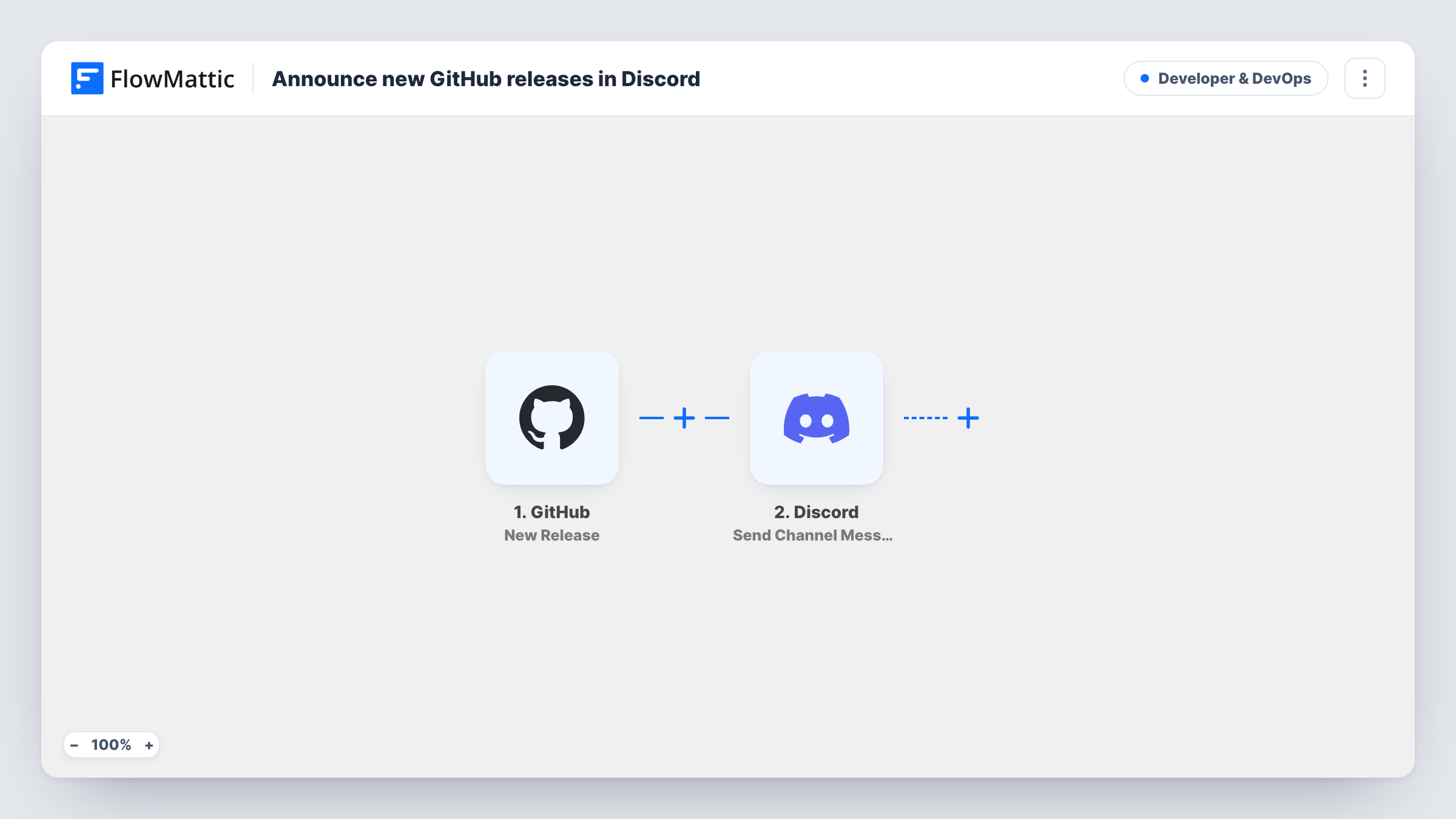
When you publish a new release on GitHub, this workflow posts an announcement to a Discord channel with the release name, the repository and a link to the release notes.
 GitHub
 Discord
2 steps Setup ~5 min Used on 1.4k sites Developer & DevOps Free to import
What this workflow does
Open-source projects and indie apps often gather their users in a Discord server. Those users want to hear when a new version ships, but someone has to remember to post about it after tagging the release. This workflow posts the announcement for you, straight from GitHub.
The GitHub New Release trigger fires when a release is made in the repository you connect. FlowMattic takes the release name, the repository's full name and the release page URL from that event and sends them to Discord. The Send Channel Message step posts them to the channel you choose, with the release name in bold, a line saying it is out for that repository and the link underneath.
Readers click through to GitHub for the changelog and downloads, so you write release notes in one place only. Each announcement is logged as a run in Task History. You can reword the message after import, for example to mention a role or add a short thank-you to contributors.
Open-source library updates
Maintainers tag a new version and the project's #announcements channel shows it with a link to the release notes, so users know to upgrade.
Game or mod releases
A small game studio publishes builds as GitHub releases. Players in the studio's Discord see each new build named in the channel with a link to download it.
Internal tools for a dev team
A team that chats in Discord gets a post whenever an internal tool ships a release, so nobody runs an old version by mistake.
How this workflow runs
What happens at each step once the workflow is on, and what you need before you import it.
 GitHub New Release
Fires when a new release is made in the GitHub repository you connect. The release's name and page URL and the repository's full name are passed on to Discord.
- Discord Send Channel Message
Posts to the Discord channel you pick. The message shows the release name in bold, says it is out for the repository, and links to the release page on GitHub. Connect your Discord server on import.
What you need
- FlowMatticCore
- GitHub AccountAccount
- Discord AccountAccount
After importing, map your own data. To keep the template universal, not every step is pre-filled. Open each step in the builder and connect your accounts and fields (channels, lists, sheets, recipients) before you switch the workflow on.
Make it yours
Changes worth making after you import it.
- Publishing pre-releases or drafts you don't want announced? Run a test release, find the field that marks it in the trigger data, and add a Filter after the trigger on that value.
- Watching several repositories? Import the workflow once per repository, or point each copy at its own Discord channel so every project has its own feed.
- Edit the message to tag a role your users can opt into, so only people who want release pings get notified.
Questions about this workflow
Which Discord channel does the GitHub release announcement go to?
The one you pick in the Send Channel Message step when you connect your Discord server. You can change it at any time without touching the GitHub side.
Does it include the full release notes?
No. As imported, the message holds the release name, the repository and a link. You can add more release fields from the trigger to the message if you want the notes in Discord too.
Do I need admin rights on the GitHub repository?
You need enough access for GitHub to send release events from that repository, which is normally an admin or owner role. Connect a GitHub account that has it.
Will old releases be posted when I turn it on?
No. Only releases made after the workflow is switched on reach Discord.
More Developer & DevOps workflows
Other ready-to-import templates from the same category.




Import this workflow into your WordPress site
Download the JSON, import it from the Workflows screen and connect your accounts. Every run stays on your server, with no per-task fees.
30-day money-back guarantee Unlimited workflows and runs Self-hosted