

Add a contact to FluentCRM when a Synap Academy assignment is completed
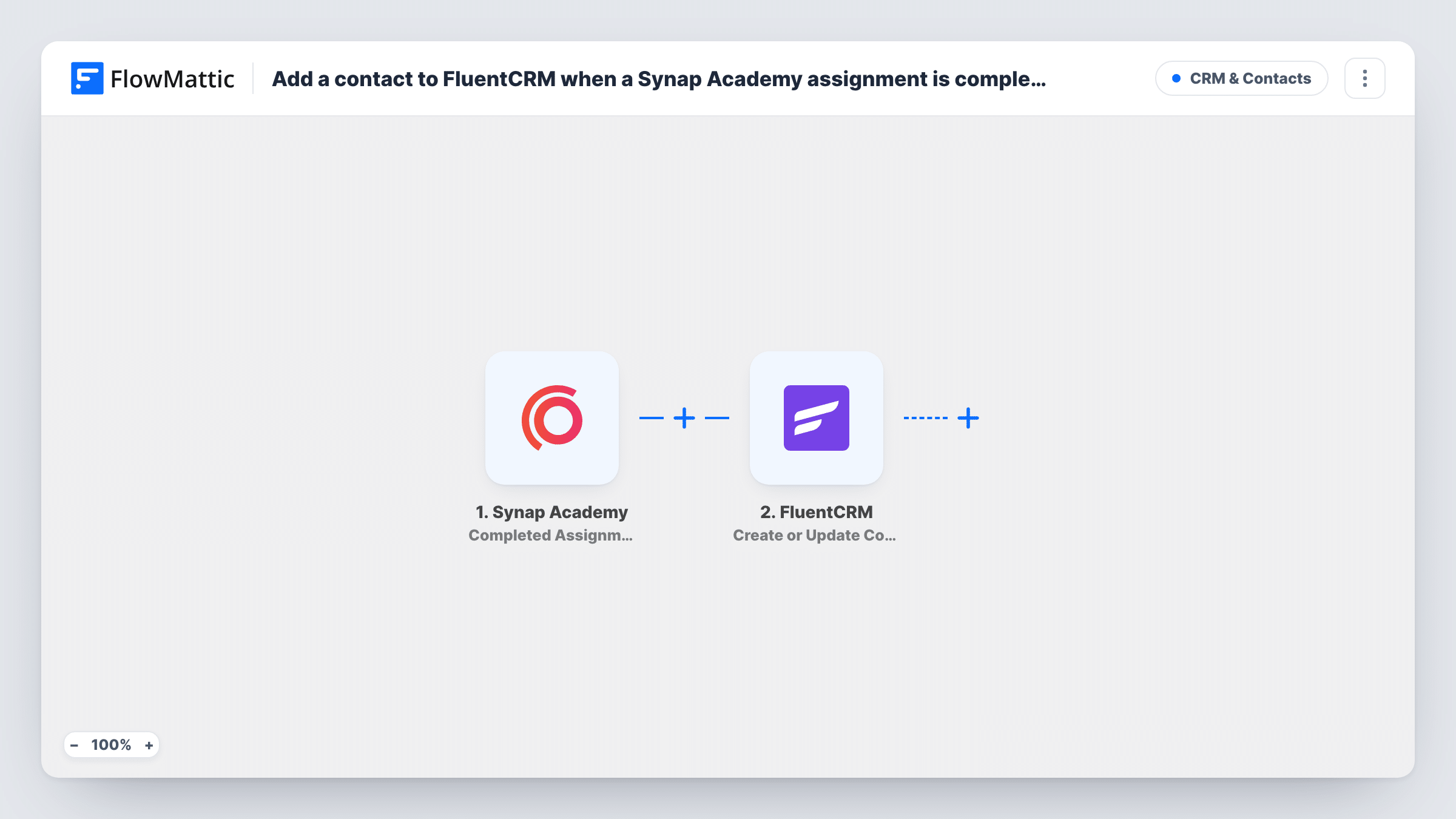
Each time a learner completes an assignment in Synap Academy, FlowMattic creates or updates their contact in FluentCRM, so your email list holds the students who are doing the work.
 Synap Academy
 FluentCRM
2 steps Setup ~5 min Used on 2.3k sites Free to import
What this workflow does
Learners who finish assignments are your most engaged students, and they are the ones you want to email about the next module, a certificate or an advanced course. Synap Academy tracks their progress, but your email marketing runs in FluentCRM on your WordPress site. This workflow connects the two at the moment an assignment is done.
The Synap Academy trigger runs when a learner completes an assignment. FlowMattic receives the event data and passes it to FluentCRM, whose Create or Update Contact action adds the learner as a contact, or updates them if they are already in your CRM.
A learner who completes several assignments runs the workflow each time. Because the action creates or updates, they stay one contact rather than becoming several. FluentCRM keeps the contact on your own site, and Task History records every run.
Upsell an advanced course
Learners who complete assignments in your Synap Academy foundation course are in FluentCRM, ready for a campaign about the advanced course.
Training provider keeping in touch
Staff from client companies who complete assignments land in FluentCRM, so you can send them refresher material and news about new training.
Course creator with a weekly newsletter
Every learner who hands in a Synap Academy assignment is in FluentCRM by the time your next newsletter goes out, without an export from the academy.
How this workflow runs
What happens at each step once the workflow is on, and what you need before you import it.
 Synap Academy Completed Assignment
Runs when a learner completes an assignment in Synap Academy. The data that comes with the event is passed on for mapping into FluentCRM.
- FluentCRM Create or Update Contact
Creates the learner as a FluentCRM contact, or updates the existing contact with the same email. Map the learner's email from the Synap Academy event, plus their name if it is included.
What you need
- FlowMatticCore
- Synap Academy AccountAccount
- FluentCRM PluginPlugin
After importing, map your own data. To keep the template universal, not every step is pre-filled. Open each step in the builder and connect your accounts and fields (channels, lists, sheets, recipients) before you switch the workflow on.
Make it yours
Changes worth making after you import it.
- Complete a test assignment in Synap Academy after import, then check which learner details the trigger received before you map the FluentCRM step.
- Add a Filter after the trigger with a condition on the assignment details if only one course or assignment should add contacts to FluentCRM.
- Open the FluentCRM step after import to see what else it lets you set for the contact, and run a test so you can check the new contact in FluentCRM.
Questions about this workflow
What if the Synap Academy learner is already a FluentCRM contact?
The action is Create or Update Contact, so the existing contact is updated with the mapped details instead of a second contact being created.
Does the workflow run for every assignment a learner completes?
Yes. Each completed assignment is a separate event, so the FluentCRM step runs each time. The contact is updated rather than duplicated.
Does FluentCRM have to run on the WordPress site where FlowMattic is installed?
Yes. FluentCRM is a WordPress plugin, and the workflow writes to it on the site where FlowMattic is installed.
Are learners who completed Synap Academy assignments earlier added?
No. Only assignments completed after you turn the workflow on reach FluentCRM.
More CRM & Contacts workflows
Other ready-to-import templates from the same category.






Import this workflow into your WordPress site
Download the JSON, import it from the Workflows screen and connect your accounts. Every run stays on your server, with no per-task fees.
30-day money-back guarantee Unlimited workflows and runs Self-hosted