

Add a finished Upflowy lead to an ActiveCampaign nurture sequence
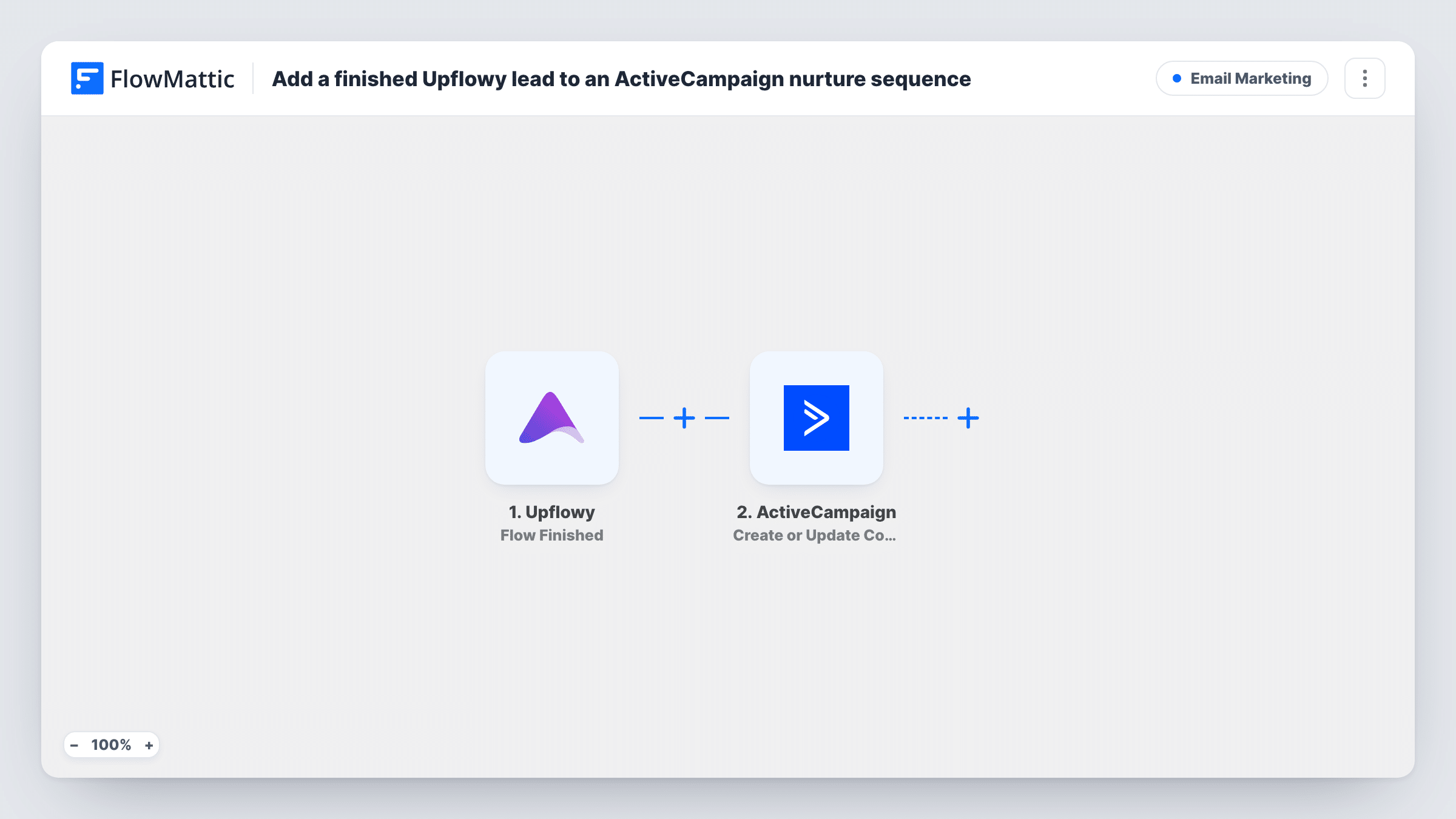
When someone finishes an Upflowy flow, they are created or updated as an ActiveCampaign contact and then added to the automation you choose, such as your nurture sequence.
 Upflowy
 ActiveCampaign
3 steps Setup ~5 min Used on 625 sites Free to import
What this workflow does
An Upflowy flow is often the first real conversation with a prospect: a quiz, a signup or an onboarding questionnaire. The people who make it to the end are the ones worth following up with, and this workflow hands them straight to an ActiveCampaign automation instead of leaving them in an export.
The Upflowy Flow Finished trigger runs when a customer completes the flow. Their answers, such as email address and name, are passed on. People who leave halfway don't start a run, because this trigger only fires on a finished flow.
Next, ActiveCampaign creates a contact for that person, or updates the existing contact if they're already in your account. The final step adds the contact to an automation. Since the contact was just created or updated, it exists by the time this step runs, which is what the Add Existing Contact to Automation action needs.
Both ActiveCampaign steps ship unmapped. After import, map the Upflowy email and name into the contact step, then pick your nurture automation and map the contact from step two into the last step. A test run with your own email shows the contact and the automation entry in Task History.
Quiz takers into a product-match sequence
A skincare brand runs an Upflowy quiz. Everyone who completes it joins an ActiveCampaign automation that emails routines and product picks over the next two weeks.
Demo-request flows for a SaaS team
A software company's Upflowy flow asks about team size and goals. Finishers get a nurture series with case studies while sales schedules the call.
Course waitlist onboarding
A coach collects waitlist signups in Upflowy and drops each one into an automation that sends a welcome email and the course outline.
How this workflow runs
What happens at each step once the workflow is on, and what you need before you import it.
 Upflowy Flow Finished
Fires when a customer finishes your Upflowy flow. The answers they gave on the way, including the contact details you collect, become available to the ActiveCampaign steps.
- ActiveCampaign Create or Update Contact
Creates a new ActiveCampaign contact, or updates the existing one. The step ships unmapped: connect your account and map at least the Upflowy email field, plus name or phone if your flow asks for them.
- ActiveCampaign Add Existing Contact to Automation
Adds the contact from the previous step to an ActiveCampaign automation. After import, choose the nurture automation and map the contact returned by step two so the right person is enrolled.
What you need
- FlowMatticCore
- Upflowy AccountAccount
- ActiveCampaign AccountAccount
After importing, map your own data. To keep the template universal, not every step is pre-filled. Open each step in the builder and connect your accounts and fields (channels, lists, sheets, recipients) before you switch the workflow on.
Make it yours
Changes worth making after you import it.
- Map Upflowy answers into ActiveCampaign custom fields in the contact step, so your nurture emails can use them for personalisation or conditions.
- Put a Filter between the Create or Update Contact step and the automation step if only some finishers should get the sequence. Base it on one of your own flow's answers, such as plan interest; everyone still becomes a contact.
- Check the automation's own settings in ActiveCampaign for whether a contact can enter it more than once, since someone who finishes the flow twice starts two runs here.
- Use the Step Completed trigger in a separate workflow if you also want to reach people who drop off part-way.
Questions about this workflow
What happens if the Upflowy lead is already an ActiveCampaign contact?
Step two creates or updates, so an existing contact is updated rather than duplicated, and the last step adds that contact to the automation.
Do people who abandon the Upflowy flow get added?
No. The Flow Finished trigger only runs when someone completes the flow. Upflowy also has a Step Completed trigger in FlowMattic if you want a separate workflow for partial progress.
Do I need to build the ActiveCampaign automation first?
Yes. The last step adds contacts to an automation that already exists, so create your nurture sequence in ActiveCampaign before you pick it in the step.
Which Upflowy answers reach ActiveCampaign?
Only the ones you map in the contact step. Run a test finish of your flow after import to see the field names Upflowy sends, then match them to ActiveCampaign fields.
More Email Marketing workflows
Other ready-to-import templates from the same category.




Import this workflow into your WordPress site
Download the JSON, import it from the Workflows screen and connect your accounts. Every run stays on your server, with no per-task fees.
30-day money-back guarantee Unlimited workflows and runs Self-hosted