

Add a Monday.com item for every new KonfHub lead generation
Each lead KonfHub generates for one of your events becomes a new item on a Monday.com board, so your team can follow up on event leads from the board they already work in.
 KonfHub
 Monday.com
2 steps Setup ~5 min Used on 2.7k sites Free to import
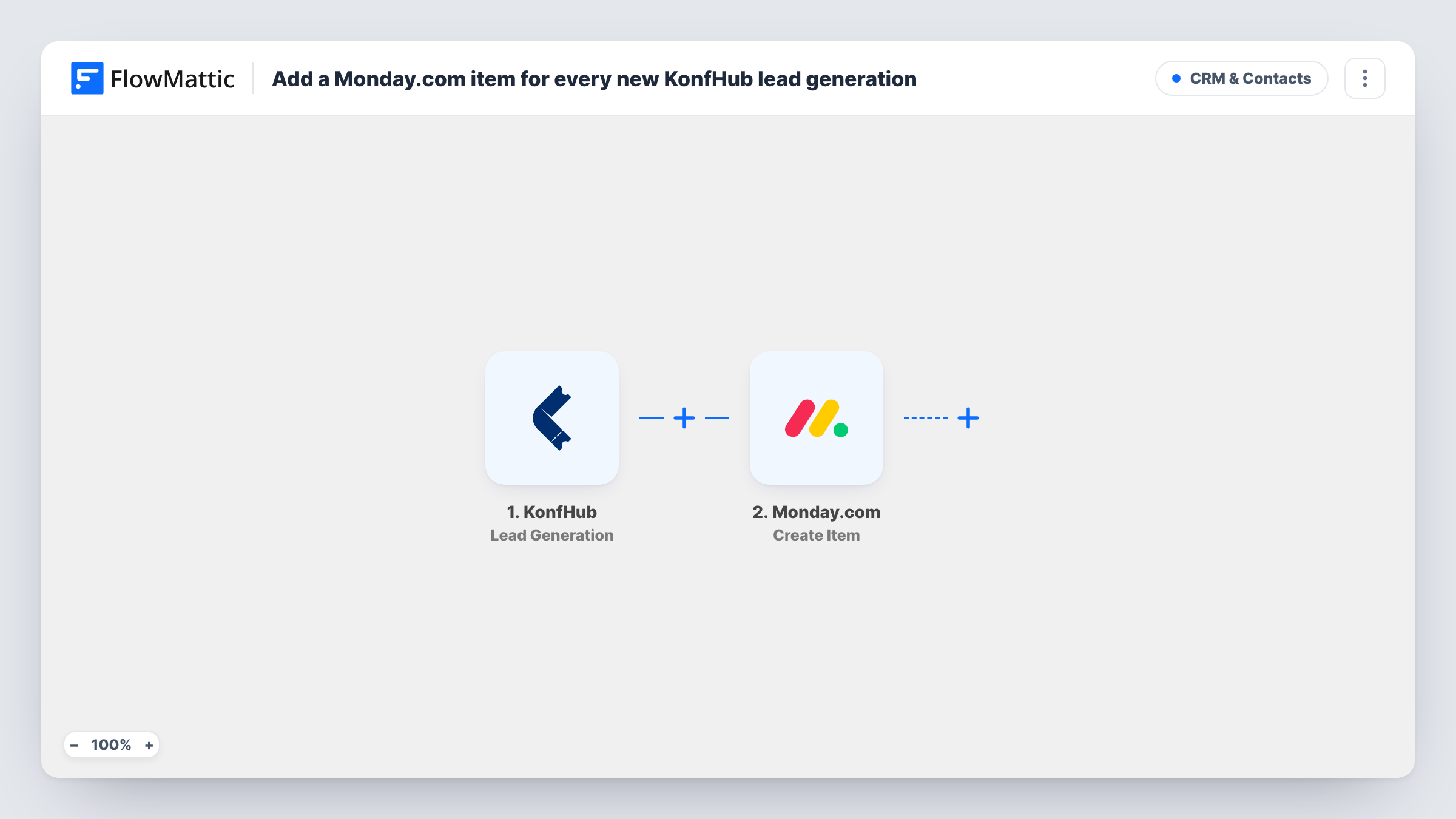
What this workflow does
Leads collected at an event are worth most in the days right after it. If they stay inside KonfHub until someone exports a file, the follow-up starts late. This workflow puts each lead on a Monday.com board as KonfHub records it.
The KonfHub trigger fires when a lead is generated for an event. FlowMattic passes the lead's details to Monday.com, where the Create Item action adds a new item to the board you choose. You decide what the item is called and which lead details go into it.
Each lead creates one item, so the board grows as leads come in. The workflow does not check for existing items, so a lead captured twice appears twice. Task History in FlowMattic shows every run and the response from Monday.com.
Sponsor and exhibitor follow-up
Leads generated at your event land on a Monday.com board where the sales team assigns owners and tracks each conversation.
Event organisers running several events
Point a copy of the workflow at a separate Monday.com board for each event, so leads from different events stay apart.
Post-event outreach planning
Marketing reviews the board after the event and plans emails or calls based on the lead details KonfHub sent.
How this workflow runs
What happens at each step once the workflow is on, and what you need before you import it.
 KonfHub Lead Generation
Fires when KonfHub generates a lead for one of your events. The lead's details are passed on so you can map them into the Monday.com item.
- Monday.com Create Item
Adds a new item to the Monday.com board you choose. Map a lead detail such as the name into the item name, add other details where the step allows, and connect your account.
What you need
- FlowMatticCore
- KonfHub AccountAccount
- Monday.com AccountAccount
After importing, map your own data. To keep the template universal, not every step is pre-filled. Open each step in the builder and connect your accounts and fields (channels, lists, sheets, recipients) before you switch the workflow on.
Make it yours
Changes worth making after you import it.
- Generate a test lead after import so FlowMattic captures the KonfHub fields, then map them in the Monday.com step and check the new item.
- Add a Filter after the trigger to send leads from only one event to this board, if the lead data names the event.
- If you also want registrations on a board, copy the workflow and switch the trigger to KonfHub's Attendee Registration event.
Questions about this workflow
What counts as a KonfHub lead for this trigger?
FlowMattic's KonfHub trigger fires when a lead is generated for an event. Attendee registrations and cancellations have their own triggers and do not run this workflow.
Will a lead that already exists on my Monday.com board be duplicated?
It can be. Create Item always adds a new item. Add a Monday.com Get Item by Column Value step before it if you want to look for a match first.
Can KonfHub lead details fill Monday.com columns?
Check the Create Item step after import to see what it lets you set beyond the item name, then run a test lead to confirm the values land in the right place.
More CRM & Contacts workflows
Other ready-to-import templates from the same category.





Import this workflow into your WordPress site
Download the JSON, import it from the Workflows screen and connect your accounts. Every run stays on your server, with no per-task fees.
30-day money-back guarantee Unlimited workflows and runs Self-hosted