

Add a Monday.com item for every new Nolt comment
Whenever someone comments on a post in your Nolt feedback board, FlowMattic adds an item to a Monday.com board with the comment details, so user feedback shows up where your team plans its work.
 Nolt
Nolt
 Monday.com
2 steps Setup ~5 min Used on 877 sites Productivity Free to import
What this workflow does
Comments on a Nolt post often hold the useful detail: a use case, a workaround, a reason something matters. They are easy to miss if the team only checks the board now and then. This workflow copies each new comment into Monday.com as an item your team can read and act on.
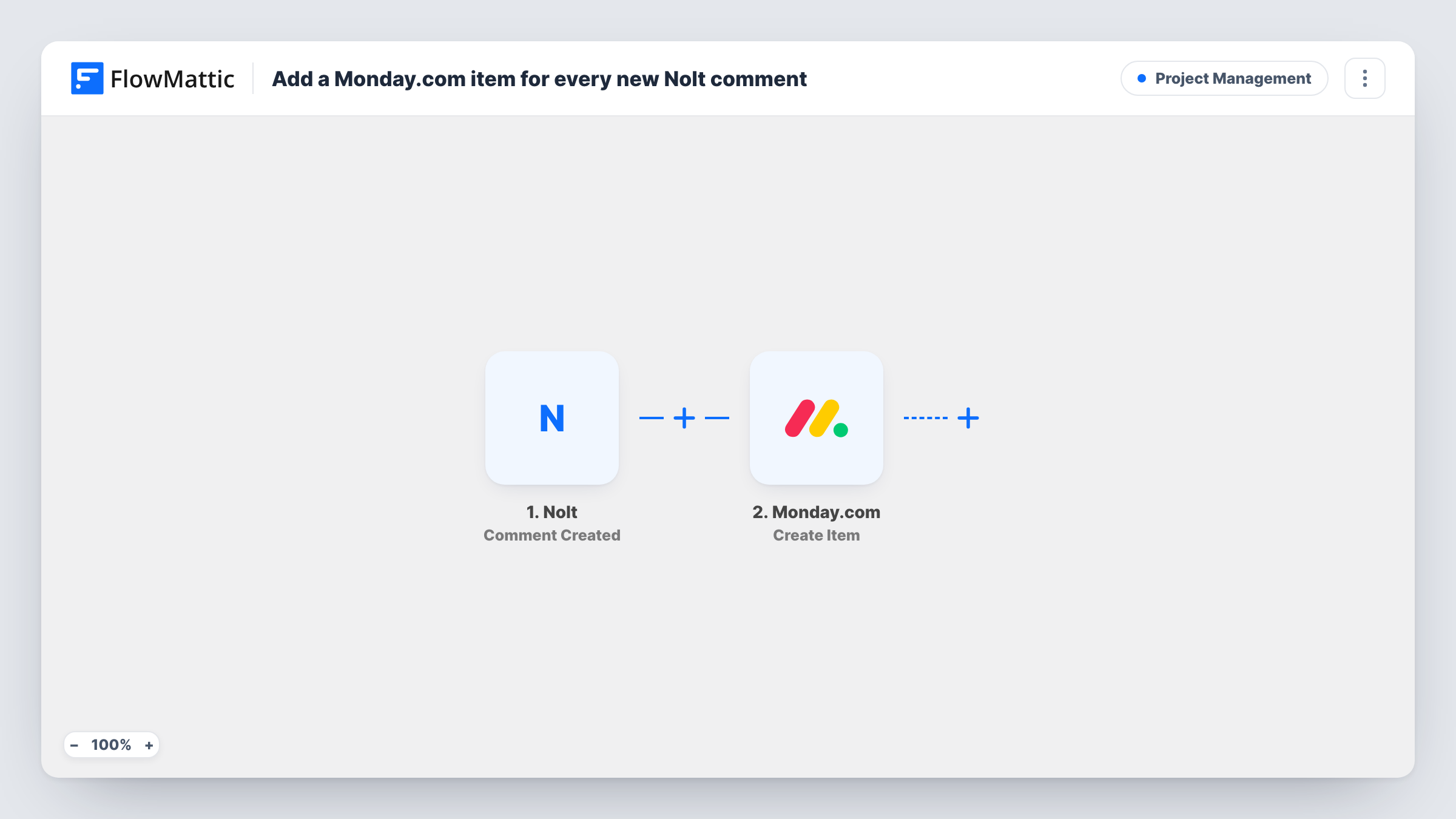
A run starts whenever someone leaves a comment on a post in your Nolt board. FlowMattic passes the comment and its post details to Monday.com, where Create Item adds an item to the board you choose. After import, you map what goes on the item, for example the post title as the item name and the comment text in a column.
Every comment creates one item, including comments from your own team. On a busy board that adds up, so a Filter is worth considering. Task History lists each run with the data Nolt sent.
Product feedback triage
A product manager reviews new comment items on a Monday.com board each morning and assigns follow-ups to the right squad.
Customer success follow-up
When a customer comments on a feature request, a CS rep sees the item and replies to them with an update.
Collecting use cases for a spec
Comments on a popular feature request become items the designer reads while writing the spec, all on one board.
How this workflow runs
What happens at each step once the workflow is on, and what you need before you import it.
 Nolt Comment Created
Runs when a user posts a new comment on a post in your Nolt board. The comment and the post it belongs to are passed on for mapping.
- Monday.com Create Item
Adds an item for the Nolt comment to the Monday.com board you pick. Connect your Monday.com account, then map the comment details into the item name and the board's columns.
What you need
- FlowMatticCore
- Nolt AccountAccount
- Monday.com AccountAccount
After importing, map your own data. To keep the template universal, not every step is pre-filled. Open each step in the builder and connect your accounts and fields (channels, lists, sheets, recipients) before you switch the workflow on.
Make it yours
Changes worth making after you import it.
- Add a Filter after the trigger that skips comments from your team's own email domain, if the comment data includes the author's email, so the board holds only user feedback.
- Put the post title in the item name and the comment text in a long-text column, so items are easy to scan.
- Add a Monday.com Create Update step after Create Item if you would rather have the full comment as an update on the item than in a column.
Questions about this workflow
Does every Nolt comment create a Monday.com item?
Yes, as imported. Each new comment starts a run. Add a Filter to limit items to the comments you care about.
Are replies in Monday.com sent back to Nolt?
No. The workflow only goes one way, from Nolt to Monday.com. Reply on the Nolt post yourself.
Are Nolt comments posted before import added to the board?
No. Only comments posted while the workflow is on create items.
Can I add new Nolt posts to Monday.com as well?
Yes. Nolt has a Post Created trigger in FlowMattic. Build a second workflow with it and a Create Item step.
More Project Management workflows
Other ready-to-import templates from the same category.





Import this workflow into your WordPress site
Download the JSON, import it from the Workflows screen and connect your accounts. Every run stays on your server, with no per-task fees.
30-day money-back guarantee Unlimited workflows and runs Self-hosted