

Add a Monday.com item when a Radancy job application referral is added
When referral feedback is added to a job application in Radancy, this workflow creates an item on a Monday.com board, so your hiring team tracks referred candidates where it already plans its work.
 Radancy
 Monday.com
2 steps Setup ~5 min Used on 2.2k sites Productivity Free to import
What this workflow does
Referrals often deserve a quicker look than other applicants, but recruiters juggling several tools can miss them. If your hiring team runs its pipeline or its follow-ups in Monday.com, it helps to have each referral land there as a task with the candidate's details.
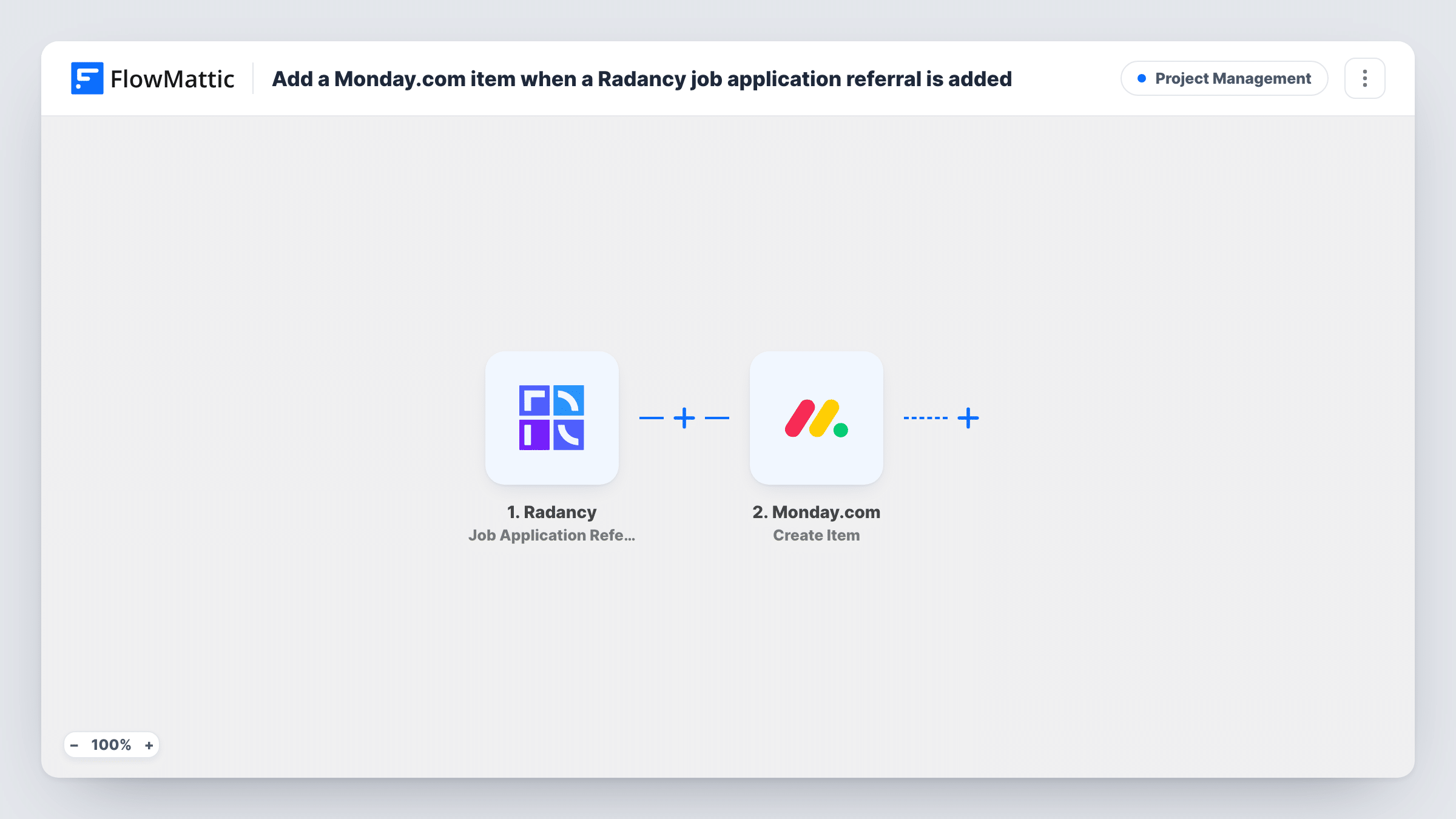
The workflow uses the Job Application Referral Added trigger from Radancy. FlowMattic's description of this event is that it fires when the talent scout who referred the job application has provided feedback. The data Radancy sends with that event is passed on to Monday.com, where Create Item adds a new item to a board using the values you map.
Each referral event creates one new item. The workflow doesn't look for an item that already exists for the same candidate, and it doesn't send anything back to Radancy. Make a test referral after import and check the captured data, so you know which candidate and referrer details you can place on the item. Task History logs every run.
Referral review board
A recruiting team keeps a Monday.com board for referred candidates. Each referral event in Radancy adds an item that a recruiter claims and moves through review.
Following up with the referrer
When a talent scout gives feedback on someone they referred, an item appears on the board so a recruiter remembers to thank them and share the next step.
Hiring manager visibility
Hiring managers who don't log into Radancy see referred candidates as items on the Monday.com board their team already uses.
How this workflow runs
What happens at each step once the workflow is on, and what you need before you import it.
 Radancy Job Application Referral Added
Fires when a referral is added to a job application in Radancy, which FlowMattic describes as the referring talent scout providing feedback. The event's data is passed on for mapping.
- Monday.com Create Item
Adds a new item to a Monday.com board. Connect your Monday.com account, map the Radancy candidate and referral details into the item, and test once to see where it lands.
What you need
- FlowMatticCore
- Radancy AccountAccount
- Monday.com AccountAccount
After importing, map your own data. To keep the template universal, not every step is pre-filled. Open each step in the builder and connect your accounts and fields (channels, lists, sheets, recipients) before you switch the workflow on.
Make it yours
Changes worth making after you import it.
- Name each item after the candidate and the job they applied for, so the board reads like a list of referred applicants rather than generic tasks.
- Add a Slack or email step after Create Item if a recruiter should hear about each Radancy referral as soon as the item is created.
- If your board should only hold referrals for some roles, add a Filter after the trigger that checks a job value from the Radancy data.
Questions about this workflow
Does this create Monday.com items for every Radancy job application?
No. It only reacts to the Job Application Referral Added event. Radancy also has a Job Application Created trigger in FlowMattic if you want every application.
What if the same Radancy candidate gets several referral events?
Each event creates its own Monday.com item. The template doesn't check for an existing item first.
Which Radancy referral details reach Monday.com?
Whatever Radancy includes with the event. Trigger a test referral after import, then look at the captured data before mapping it into the item.
Does updating the Monday.com item change anything in Radancy?
No. The workflow only sends data one way, from Radancy into Monday.com.
More Project Management workflows
Other ready-to-import templates from the same category.






Import this workflow into your WordPress site
Download the JSON, import it from the Workflows screen and connect your accounts. Every run stays on your server, with no per-task fees.
30-day money-back guarantee Unlimited workflows and runs Self-hosted