

Add a new Breezy HR candidate as a contact in HubSpot CRM
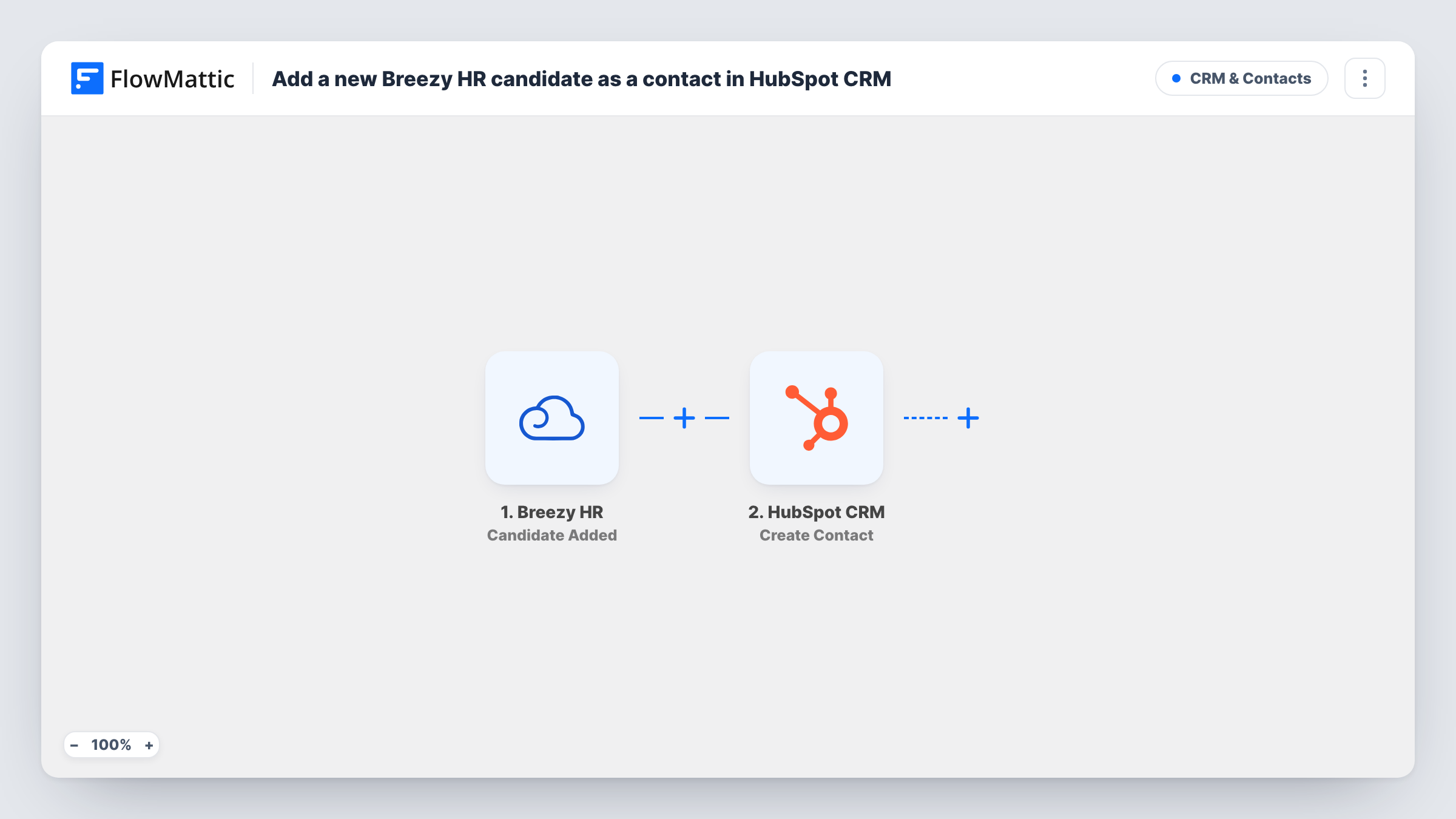
When a candidate enters Breezy HR, this workflow creates a matching contact in HubSpot CRM from their name, email and other details, so recruiting contacts sit next to the rest of your CRM data.
 Breezy HR
 HubSpot CRM
2 steps Setup ~5 min Used on 2.0k sites Free to import
What this workflow does
Recruiters track applicants in Breezy HR, but the wider company often works from HubSpot. Keeping candidates in both places by hand means retyping names and email addresses. This workflow adds each new candidate to HubSpot as a contact when they arrive.
The Breezy HR trigger, Candidate Added, fires when a candidate enters the system. FlowMattic passes the candidate's details to HubSpot CRM, where Create Contact creates a new contact. You map the candidate's email, first and last name, and anything else you want stored on the contact.
The HubSpot action never edits an existing contact. If a candidate's email already belongs to a HubSpot contact, HubSpot may refuse the duplicate, and Task History shows its response for that run. Every candidate runs the step, since there is no Filter, so think about whether all applicants belong in your CRM.
Talent pool for future roles
Every applicant becomes a HubSpot contact, so you can email past candidates when a new position opens.
Agency recruiters sharing a CRM
A recruiting agency uses Breezy HR for pipelines and HubSpot for client and candidate relationships. New candidates appear in HubSpot without retyping.
Employer brand newsletters
Candidates added to HubSpot can later be added to a careers newsletter you send from HubSpot, once they have agreed to receive it.
How this workflow runs
What happens at each step once the workflow is on, and what you need before you import it.
 Breezy HR Candidate Added
Fires when a candidate enters your Breezy HR account. Their details are passed to HubSpot for mapping.
- HubSpot CRM Create Contact
Creates a contact in HubSpot CRM from the candidate's details. Map the email address and name fields, then run a test with a real candidate to see what else the step lets you fill.
What you need
- FlowMatticCore
- Breezy HR AccountAccount
- HubSpot CRM AccountAccount
After importing, map your own data. To keep the template universal, not every step is pre-filled. Open each step in the builder and connect your accounts and fields (channels, lists, sheets, recipients) before you switch the workflow on.
Make it yours
Changes worth making after you import it.
- Add a Filter after the Breezy HR trigger that continues only for candidates on certain positions, if only some roles should feed HubSpot.
- Map a value that marks the contact as a candidate, such as the position name in a contact property, so recruiting contacts are easy to tell apart from customers.
- Run a test with a candidate whose email is already in HubSpot, then read the response in Task History so you know what a duplicate looks like.
Questions about this workflow
What if the Breezy HR candidate is already a HubSpot contact?
The step tries to create a contact either way. HubSpot may reject a candidate email it already holds; open Task History to read HubSpot's reply for that candidate.
Are candidates added manually in Breezy HR sent to HubSpot too?
Candidate Added fires when a candidate enters the system, so test with one a recruiter adds by hand to confirm it starts a run.
Does a candidate's stage change in Breezy HR update the HubSpot contact?
No. This workflow only runs when a candidate is added and only creates the contact. Later changes in Breezy HR aren't sent to HubSpot.
Can I put Breezy HR candidates in a separate HubSpot list?
Add HubSpot's Add Contact To List step after Create Contact and map the new contact. A static list holds contacts that already exist, which the first step takes care of.
More CRM & Contacts workflows
Other ready-to-import templates from the same category.





Import this workflow into your WordPress site
Download the JSON, import it from the Workflows screen and connect your accounts. Every run stays on your server, with no per-task fees.
30-day money-back guarantee Unlimited workflows and runs Self-hosted